

A single VPS can host multiple websites, but there is no universal site limit. How many web hosts on one VPS depends on resources, traffic, and workload. Here, “web hosts” means websites or hosting accounts running on one VPS.
Static websites usually require fewer resources than WordPress or WooCommerce websites. Traffic, databases, control panels, and caching also change the safe website count. A VPS can therefore support 5 demanding sites or 50 lightweight sites.
This guide explains seven factors that determine real VPS capacity. You will also see practical VPS size estimates and overload warning signs. Finally, you will learn when optimization, upgrading, or another VPS makes sense.
How Many Websites Can One VPS Host?
One VPS can host 1 resource heavy website or 50+ lightweight websites under suitable conditions. There is no fixed software limit controlling the number of websites. CPU, RAM, storage, bandwidth, and workload create the practical limit.
EstNOC estimates a medium VPS may support about 10–50 basic websites. Resource heavy ecommerce websites may reduce that estimate to around 3–10 sites. These figures are planning ranges rather than guaranteed limits.
Safe capacity is more useful than maximum capacity for production hosting. A VPS needs spare capacity for traffic spikes, backups, updates, and background work. Running at the absolute limit increases the chance of slower response times.
What 7 Factors Limit Website Capacity on a VPS?
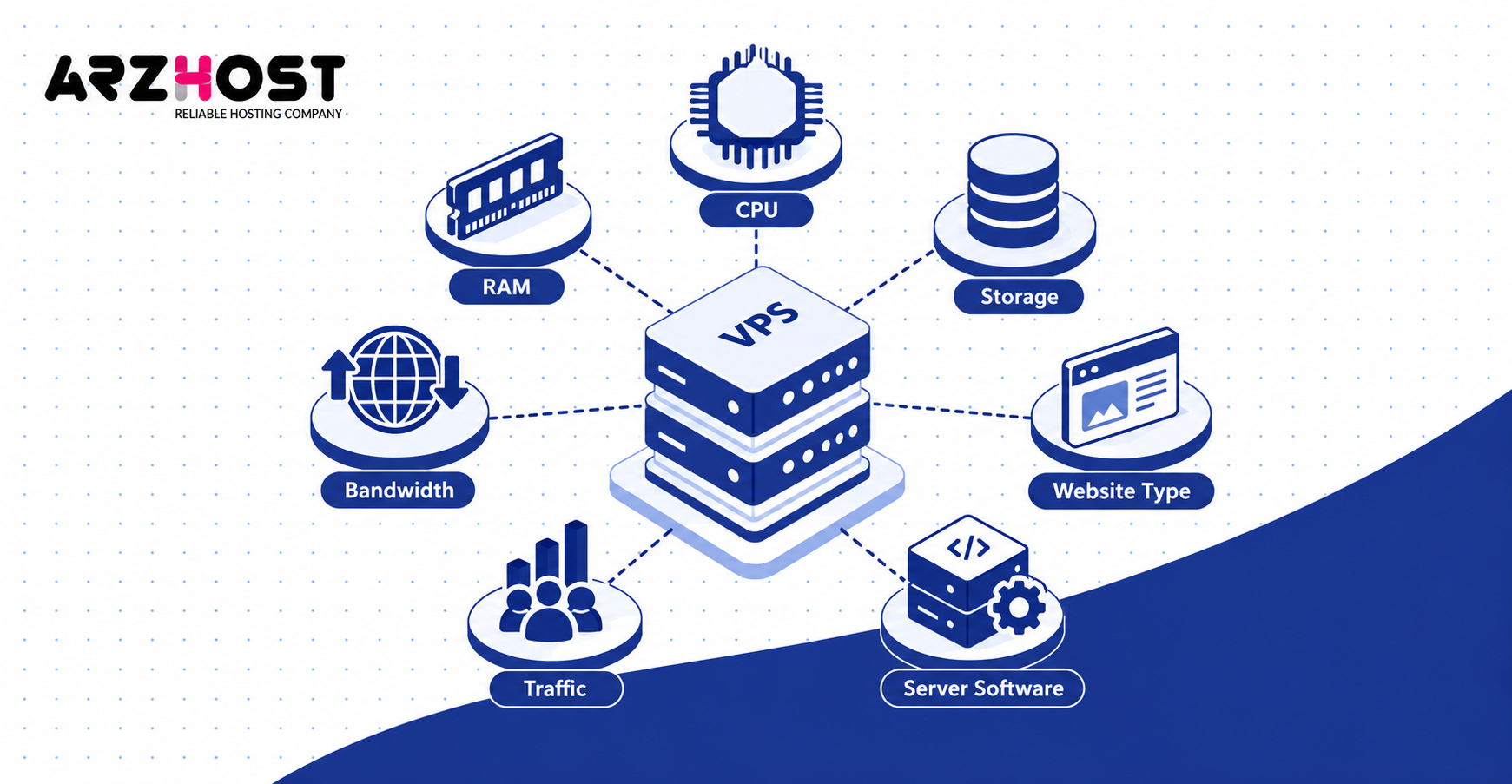
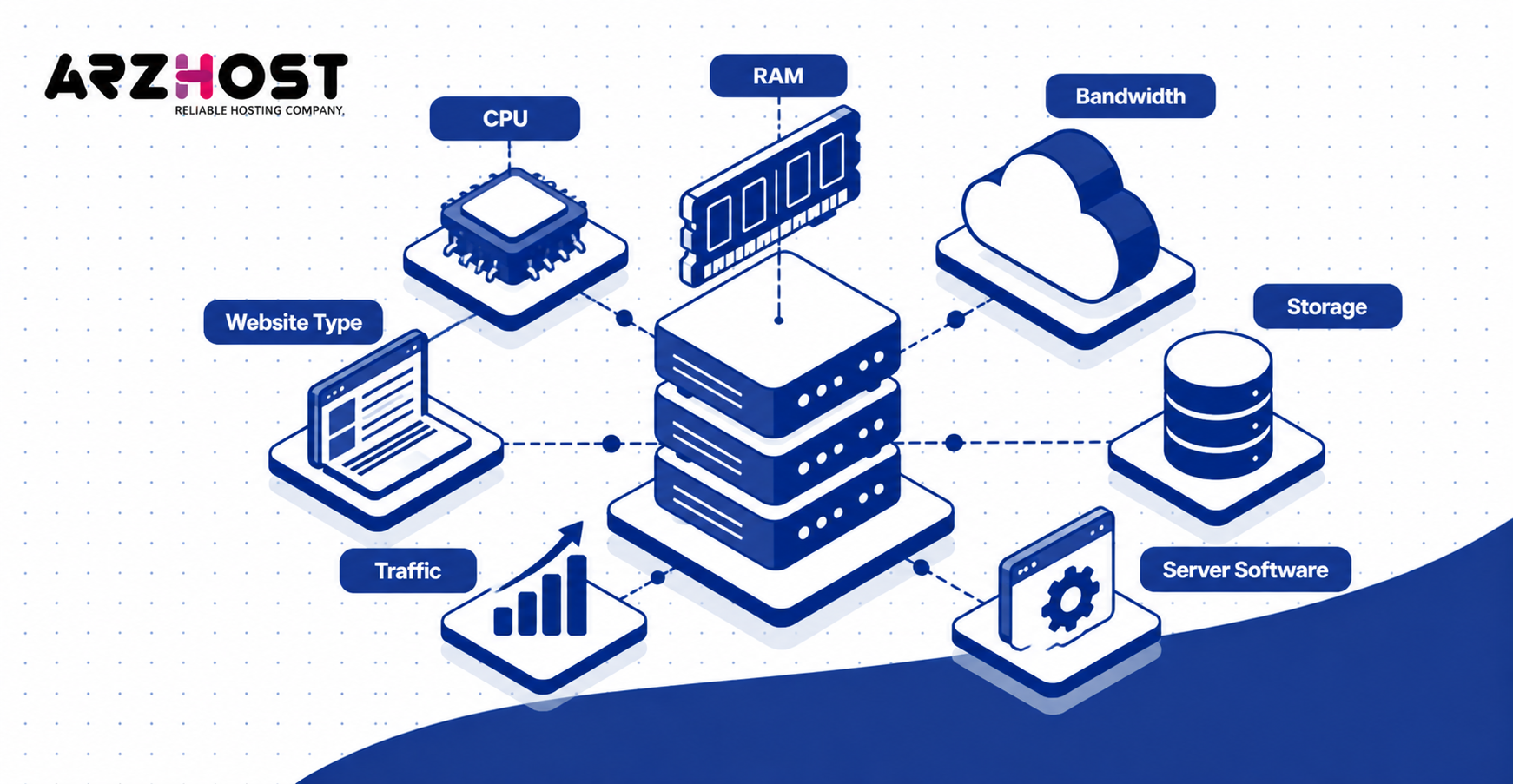
Seven main factors determine how many websites one VPS can safely support. These are CPU, RAM, storage performance, bandwidth, website type, traffic, and server software. The first exhausted resource usually becomes the real capacity limit.
1. CPU
CPU controls how quickly the VPS processes requests, database work, and application code. Dynamic websites, such as WordPress stores and membership sites, require more CPU than static pages. More concurrent requests also increase processor demand.
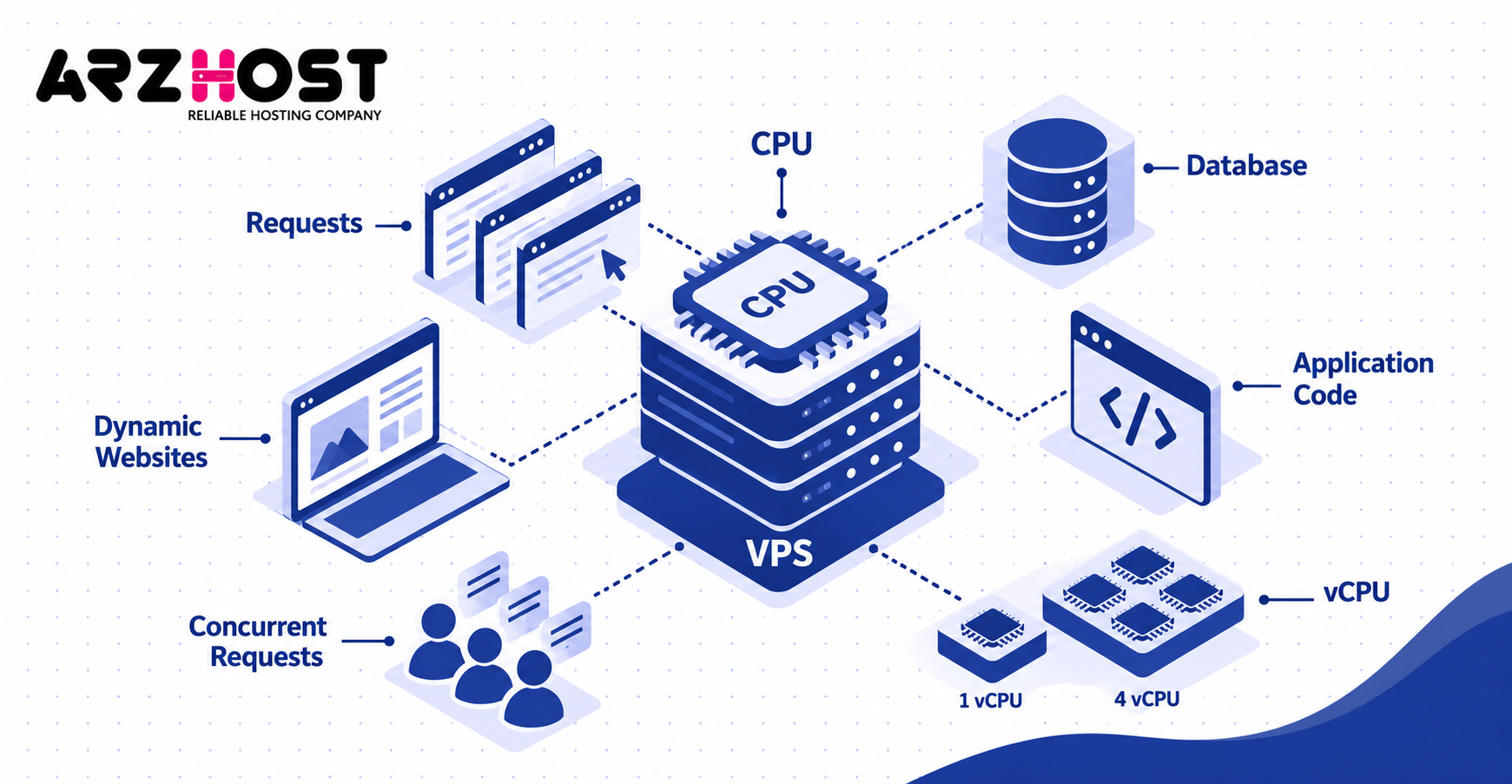
A 4-vCPU server can process more simultaneous work than a comparable 1-vCPU server. However, inefficient PHP code or database queries can still exhaust larger processors. CPU capacity should therefore be measured during busy periods.
2. RAM
RAM controls how much active application and database data the VPS can hold efficiently. Services, such as PHP-FPM and MySQL, consume memory before visitors receive pages. Control panels and security software also use part of the available RAM.
Low memory can force Linux to use slower swap storage. Continued memory pressure can also cause out of memory events and stopped processes. Virtarix recommends measuring baseline memory, peak usage, cache use, and swap activity.
3. Storage and IOPS
Storage capacity controls available space, while IOPS controls how quickly storage operations complete. Databases, backups, logs, and media libraries can create substantial disk activity. A VPS can therefore become storage bound before its drive becomes full.
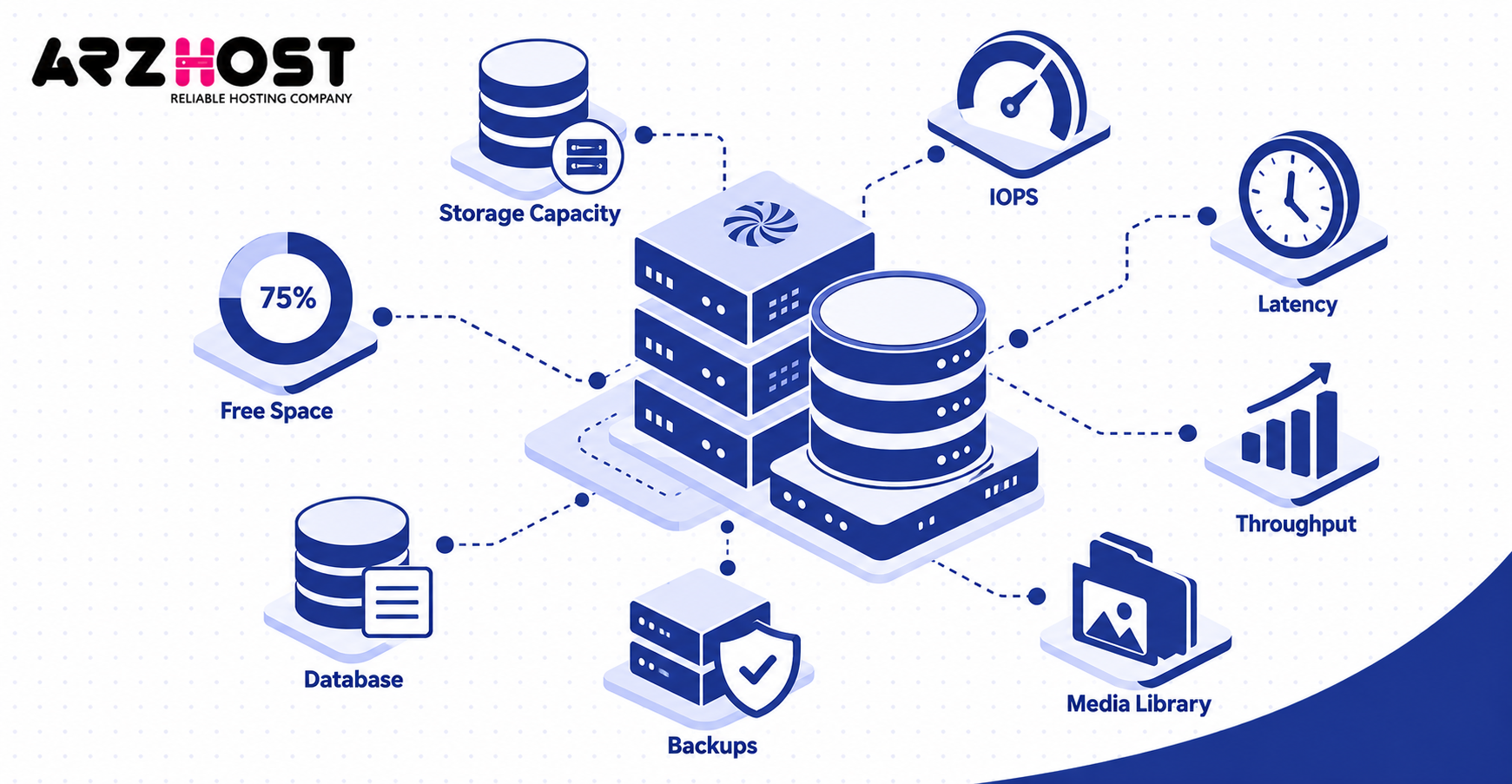
Important measurements include storage latency, IOPS, throughput, free space, and monthly growth. Virtarix includes each of these measurements when evaluating VPS capacity. Large backups can also compete with live websites for disk performance.
4. Bandwidth
Bandwidth affects how much data the VPS can transfer to website visitors. Image heavy websites, download portals, and media websites usually transfer more data than text based sites. Provider transfer allowances can also limit monthly usage.
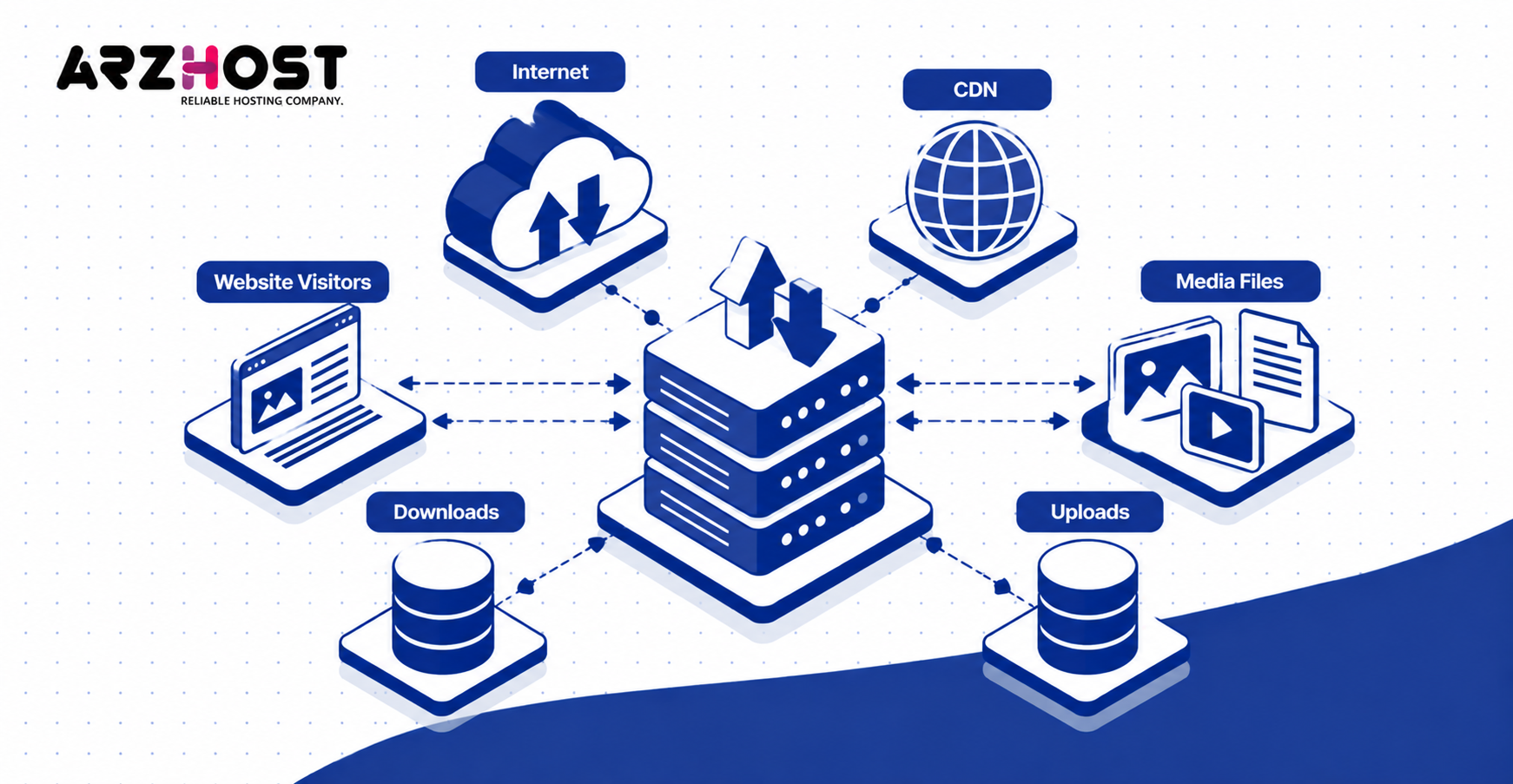
A CDN can move static files away from the VPS. Examples include images, CSS files, and JavaScript files. This reduces origin bandwidth but does not eliminate application processing.
5. Website Type
Website type changes capacity because different applications create different server workloads. Static HTML pages require little application processing after the web server reads each file. WordPress requires PHP and database work for uncached requests.
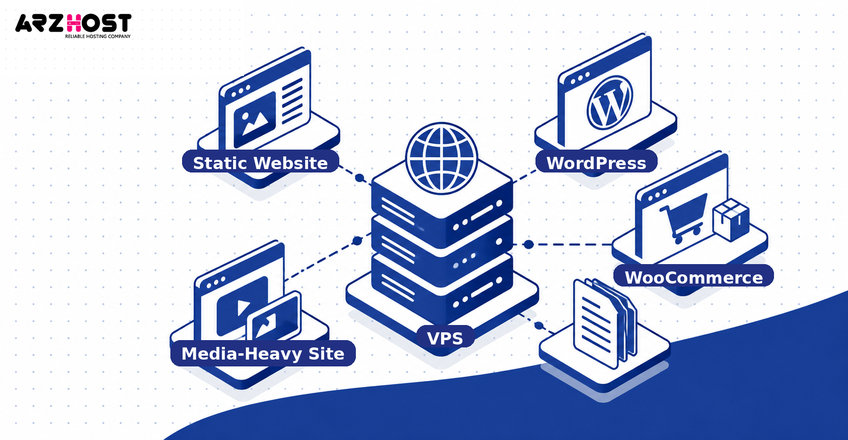
WooCommerce requires additional dynamic actions, including carts, checkouts, customer sessions, and product searches. Media heavy websites also consume more storage and transfer capacity. Therefore, 20 websites do not necessarily represent 20 equal workloads.
6. Traffic and Concurrent Users
Traffic reduces website capacity when more requests arrive at the VPS simultaneously. Monthly visitor totals alone cannot show peak server demand. Concurrent users and requests provide more useful capacity information.
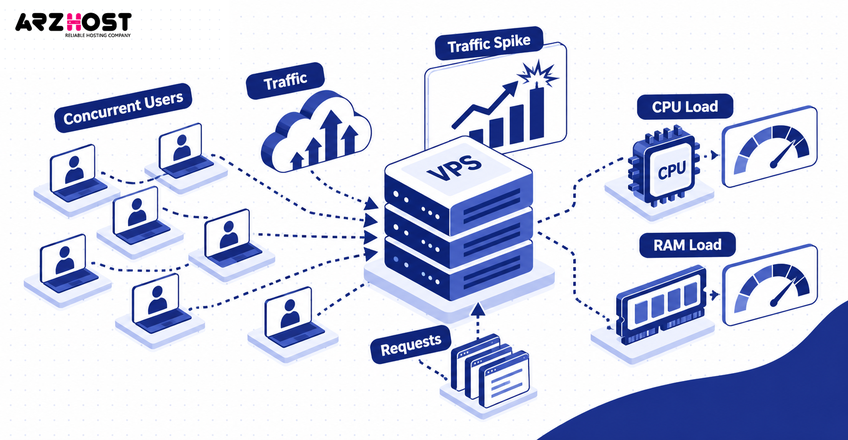
One site receiving 100 simultaneous uncached requests may consume more capacity than 20 quiet sites. Traffic spikes can also slow other websites sharing the same VPS. Fasthosts notes that one site’s CPU or memory surge can affect the others.
7. Server Software and Optimization
Server software changes how much VPS capacity remains available for hosted websites. Control panels, web servers, databases, monitoring tools, and backup processes consume resources themselves. These services use capacity even when website traffic is low.
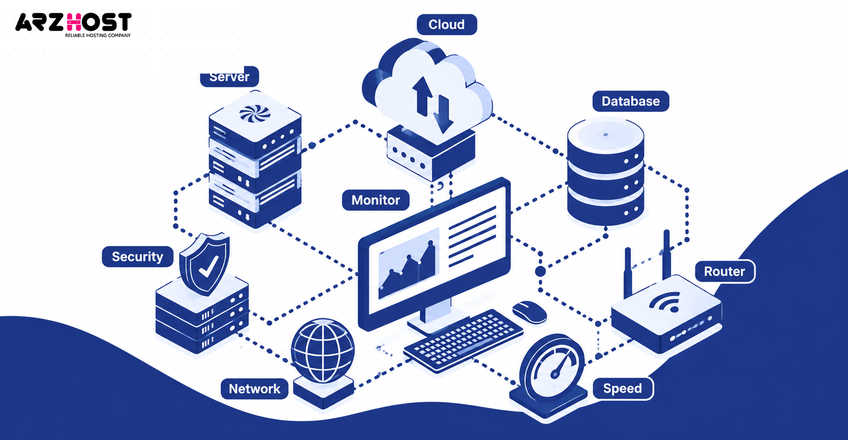
Control panels, such as cPanel and Plesk, add background services and management features. EstNOC specifically notes that these panels consume server resources. Lightweight configurations can leave more CPU and RAM available for websites.
How Many Websites Can Different VPS Sizes Handle?
VPS size provides a useful starting estimate, but workload still determines the final website count. RAM alone cannot guarantee a specific capacity. CPU performance, caching, traffic, and website type must also be considered.
1–2 GB RAM VPS
A 1–2 GB VPS can typically handle about 1–5 active WordPress websites with light traffic. It may support more static websites, such as portfolios and brochure sites. A lightweight server stack leaves more memory available for website processes.
Running a control panel, database, mail server, and security software reduces available capacity. WooCommerce websites can also consume the available resources much faster. This VPS size works best when workloads remain small and predictable.
4–8 GB RAM VPS
A 4–8 GB VPS can often support about 10–30 moderate WordPress websites. This estimate assumes reasonable optimization, caching, and controlled traffic. Lightweight static websites can reach much higher counts.
Database heavy applications can reduce that number substantially. Examples include WooCommerce stores, membership sites, and websites running frequent import jobs. Monitor actual usage before adding more production websites.
16 GB+ RAM VPS
A 16 GB+ VPS can support dozens of moderate websites or hundreds of lightweight static websites. Larger memory allows more application processes and database caching. However, CPU and storage performance can still become bottlenecks.
Resource-heavy stores may require much more capacity per website. Traffic spikes and uncached sessions can also lower the safe website count. A larger VPS should still keep operating headroom rather than run at full capacity.
How Website Type and Traffic Affect VPS Capacity
Website type and traffic can affect VPS capacity more than the number of configured domains. Ten brochure websites may require fewer resources than one busy ecommerce store. Comparing site counts without comparing workloads can therefore be misleading.
Static Sites vs WordPress
Static websites usually allow higher site counts because they require less server side processing. Examples include landing pages, documentation sites, and simple company websites. The web server mainly delivers existing HTML, images, and other files.
WordPress relies on PHP and a database for dynamic requests. Plugins, themes, scheduled jobs, and administration activity can increase resource use. Full page caching can reduce this workload for public pages.
WooCommerce and High Traffic Sites
WooCommerce and high traffic websites usually support lower site counts on the same VPS. Ecommerce actions, such as carts and checkouts, often require uncached application processing. Logged-in customer sessions also increase PHP and database activity.
Virtarix notes that caching does not remove dynamic work from logins, carts, checkouts, searches, or APIs. These paths should be tested separately when estimating real VPS capacity.
How Caching and Server Optimization Increase Capacity
Caching and optimization can increase usable VPS capacity by reducing repeated processing. Full page caching can serve saved pages without repeating every PHP and database operation. This reduces CPU usage for cacheable public traffic.
Object caching can reduce repeated database work for applications, such as WordPress. Redis is commonly used to store frequently requested application data in memory. OPcache can also avoid recompiling the same PHP code repeatedly.
Web servers and delivery tools can further reduce origin workload. Nginx, LiteSpeed, and CDNs can improve delivery efficiency when configured correctly. However, no optimization can create unlimited CPU, RAM, storage, or database capacity.
How to Know When Your VPS Is Overloaded
A VPS is overloaded when sustained workload exceeds available processing, memory, storage, or worker capacity. Brief spikes do not always indicate a serious capacity problem. Repeated bottlenecks during normal busy periods provide stronger evidence.
Check CPU usage, RAM pressure, swap activity, disk latency, and database performance. Also monitor PHP workers, queue delays, connection counts, and error rates. Virtarix recommends measuring these resources during representative busy periods.
Website symptoms can include slow response times and repeated 502 or 503 errors. Backups may also take much longer when the server approaches capacity. Fasthosts identifies slow pages, resource alerts, and slower backups as capacity warning signs.
When Should You Upgrade or Use Another VPS?
Upgrade or add another VPS when sustained resource pressure remains after reasonable optimization. More RAM helps when memory remains constrained, while more vCPUs help persistent CPU saturation. Faster storage can help workloads limited by disk latency or IOPS.
Another VPS becomes useful when one workload regularly affects unrelated websites. Examples include a busy store, database service, or large client account. Splitting workloads also reduces the number of websites affected by one server problem.
Keep explicit spare capacity for traffic changes, backups, deployments, and monitoring. Virtarix recommends reserving this headroom before adding another website. A larger single VPS increases capacity, but it does not create independent failure redundancy.
Conclusion
One VPS can host a few demanding websites or dozens of lightweight websites. The correct number depends on CPU, RAM, storage, bandwidth, website type, traffic, and server configuration. No universal site count applies to every VPS.
Start with a realistic range based on your VPS size and website type. Then monitor actual CPU, memory, storage, worker, and database behavior. Keep spare capacity for traffic spikes, backups, and maintenance.
Optimization can increase capacity, but it cannot remove hardware limits. Upgrade resources when one measured bottleneck remains persistent. Use another VPS when isolation, growth, or shared failure risk becomes more important.
FAQs About Hosting Multiple Websites on One VPS
Can I Host Unlimited Websites on One VPS?
No, a VPS cannot support an unlimited number of active websites with finite resources. Software may allow many domains or hosting accounts to be configured. CPU, RAM, storage, bandwidth, and workload eventually create practical limits.
A low-traffic static website may consume very little capacity. A busy dynamic website can use much more of the same server. Measure actual resource usage instead of relying on an “unlimited websites” label.
Can Multiple Domains Use the Same VPS IP Address?
Yes, multiple domains can normally use the same VPS IP address. DNS records can point several domain names toward one server. The web server then sends each request to the correct configured website.
Modern HTTPS websites can also share one IP through SNI. Fasthosts specifically notes that multiple HTTPS sites can use one IP in modern configurations. Separate IP addresses are therefore unnecessary for most ordinary multi-site setups.
How Many WordPress Sites Can a 4 GB VPS Handle?
A 4 GB VPS may support roughly 10 moderate WordPress sites under optimized, low-to-moderate traffic conditions. The number can increase for cached, lightweight websites. It can fall sharply for WooCommerce or high-traffic installations.
PHP workers, database usage, plugins, backups, and control-panel services all consume memory. Traffic peaks can also create CPU pressure before RAM becomes exhausted. Use the estimate as a starting point and verify it through monitoring.
Can One Busy Website Slow Down Other Sites?
Yes, one busy website can slow other websites sharing the same VPS resources. A traffic surge can consume CPU, RAM, PHP workers, or database connections. The remaining websites then have less capacity available.
Fasthosts specifically describes this shared-resource effect during traffic spikes. Resource isolation and separate VPS instances can reduce the impact for important websites.
Is It Safe to Host Client Websites on One VPS?
Yes, client websites can share one VPS, but they also share a common failure domain. Separate accounts, credentials, permissions, and database access reduce cross-site exposure. Monitoring can also identify one client consuming excessive resources.
Virtarix recommends per-site credentials, file permissions, database privileges, process limits, and monitoring. Critical client websites may justify separate VPS instances to reduce shared operational risk.
Does Each Website Need a Separate IP Address?
No, most websites do not need a separate IP address on the same VPS. Several domains can point to one IP and use web-server routing. SNI also allows multiple HTTPS websites to share that IP.
Dedicated IP addresses may still be useful for specific technical requirements. However, website count is generally not limited by the number of available IP addresses. Server resources remain the more important constraint.