
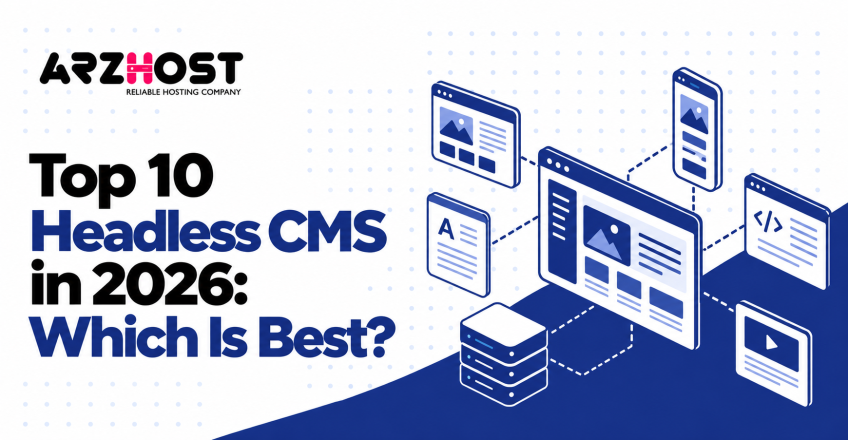

Choosing the right headless CMS is important for building and managing modern websites. A headless CMS stores content and delivers it through APIs to websites and applications. This gives developers flexibility while helping businesses manage content across different digital channels.
Platforms like Strapi, Contentful, and Sanity offer different features, pricing, and editing experiences. Some prioritize developer control, while others focus on visual editing or enterprise management. Understanding these differences helps you avoid unnecessary costs and complicated implementation.
This guide compares the top 10 headless CMS platforms in 2026. You’ll explore their features, pricing, advantages, limitations, and ideal use cases. You’ll also learn how to choose the right platform for your project.
1. What Is a Headless CMS?
A headless CMS is a content management system that separates content storage from website presentation. It manages information such as articles, images, and product descriptions in one backend. Developers then display that content through a separately built website or application.
Unlike traditional content management systems, a headless CMS doesn’t require one specific frontend design. Its content can serve a website, mobile application, or another digital channel. This approach is called headless architecture because the presentation layer operates separately.
How Does a Headless CMS Work?
A headless CMS works by storing content and delivering it through an API. An API, or Application Programming Interface, allows software applications to exchange information. The frontend then displays that information using its own design and code.
The process involves 3 steps:
- Create content: Editors add text, images, and other information through the CMS dashboard.
- Deliver content: The CMS provides that information through an API.
- Display content: A frontend framework, such as Next.js or React, displays the information.
For example, an online store can manage product descriptions within one CMS. Its website and mobile application can request the same product information. Editors update the original content without manually changing both applications.
Headless CMS vs Traditional CMS
The main difference is how content management and website presentation work together. Traditional WordPress includes an editing dashboard, themes, and website presentation features. A headless CMS typically requires developers to build or connect a separate frontend.
| Feature | Headless CMS | Traditional CMS |
| Architecture | Separate content backend | Usually integrated |
| Content delivery | Through APIs | Through built-in rendering |
| Frontend | Custom development | Themes and templates |
| Multiple channels | API driven distribution | Additional configuration |
| Setup difficulty | Often more technical | Usually easier initially |
| Examples | Strapi, Sanity | WordPress, Joomla |
Neither approach is automatically better for every website. Traditional systems suit straightforward publishing, while headless architecture provides greater frontend independence. Your decision should depend on development resources and content requirements.
2. Top 10 Headless CMS Platforms at a Glance
The top 10 headless CMS platforms in this comparison offer different strengths in development, editing, hosting, and enterprise management. Some provide free software, while others operate through cloud subscriptions. The following table summarizes their main differences.
| Headless CMS | Best For | Key Features | Hosting | Free Option | Starting Paid Price |
| Strapi | Open source flexibility | REST, GraphQL, custom content | Self hosted / Cloud | Free Community CMS | Cloud: $35/month |
| Contentful | Enterprise management | Structured content, localization | Cloud | Learning plan | $300/month |
| Sanity | Content collaboration | Real time editing, Studio | Cloud | Yes | $15/seat/month |
| Storyblok | Visual editing | Visual editor, components | Cloud | Yes | $99/month |
| Hygraph | GraphQL applications | GraphQL, content federation | Cloud | Yes | $199/month |
| Directus | SQL database management | REST, GraphQL, automation | Self hosted / Cloud | Free Core tier | Team: $499/month annually |
| Payload CMS | TypeScript development | Local API, Next.js integration | Self hosted | Free core software | Hosting costs vary |
| Prismic | Marketing websites | Visual Page Builder, Slices | Cloud | Yes | $10/month annually |
| DatoCMS | Content and media | GraphQL, asset management | Cloud | Yes | €149/month annually |
| Contentstack | Enterprise governance | Workflows, security, visual editing | Cloud | Yes | Paid plans vary |
Strapi and Payload CMS are strong choices for developers who want backend control. Storyblok and Prismic suit content teams that prioritize visual editing. Contentful and Contentstack deserve consideration for enterprise content management.
These recommendations reflect product positioning and documented capabilities, not controlled performance testing. Every platform has limitations involving cost, setup, or available functionality. The detailed comparison explains these trade offs.
3. Top 10 Best Headless CMS Platforms in 2026
The best headless CMS depends on your development framework, editing needs, budget, and long term requirements. This comparison evaluates 10 established platforms using the same practical criteria. These include features, advantages, limitations, pricing, and suitable applications.
The order is an editorial shortlist rather than a measured performance ranking. No hands on benchmark was conducted to determine a universal winner. Recommendations are based on documented capabilities and the needs of different users.
1. Strapi Best for Open Source Flexibility
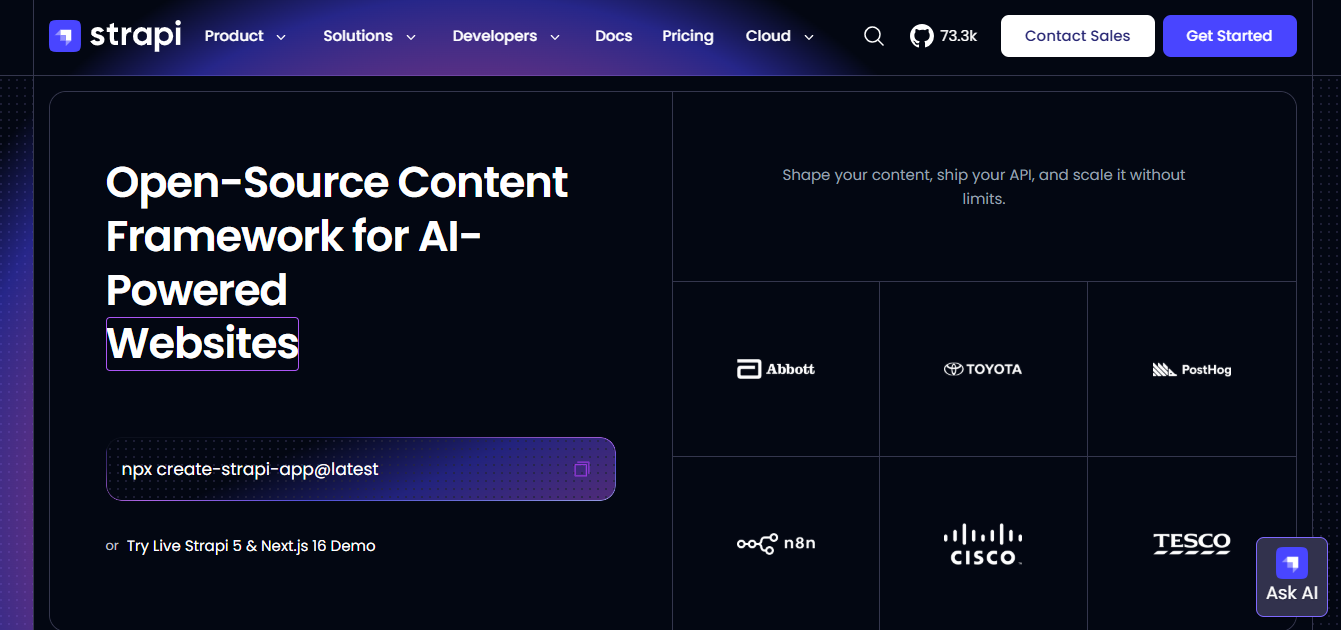
Strapi is an open source headless CMS designed for customizable content management and API development. It uses JavaScript and TypeScript and supports self hosted deployment. Developers can create content models and connect them to custom frontend applications.
Key Features
- REST API generation and optional GraphQL support
- Custom content types and relationships
- Role based access control
- Media management and localization
- Self hosted or managed cloud deployment
Pros: Strapi provides direct control over backend development and infrastructure. Its free Community edition supports projects without recurring CMS license fees. The platform also integrates with frameworks like Next.js, React, and Vue.
Cons: Self hosting requires server administration, backups, and software updates. Advanced functionality, including certain publishing workflows and enterprise controls, requires paid licensing. Developers must also build and maintain the frontend experience.
Pricing: The Community edition is free, while Strapi Cloud Starter costs $35 per project monthly. Cloud hosting charges are separate from paid CMS feature licenses.
Best for: Developers, technical startups, and businesses requiring custom backend development.
2. Contentful Best for Enterprise Content Management
Contentful is a cloud based headless CMS for managing structured content across digital channels. Its content modeling system supports reusable information and relationships between content entries. Organizations can manage publishing through controlled workflows and user permissions.

Key Features
- Structured content modeling
- Content Delivery and Management APIs
- Localization and content workflows
- Scheduled publishing
- Enterprise governance capabilities
Pros: Contentful provides managed infrastructure and an established content management environment. Its structured architecture supports websites, applications, and multilingual publishing. Enterprise plans offer additional governance, reliability, and security capabilities.
Cons: Content modeling requires planning before large implementations. The free plan is intended for learning and evaluation, not commercial production. Additional capacity and enterprise capabilities increase the subscription cost.
Pricing: Contentful offers a free learning plan with 100,000 monthly API calls. Its Lite plan costs $300 monthly, while Enterprise pricing is customized.
Best for: Enterprises and organizations managing extensive, structured content.
3. Sanity Best for Real Time Content Collaboration
Sanity is a headless CMS combining structured content storage with a customizable editing interface. Its Content Lake manages content, while Sanity Studio provides the editing environment. Team members can collaborate on content without passing separate document copies between editors.

Key Features
- Real time collaborative editing
- Customizable Sanity Studio
- GROQ and GraphQL querying
- Content previews and visual editing
- Structured content management
Pros: Sanity supports live collaboration and flexible content modeling. Developers can customize the editing interface for specific editorial tasks. Its managed content infrastructure reduces backend hosting responsibilities.
Cons: Advanced Studio customization requires development experience. GROQ introduces a learning requirement for unfamiliar developers. Paid usage and additional services can increase operational expenses.
Pricing: Sanity offers a free plan supporting up to 20 user seats. Its Growth plan costs $15 per seat monthly.
Best for: Content teams, developers, and businesses requiring collaborative editing.
4. Storyblok Best for Visual Content Editing
Storyblok is a headless CMS built around visual editing and reusable website components. Content editors can preview a page while making changes. Developers create the frontend components that determine how information appears.

Key Features
- Visual page editor
- Reusable content components
- Live content previews
- Localization support
- Content delivery APIs
Pros: Storyblok gives marketers a visual way to manage website content. Reusable components help maintain consistent page designs. Its separation of content and presentation supports custom frontend development.
Cons: Initial component development requires technical skills. Editors can only use the components available in their project. Paid tiers may be necessary for additional seats and advanced workflows.
Pricing: Storyblok offers a free Starter plan with usage limits. Growth starts at $99 monthly and includes 5 seats.
Best for: Marketing teams, agencies, and businesses requiring visual page editing.
5. Hygraph Best for GraphQL Based Projects
Hygraph is a GraphQL native headless CMS designed for structured content and connected data sources. GraphQL allows applications to request specific information through a query. Hygraph also supports content federation, which connects content from external services.
Key Features
- GraphQL content APIs
- Content federation
- Flexible content modeling
- Localization
- Preview and collaboration functionality
Pros: Hygraph supports projects that already depend on GraphQL. Content federation helps connect information from external services. Developers can model complex relationships between content entries.
Cons: GraphQL knowledge is useful during setup and integration. Advanced federation requirements may require paid plans. Larger content volumes can increase subscription expenses.
Pricing: Hygraph offers a free Hobby plan with 500,000 monthly API calls. Growth costs $199 monthly and supports larger projects.
Best for: GraphQL developers and projects combining content from multiple sources.
6. Directus Best for Database Driven Content Management
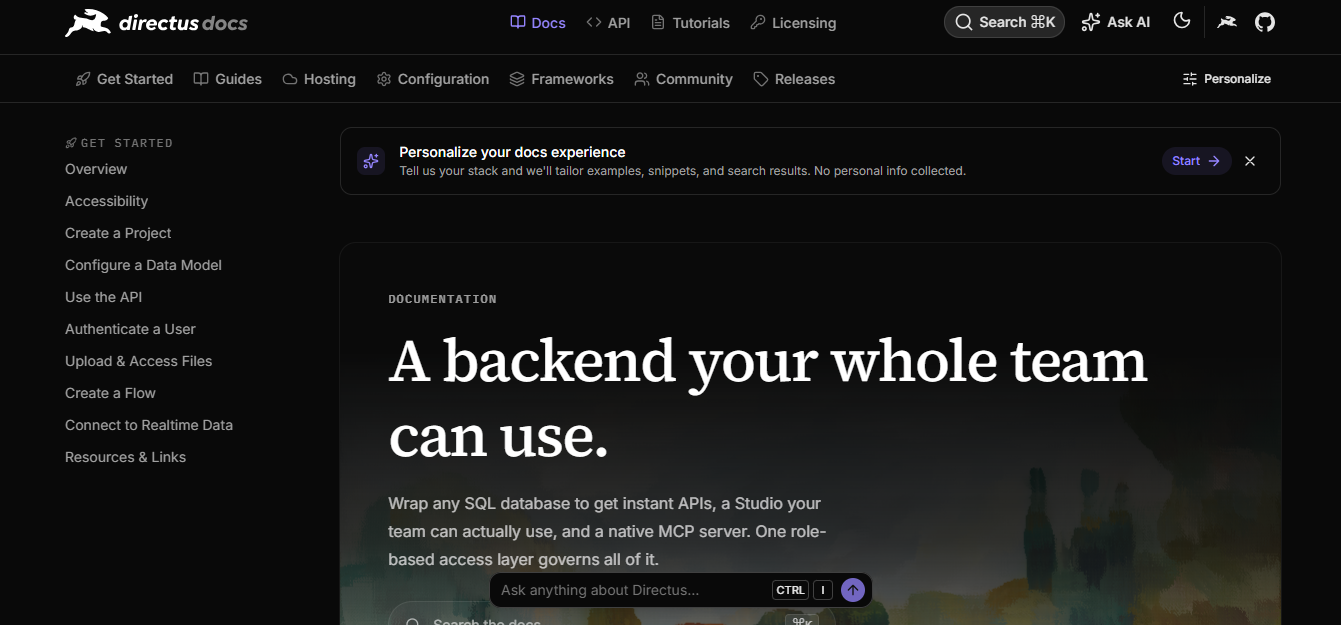
Directus is a data platform that provides content management and APIs over SQL databases. It allows developers to work with existing database structures. Content editors receive an interface for managing information without directly writing database queries.
Key Features
- REST and GraphQL APIs
- SQL database integration
- Visual administration interface
- User permissions
- Automation flows
Pros: Directus connects database management with content editing. Its approach can reduce duplicate data modeling when using an existing SQL database. Developers can also customize workflows and access permissions.
Cons: Database configuration requires technical knowledge. Licensing terms and free tier restrictions must be reviewed carefully. Larger teams may face significant subscription expenses.
Pricing: Directus Core is free within its published limits of 3 seats and 25 collections. Team costs $499 monthly with annual commitment, or $599 with monthly billing. Hosting may require additional payment, depending on deployment.
Best for: Database driven applications, internal platforms, and technical teams.
7. Payload CMS Best for TypeScript and Next.js Developers
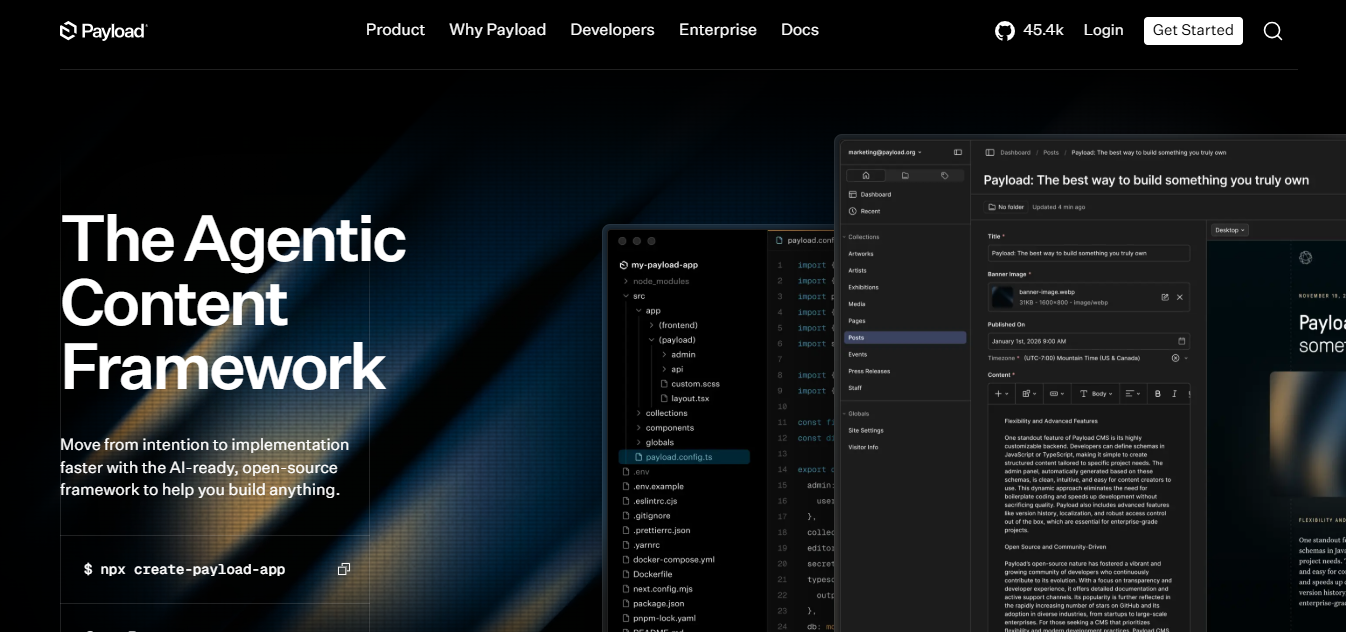
Payload CMS is an open source TypeScript platform for building customized content management applications. It integrates with Next.js and can operate alongside application code. Developers configure content models, access controls, and backend functionality using TypeScript.
Key Features
- TypeScript configuration
- Next.js integration
- REST, GraphQL, and local APIs
- Authentication and access control
- Custom content modeling
Pros: Payload gives developers substantial control over application functionality. Its local API enables direct server side access without a separate HTTP request. The open source core is available under the MIT license.
Cons: Implementation requires programming knowledge and deployment planning. Self hosting creates responsibilities for infrastructure and updates. Enterprise requirements may involve additional commercial arrangements.
Pricing: Payload’s open source core is free. Hosting, database services, and maintenance create separate operating expenses. Confirm managed hosting availability before selecting a deployment strategy.
Best for: TypeScript developers, Next.js projects, and custom applications.
8. Prismic Best for Marketing Websites
Prismic is a cloud headless CMS focused on component based websites and visual page building. It uses reusable sections called Slices to organize website content. Editors assemble pages using components developed for their website.

Key Features
- Visual Page Builder
- Reusable Slices
- Live previews
- Content delivery API
- Image optimization
Pros: Prismic helps marketers assemble pages from predefined components. Its managed platform reduces CMS infrastructure work. The free tier allows developers to explore the editing experience.
Cons: Developers must initially create reusable website components. Editorial freedom depends on the available Slice library. Advanced collaboration and governance capabilities require higher plans.
Pricing: Prismic offers a free plan with 4 million monthly API calls. Starter costs $10 per repository monthly with annual billing.
Best for: Marketing websites, landing pages, and component based publishing.
9. DatoCMS Best for Structured Content and Media Management
DatoCMS is a managed headless CMS for structured content, media handling, and digital publishing. It provides a GraphQL content delivery API and integrated asset management. Its content models support relationships, reusable information, and localized publishing.

Key Features
- GraphQL content delivery
- Image optimization
- Media management
- Localization
- Content previews and structured models
Pros: DatoCMS combines structured publishing with media delivery capabilities. Managed hosting reduces backend administration responsibilities. Localization makes it relevant for multilingual website projects.
Cons: Free plan limits can restrict content heavy projects. Professional subscriptions introduce recurring expenses. Additional API usage, projects, and media requirements may increase costs.
Pricing: DatoCMS offers a free plan with usage restrictions. Professional begins at €149 monthly with annual billing, or €199 monthly.
Best for: Content rich websites, multilingual publishing, and media focused projects.
10. Contentstack Best for Enterprise Security and Governance
Contentstack is a cloud content platform designed for controlled publishing and enterprise content operations. It supports structured content, visual editing, and publishing workflows. Organizations can manage content across brands, teams, and digital channels.
Key Features
- Structured content APIs
- Visual editing
- Publishing workflows
- Role based access controls
- Enterprise security and integrations
Pros: Contentstack supports complex editorial and governance requirements. Its platform provides tools for managing content across organizational teams. Enterprise offerings include additional security and operational controls.
Cons: Complex deployment may require specialist implementation. Advanced functionality can increase licensing and service costs. Organizations must confirm which governance capabilities their selected plan includes.
Pricing: Contentstack introduced self service access with a free plan in October 2026. The free offering includes 3 users and 100,000 monthly API calls. Paid plans depend on selected functionality and business requirements.
Best for: Enterprises, regulated organizations, and businesses managing complex content operations.
4. How to Choose the Right Headless CMS
Choose a headless CMS by evaluating usability, technical compatibility, security, hosting, and total ownership costs. A platform should support both developers and the people updating content. The following 4 factors help narrow your options.
1. Ease of Use and Content Editing
Check whether editors can create, preview, and publish content without developer assistance. Visual editing platforms like Storyblok and Prismic provide page building functionality. However, developers still need to configure the original website experience.
2. APIs and Framework Compatibility
Confirm whether the CMS supports your frontend framework and preferred API. REST delivers resources through standard HTTP requests, while GraphQL lets applications request selected data. Frameworks like Next.js, React, and Vue may also benefit from official integration guides.
3. Hosting, Security, and Scalability
Determine whether your business needs managed cloud hosting or direct infrastructure control. Review backups, user permissions, authentication, and service reliability. Also examine API limits and expected traffic growth.
4. Integrations and Maintenance
Check connections with services such as Shopify, Vercel, and analytics platforms. Review documentation, technical support, updates, and migration capabilities. Estimate operating costs before selecting a long term platform.
A practical evaluation uses 5 criteria:
| Criterion | Suggested Weight |
| Editing experience | 25% |
| Developer compatibility | 25% |
| Pricing and operating costs | 20% |
| Security and reliability | 20% |
| Documentation and support | 10% |
These percentages are a suggested decision framework, not measured vendor scores.
Score each platform from 1 to 5 for every criterion. Multiply each score by its percentage weight and compare the totals. Adjust the weights when security, localization, or hosting control matters more to your project.
5. Best Headless CMS for Different Use Cases
The best headless CMS changes according to your website type, technical experience, and publishing workflow. Beginners generally benefit from accessible editing interfaces. Developers may prioritize APIs, customization, and code level control.
| Use Case | Recommended Platforms | Main Advantage |
| Beginners | Prismic, Storyblok | Visual editing |
| Small businesses | Sanity, Prismic | Managed content services |
| Next.js developers | Payload, Sanity | Framework compatibility |
| React projects | Strapi, Contentful | Flexible API delivery |
| eCommerce | Contentful, Hygraph | Structured content integration |
| Marketing teams | Storyblok, Prismic | Component based page editing |
| Enterprises | Contentstack, Contentful | Governance and workflows |
| Multilingual websites | DatoCMS, Contentful | Localization capabilities |
Beginners and small businesses: Prismic and Storyblok provide accessible editing once the frontend is configured. Sanity also offers a free plan and customizable content management. Consider available development support before choosing.
Developers: Payload suits TypeScript and Next.js applications requiring backend customization. Strapi provides another option for teams needing control over their backend. Compare APIs, deployment requirements, and documentation before deciding.
eCommerce and marketing: Contentful and Hygraph can organize product descriptions and related editorial information. Storyblok and Prismic suit teams creating marketing pages with reusable components. Transaction handling usually requires a separate commerce service.
Enterprises: Contentstack and Contentful support larger content operations with governance requirements. DatoCMS also provides localization for multilingual publishing. Evaluate access permissions, audit capabilities, and contractual service guarantees before purchasing.
6. Free vs Paid Headless CMS: Which Is Better?
Free headless CMS options suit learning and smaller implementations, while paid plans provide additional capacity and operational features. The decision depends on your technical resources and expected project growth. Subscription price alone doesn’t represent the complete cost.
Open Source vs SaaS Headless CMS
Open source software provides access to source code under specific licensing terms. SaaS platforms, such as Contentful and Sanity, manage the CMS infrastructure. Both approaches may require separate frontend development.
| Factor | Open Source CMS | SaaS CMS |
| Examples | Strapi, Payload | Contentful, Sanity |
| Infrastructure | Usually self managed | Provider managed |
| Source code | Available under license | Often proprietary backend |
| Maintenance | Customer responsibility | Mainly provider responsibility |
| Payments | Hosting and optional licenses | Subscription and usage fees |
Free Plans and Hidden Costs
Free plans often restrict user seats, API requests, storage, or production usage. Contentful’s free plan, for example, is intended for evaluation rather than commercial production. Strapi’s free Community edition also differs from its paid cloud hosting.
Additional costs may include hosting, database services, software maintenance, and developer time. Paid SaaS subscriptions can introduce overage charges for bandwidth or API requests. Estimate these expenses over a full year instead of comparing advertised monthly prices.
When Does Self Hosting Make Sense?
Self hosting makes sense when your organization needs deployment control and has technical staff. It can support specific infrastructure, security, or customization requirements. However, your team becomes responsible for updates, backups, and operational reliability.
For most small teams without dedicated infrastructure support, managed hosting reduces maintenance responsibilities. That doesn’t guarantee a lower total cost. Compare both approaches using your actual staffing and traffic expectations.
7. Headless CMS vs WordPress: Which Should You Choose?
Choose traditional WordPress for integrated website management and a headless CMS for custom content delivery. WordPress combines an editing interface with themes and publishing functionality. Headless platforms generally require a separate frontend implementation.
| Feature | Headless CMS | Traditional WordPress |
| Setup | Separate frontend required | Integrated website setup |
| Customization | Custom frontend architecture | Themes and plugins |
| SEO | Frontend configuration | SEO plugins and themes |
| Content delivery | API first | Integrated or API based |
| Maintenance | Depends on deployment | Core, plugin, and hosting updates |
| Best fit | Custom applications | Standard websites and blogs |
WordPress suits blogs, portfolios, and business websites needing straightforward content publishing. Headless architecture suits applications requiring custom interfaces or shared content delivery. WordPress can also operate headlessly through its REST API.
Neither option automatically improves website speed or search rankings. Performance depends on implementation, hosting, caching, and frontend code. Choose the approach that matches your team’s technical capabilities.
8. Benefits and Limitations of Headless CMS
A headless CMS offers flexible content delivery but introduces technical and operational responsibilities. Its main benefit is separating content management from website presentation. This allows developers to control frontend development independently.
Main Benefits
- Frontend flexibility: Build applications with frameworks like Next.js, React, or Vue.
- Content reuse: Share product descriptions across a website and mobile application.
- Structured content: Organize articles, products, and related information.
- Independent development: Update frontend code without replacing the content backend.
- API integrations: Connect content with commerce, search, and analytics services.
Common Limitations and Risks
- Technical complexity: Custom frontend development requires programming skills.
- Ongoing costs: Hosting, maintenance, and usage charges may accumulate.
- API availability: Service interruptions can affect uncached content delivery.
- Vendor lock in: Proprietary content models may complicate migration.
- Security management: Authentication and API access require correct configuration.
Common Mistakes to Avoid
Choosing a CMS based only on popularity can create a poor technical fit. Ignoring usage limits can also lead to unexpected expenses. Testing your editing and deployment workflow before purchase helps identify these problems.
Review content export features before committing to a platform. Confirm whether important data can be transferred without losing relationships or metadata. Also document a recovery plan for API failures and service interruptions.
9. Headless CMS and SEO: What You Need to Know
A headless CMS can support SEO, but the frontend must implement essential search optimization features. The CMS manages content while developers control how search engines receive each page. Incorrect implementation can affect crawling, indexing, and website performance.
Technical SEO Requirements
Every important page needs an accessible URL and useful HTML content. Developers must configure metadata, canonical URLs, structured data, and XML sitemaps. Server side rendering or static generation can help deliver content without relying entirely on browser JavaScript.
Check these SEO elements:
- Title tags: Describe each page’s main topic.
- Meta descriptions: Summarize content for potential search snippets.
- Canonical URLs: Identify preferred versions of duplicate content.
- Structured data: Describe content using supported formats like JSON LD.
- XML sitemaps: List important URLs for search engines.
- Internal links: Connect related articles and category pages.
Website Performance and Core Web Vitals
Core Web Vitals measure loading performance, responsiveness, and visual stability. Google recommends good scores for all 3 measurements. These metrics help evaluate real user experience.
| Metric | Google’s Good Threshold |
| Largest Contentful Paint (LCP) | 2.5 seconds or less |
| Interaction to Next Paint (INP) | 200 milliseconds or less |
| Cumulative Layout Shift (CLS) | 0.1 or less |
A headless CMS doesn’t automatically achieve these targets. Frontend code, image optimization, caching, and hosting affect performance. Measure results using tools such as PageSpeed Insights and Google Search Console.
SEO Considerations When Migrating
Migrating from WordPress requires preserving important content and search signals. Map existing URLs to their new destinations before launch. Use permanent 301 redirects when page addresses change.
Transfer metadata, internal links, structured data, and relevant image descriptions. Check XML sitemaps and canonical URLs after deployment. Monitor indexing and traffic through Google Search Console.
10. Frequently Asked Questions
Which Headless CMS Is Best in 2026?
There is no single best headless CMS for every project. Strapi suits developers needing customization, while Storyblok supports visual editing. Contentful and Contentstack are suitable candidates for enterprise evaluations.
What Is the Best Free and Open Source Headless CMS?
Strapi and Payload CMS are two strong open source options. Strapi provides customizable content APIs and self hosting flexibility. Payload offers TypeScript based configuration and close Next.js integration.
Which Headless CMS Is Easiest for Beginners?
Prismic and Storyblok are useful choices for beginners working with developer built websites. Their visual editing features simplify content updates after setup. However, building the initial frontend usually requires technical assistance.
Is a Headless CMS Good for SEO?
Yes, a headless CMS can support strong technical SEO. Developers must implement metadata, crawling access, structured data, and suitable rendering. Search performance depends on the complete website implementation rather than the CMS alone.
Do You Need Coding Skills to Use a Headless CMS?
Content editors often don’t need coding skills for everyday publishing. Platforms like Storyblok and Prismic provide visual interfaces for managing content. However, developers are usually needed for initial integration and custom functionality.
Can a Headless CMS Manage Multiple Websites?
Yes, a headless CMS can deliver content to multiple websites through APIs. Teams can reuse suitable content while maintaining separate frontend designs. Project limits, permissions, and content organization depend on the platform.
Is a Headless CMS Worth Using in 2026?
A headless CMS is worthwhile when your project needs custom development or reusable content delivery. It can support websites, applications, and connected digital channels. Traditional CMS software may remain simpler for basic publishing requirements.
11. Final Verdict: Which Headless CMS Should You Choose?
The best headless CMS is the platform that matches your budget, technical resources, and content requirements. Strapi and Payload are strong starting points for developers seeking backend flexibility. Storyblok and Prismic suit teams prioritizing visual editing.
Contentful and Contentstack deserve consideration for enterprise content operations. Sanity suits collaborative editing, while Hygraph supports GraphQL centered projects. Directus fits database driven applications, and DatoCMS supports structured content and media workflows.
Start by shortlisting 2 or 3 platforms that match your requirements. Test content creation, preview, publishing, API integration, and expected operating costs. Choose the platform that performs these essential tasks reliably without unnecessary complexity.