


Choosing the wrong community platform can waste money and leave members frustrated. Maybe Facebook Groups feel limited, or Discord conversations are becoming difficult to manage. With so many options available, finding the top community platforms isn’t always easy.
Some platforms charge extra for essential features, while others limit customization or community growth. You might need paid memberships, better engagement tools, or a simpler way to manage discussions. Without comparing your options, you could end up paying for features you don’t need.
This guide compares 15 top community platforms in 2026 to make your decision easier. You’ll discover their pricing, key features, advantages, limitations, and ideal use cases. We’ll also compare free and paid options to help you choose the right platform.
Quick Comparison of the Best Community Platforms
The best community platforms in 2026 include Circle, Mighty Networks, Skool, Discord, Discourse, and other specialized solutions. Some serve creators selling memberships, while others support customer service, professional networking, or public conversations. The right choice depends on your budget, audience, content requirements, and preferred level of control.
According to Pew Research Center’s 2025 survey, 71% of surveyed U.S. adults reported using Facebook. This demonstrates Facebook’s reach, although it doesn’t measure participation in Facebook Groups specifically. Dedicated community software provides different capabilities, including membership payments, structured courses, and branded discussion spaces.
| Platform | Best For | Starting Price | Main Strength |
| Circle | Creators and paid memberships | $89/month, annually billed | Courses, memberships, and branded spaces |
| Mighty Networks | Learning and membership communities | $950/year | Courses, events, and member networking |
| Skool | Coaches and educators | $9/month | Courses and gamification |
| Discord | Gaming and live discussions | Free | Text and voice channels |
| Discourse | Forums and technical support | Free plan | Searchable discussions |
| Bettermode | Branded customer communities | $149/month, annually billed | Customization and customer engagement |
| Hivebrite | Alumni and professional networks | Custom quote | Directories and networking |
| Higher Logic Vanilla | Enterprise customer communities | Custom quote | Customer discussions and support |
| Kajabi | Digital businesses and course creators | $143/month, annually billed | Courses, marketing, and payments |
| Heartbeat | Interactive membership communities | Paid subscription | Events, chat, and memberships |
| BuddyBoss | WordPress communities | $199 introductory annual license | Hosting and customization control |
| FluentCommunity | Self hosted WordPress communities | Free version | WordPress integration |
| Slack | Professional and B2B communities | Free plan | Business communication |
| Facebook Groups | Free social communities | Free | Existing Facebook audience |
| Public interest communities | Free | Topic based discussions |
Circle, Mighty Networks, and Skool are suitable when paid memberships and learning activities matter. Discord, Facebook Groups, and Reddit offer free starting points for communities focused on conversation. BuddyBoss, FluentCommunity, and Discourse provide options for organizations seeking greater control through self hosting.
Prices reflect publicly available plan information reviewed in November 2026, and annual billing applies where indicated. Promotional prices, payment fees, member limits, and included services may change. Check the official pricing page before choosing a subscription or purchasing a license.
15 Best Online Community Platforms in 2026
The 15 best online community platforms in 2026 cover paid memberships, online education, customer support, professional networking, and social discussion. Each platform serves a particular audience rather than offering the same experience. The following reviews explain their capabilities, pricing, advantages, limitations, and suitable use cases.
1. Circle: Best for Creators and Paid Membership Communities
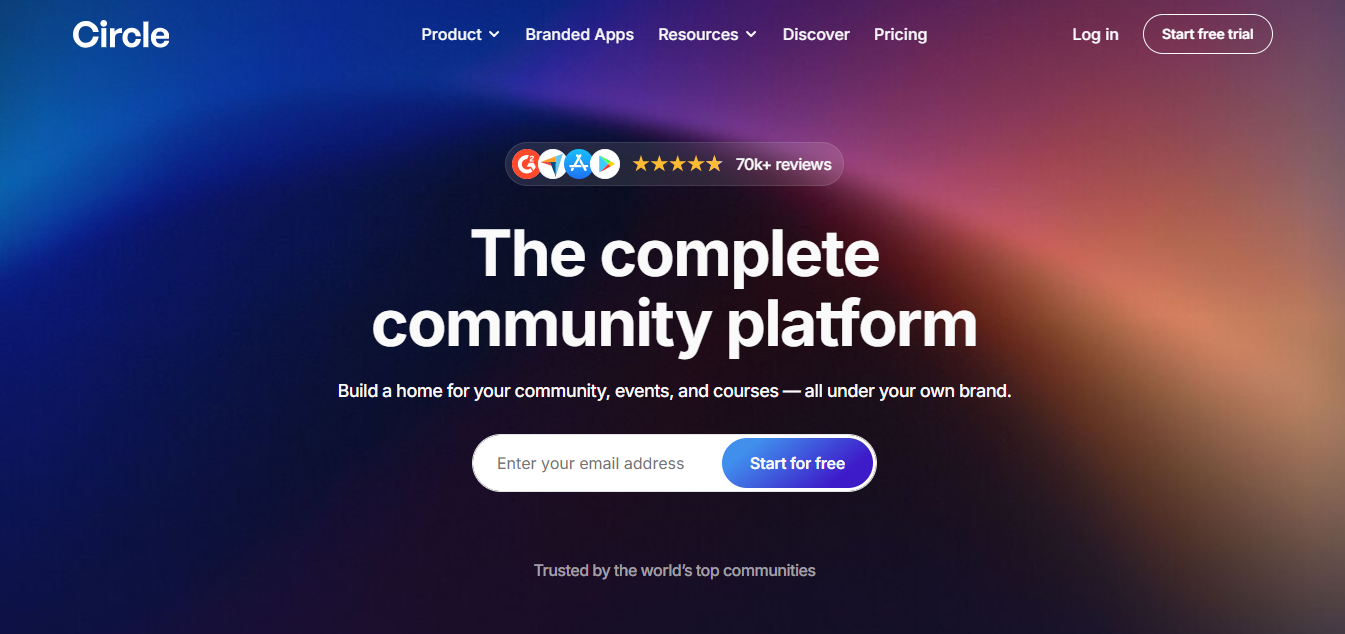
Circle is a community platform for creators, coaches, and businesses building branded membership communities. It combines discussions, online courses, live events, and payments within one service. Members can access learning content, interact with others, and participate in community activities through a shared interface.
Circle organizes content into dedicated spaces rather than placing everything in one discussion feed. Administrators can separate general discussions, paid member areas, educational content, and announcements. For example, a marketing coach could offer free networking alongside private workshops for paying subscribers.
Its community management features include profiles, directories, moderation, analytics, and access permissions. Circle also supports gamification through points and leaderboards, helping administrators recognize member participation. Mobile access is available through Circle’s shared applications, while individually branded apps require a separate arrangement.
Key Features
- Community spaces: Organize discussions, announcements, and private membership areas.
- Course hosting: Deliver educational content within the same community.
- Membership payments: Sell access through recurring subscriptions or other supported offers.
- Live events: Host webinars, workshops, and community sessions.
- Gamification: Recognize participation through points and leaderboards.
- Brand customization: Use custom domains, themes, and configurable community spaces.
- Analytics: Monitor participation, member activity, and community performance.
Pricing
Circle’s Professional plan starts at $89 per month with annual billing, according to its official pricing page. Business starts at $199 monthly, while Scale starts at $419 under the same billing arrangement. Circle Plus offers custom pricing for organizations requiring branded mobile applications and additional services.
Professional includes unlimited members but limits administrator seats and community spaces. It also charges a 2% platform transaction fee, while Business and Scale list 1%. Payment processing charges and optional services can increase the final monthly expense.
Advantages
Circle combines community discussions, learning content, and membership payments without requiring separate platforms. Its structured spaces help administrators organize different membership experiences within the same community. The platform also provides a relatively direct path from community engagement to paid subscriptions.
Limitations
Circle doesn’t offer a permanent free plan for running a full community. Advanced workflows, additional administrator permissions, and custom branded applications require higher priced arrangements. Businesses that need complete infrastructure ownership must consider a self hosted alternative.
When to choose Circle
Choose Circle when branded membership management and structured learning are your main requirements. It suits coaches, consultants, educators, and creators combining paid content with ongoing discussions. Consider Skool for a simpler classroom experience or BuddyBoss when WordPress ownership matters more.
2. Mighty Networks: Best for Courses, Events, and Memberships
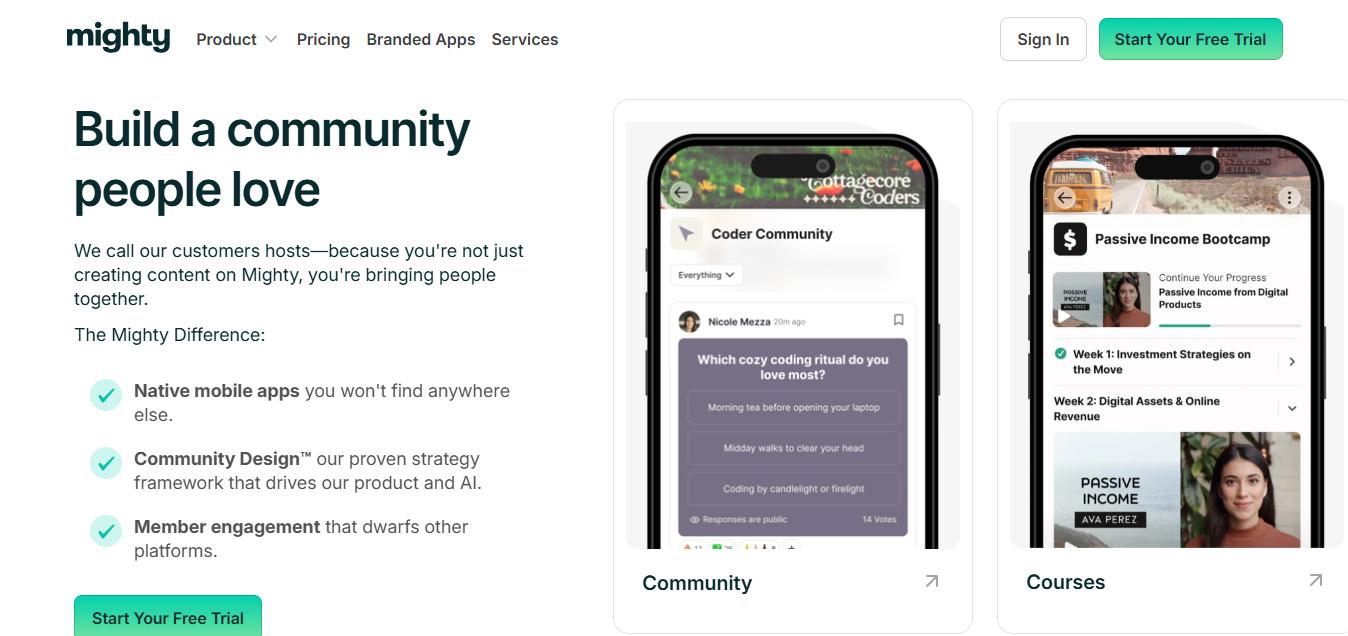
Mighty Networks is a community platform built around member relationships, online courses, events, and subscriptions. It helps creators and organizations combine educational content with networking and participation. Members can join discussions, attend live activities, and discover others with shared interests.
The platform focuses on encouraging interaction between community members rather than only communication with the owner. Its member discovery features help participants find people with relevant interests or experiences. For example, an entrepreneurship community could connect new founders with experienced business owners.
Mighty Networks supports courses, live events, community spaces, payments, and member profiles. Its AI Cohost also assists with certain community planning and management tasks. Owners can manage separate learning programs and membership experiences within the same network.
Key Features
- Member networking: Help people discover and connect with other participants.
- Online courses: Deliver lessons and educational programs.
- Live events: Host interactive sessions, workshops, and community activities.
- Membership payments: Charge for community and learning access.
- Community spaces: Organize content for different interests or membership levels.
- AI assistance: Support certain setup and community management activities.
- Mobile access: Let participants engage through supported mobile applications.
Pricing
Mighty Networks lists its Launch plan at $950 annually, as shown on its official pricing page. Scale costs $2,150 annually, while Growth costs $4,250 annually. These amounts equal approximately $79.17, $179.17, and $354.17 per month when divided across 12 months.
These are annual commitments rather than separate month to month prices. Scale adds capabilities such as automations, integrations, and API access. Businesses should confirm current transaction fees, available payment methods, and plan restrictions before subscribing.
Advantages
Mighty Networks connects education, networking, and community engagement within one service. Member discovery encourages interaction beyond conversations started by the community owner. Its event and learning features can support recurring programs without requiring separate course software.
Limitations
Annual commitments can be significant for communities without established revenue. Some integration and automation features require more expensive plans. Organizations seeking their own branded native applications must evaluate Mighty Pro separately.
When to choose Mighty Networks
Choose Mighty Networks when relationships between members are central to your community. It fits professional learning groups, coaching programs, educational memberships, and networking communities. Circle may be preferable when detailed space customization matters more than member discovery.
3. Skool: Best for Coaches and Gamified Learning Communities
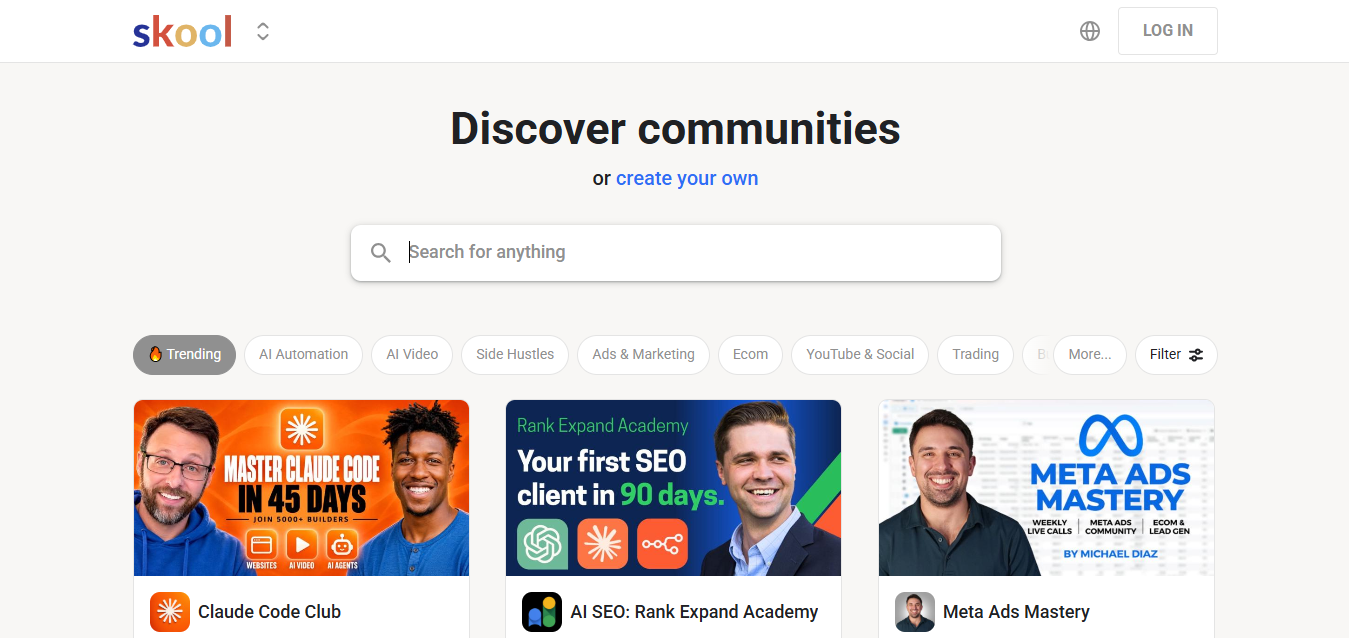
Skool is a community and course platform for coaches, educators, and creators selling learning memberships. It combines a discussion feed, classroom, calendar, and engagement rewards. Its interface emphasizes simplicity instead of extensive design customization.
Skool’s classroom allows owners to organize lessons and provide learning resources to members. The community feed gives participants a central place to ask questions and exchange ideas. A business mentor could combine weekly lessons with discussions, live calls, and member challenges.
Gamification is one of Skool’s defining capabilities. Members earn points through participation and progress through community levels. Administrators can use these achievements to encourage activity and recognize meaningful contributions.
Key Features
- Community feed: Give members one main place for discussions.
- Classroom: Organize courses, lessons, and video content.
- Gamification: Use points, levels, and leaderboards.
- Events calendar: Schedule community calls and learning sessions.
- Paid memberships: Collect payment for access to communities.
- Mobile access: Support participation through the Skool application.
- Affiliate functionality: Enable supported referral arrangements.
Pricing
Skool offers a Hobby plan at $9 monthly and a Pro plan at $99 monthly. Both plans advertise unlimited members and courses on Skool’s pricing page. The important difference is the transaction fee structure and the overall cost of selling memberships.
Skool’s payment documentation lists Hobby fees at 10% plus $0.30 per transaction. Pro charges 2.9% plus $0.30 for transactions up to $899, with a higher percentage above that amount. These charges make revenue volume important when comparing the two subscriptions.
Advantages
Skool keeps community activity and learning content in one straightforward interface. Its built-in gamification reduces the need for external reward systems. The $9 entry plan allows new creators to test a paid community with limited subscription expenses.
Limitations
Skool provides less design flexibility than several branded community builders. Its course features may not satisfy organizations requiring advanced assessments or complex learning management workflows. Hobby transaction fees can become costly when a membership generates substantial revenue.
When to choose Skool
Choose Skool when your main goal is selling education alongside ongoing member discussions. It suits coaching groups, business mentorship programs, and creator learning communities. Kajabi may be preferable when email marketing and sales funnels are equally important.
4. Discord: Best for Free Chat and Gaming Communities
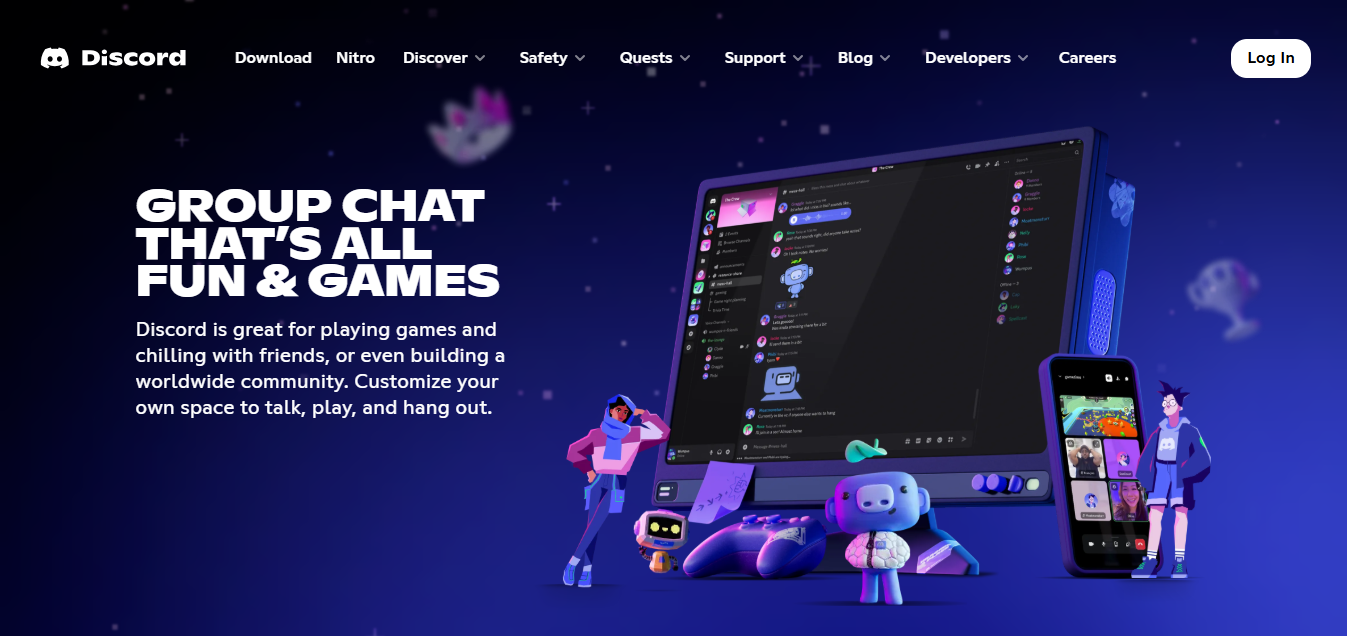
Discord is a free communication platform for communities centered on text, voice, and live interaction. It is widely associated with gaming but also serves developer groups, fan communities, and online learning networks. Members join servers containing channels dedicated to specific conversations.
Administrators can create channels for announcements, general chat, technical support, and special interests. They can assign roles that control which areas members can view or access. For example, a developer community could separate beginner questions from advanced programming discussions.
Discord also includes voice channels, screen sharing, and community moderation capabilities. Forum channels provide additional structure for discussions that should remain easier to locate. Bots can extend certain management functions, although external integrations may require separate setup.
Key Features
- Text channels: Separate conversations by topic.
- Voice channels: Support live audio discussions.
- Screen sharing: Help members collaborate or demonstrate work.
- Role permissions: Control access to selected server areas.
- Forum channels: Organize individual questions and longer discussions.
- Moderation: Use rules, reporting, and automated safety features.
- Bots: Add compatible community management functionality.
Pricing
Discord servers are free to create and manage without purchasing a standard community subscription. Optional Nitro subscriptions provide personal account benefits, while Server Boosts offer additional server enhancements. Community owners should review Discord’s official support documentation for current limits and features.
Free access makes Discord attractive for communities that don’t require built in paid memberships. Owners can operate discussions, voice channels, and member roles without paying for a dedicated platform. However, external membership systems or specialized integrations can introduce additional costs.
Advantages
Discord supports real time communication across desktop, browser, and mobile devices. Its channel and permission system can accommodate different member roles within the same server. Voice communication is also available without requiring a separate conferencing application.
Limitations
Important messages may become difficult to find in highly active channels. Discord isn’t primarily designed for structured course selling or fully branded membership websites. Community owners also depend on Discord’s policies and infrastructure.
When to choose Discord
Choose Discord for gaming communities, developer groups, and audiences that communicate frequently. It also suits early stage communities testing engagement without a software budget. Discourse may be more appropriate when searchable answers and long term knowledge preservation matter most.
5. Discourse: Best for Forums and Structured Discussions
Discourse is an open source community platform designed for organized, searchable discussions and knowledge sharing. It works well for technical support, product communities, public forums, and developer networks. Conversations remain grouped into topics instead of disappearing within continuous chat activity.
Members can publish questions, reply to discussions, and search previous answers. Administrators can organize information with categories, tags, and permission settings. A SaaS company could create separate areas for troubleshooting, product feedback, and feature announcements.
Discourse also includes a trust level system that adjusts permissions as members participate. Moderation and anti-spam functionality support larger public communities. Organizations can use Discourse’s managed hosting or install its open source software on their own infrastructure.
Key Features
- Threaded discussions: Keep questions and replies organized.
- Categories and tags: Improve navigation and content discovery.
- Search: Help members find existing answers.
- Trust levels: Adjust permissions according to participation.
- Moderation: Manage spam, inappropriate content, and reporting.
- APIs and plugins: Extend functionality through supported integrations.
- Self hosting: Run the software on privately managed servers.
Pricing
Discourse offers a free hosted plan and free open source software for self hosting. Its managed Pro plan costs $100 monthly, while Business costs $500 monthly. Enterprise hosting uses custom pricing, according to Discourse’s pricing page.
Free software doesn’t remove the cost of server administration when choosing self hosting. Businesses may need technical support, backups, monitoring, and additional resources as activity increases. Managed hosting reduces these responsibilities but places functionality within the provider’s subscription structure.
Advantages
Discourse makes information easier to find through organized discussion archives. Its open source model provides greater deployment flexibility than software available only through hosted subscriptions. Moderation and trust features can support ongoing public participation.
Limitations
The forum experience can feel slower than live chat for communities requiring constant interaction. Self hosting introduces infrastructure and security responsibilities. Course selling and advanced membership monetization may require external software or custom integrations.
When to choose Discourse
Choose Discourse when your community needs searchable answers and structured conversations. It is particularly relevant for technical products, developer networks, and customer support forums. Discord remains a stronger fit when voice chat and immediate conversation are primary requirements.
6. Bettermode: Best for Customer and Branded Communities
Bettermode is a community platform for businesses creating branded customer engagement and support spaces. It helps organizations collect customer questions, share product information, and encourage discussion. Businesses can customize the community experience while maintaining a consistent brand identity.
Bettermode provides discussion areas, questions and answers, polls, events, and member profiles. These elements support different types of customer interaction within one community. For example, a software business could separate product announcements from support questions and feature requests.
The platform also offers analytics, integrations, and community administration controls. Advanced subscriptions add capabilities such as stronger authentication, automation, and expanded integration access. Its product structure is more closely aligned with customer communities than general creator memberships.
Key Features
- Branded community spaces: Customize layout and appearance.
- Customer discussions: Organize questions, product feedback, and support conversations.
- Member directories: Help participants discover community members.
- Events and polls: Encourage structured participation.
- Analytics: Measure activity and engagement.
- Integrations: Connect community information with business software.
- Access permissions: Manage public and restricted community areas.
Pricing
Bettermode’s Starter plan costs $149 monthly with annual billing, or $199 with monthly billing. Growth costs $1,500 monthly when billed annually, and Premium requires a custom quote. The official pricing page lists up to 10,000 members and five collaborators on Starter.
Growth raises capacity to 25,000 members and adds more advanced functionality. Premium targets larger organizations and includes additional security and customization capabilities. These differences make Bettermode’s plan selection particularly important for businesses anticipating rapid customer community growth.
Advantages
Bettermode supports customer engagement within a customizable branded environment. Its discussion and question formats can reduce reliance on scattered customer conversations. Businesses can connect community activity with selected support and marketing systems.
Limitations
The starting subscription may be expensive for small creator communities. Several enterprise capabilities require substantially higher priced plans. Bettermode also doesn’t provide the same infrastructure ownership as independently hosted WordPress software.
When to choose Bettermode
Choose Bettermode when customer support and branded business discussions are your main goals. It suits SaaS companies, technology businesses, and customer success operations. Discourse may be more suitable when public forum functionality and self hosting are higher priorities.
7. Hivebrite: Best for Alumni and Professional Networks
Hivebrite is community management software for alumni associations, professional networks, nonprofits, and membership organizations. It emphasizes member relationships, organized directories, events, and professional engagement. Its design serves organizations with established membership structures and networking requirements.
Hivebrite lets members maintain profiles and discover contacts through professional or personal information. Organizations can create groups for regional chapters, professional interests, or educational backgrounds. A university alumni association could connect graduates through mentorship, events, and local networking opportunities.
The platform also supports communication, membership administration, and community reporting. Organizers can coordinate events and maintain relationships across different member groups. These capabilities distinguish Hivebrite from general discussion platforms focused mainly on chat or courses.
Key Features
- Member directories: Support professional connections and member discovery.
- Networking: Help people connect through shared affiliations.
- Events: Organize conferences, meetings, and networking activities.
- Member groups: Separate chapters or special interests.
- Communication: Deliver updates and announcements.
- Membership administration: Manage relevant organizational relationships.
- Analytics: Review engagement and member activity.
Pricing
Hivebrite provides custom pricing rather than a standard public starting subscription. Organizations must request a proposal based on their community size and requirements. The Hivebrite website provides product information and access to its sales team.
Pricing discussions should include implementation, administrator permissions, integrations, and support. Organizations migrating alumni records should also request details about data preparation and import services. These requirements can affect the total cost beyond the quoted software subscription.
Advantages
Hivebrite concentrates on professional relationships and structured membership networking. Its directory and event features support communities where personal connections matter. Organizations can also maintain separate regional or interest groups within a larger network.
Limitations
Custom quotations make pricing difficult to compare without contacting sales. The platform may introduce unnecessary administrative complexity for informal communities. Individual creators may not need the networking and organizational capabilities it provides.
When to choose Hivebrite
Choose Hivebrite for universities, alumni associations, nonprofits, and professional membership organizations. It fits communities centered on networking, chapters, and organized member relationships. Circle may be simpler when the main goal is selling digital memberships or courses.
8. Higher Logic Vanilla: Best for Enterprise Customer Communities
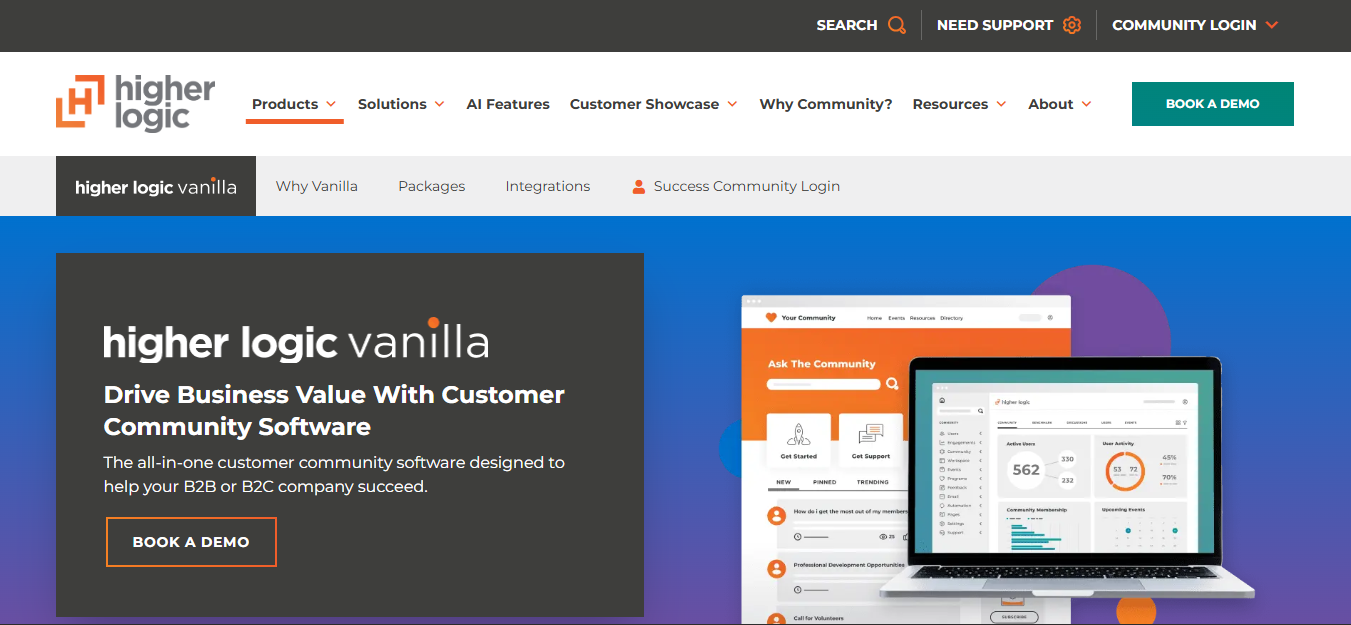
Higher Logic Vanilla is enterprise community software focused on customer support, knowledge sharing, and product engagement. It helps organizations bring customer conversations into structured, searchable environments. Its purpose is different from creator software built primarily around course sales and subscriptions.
Customers can ask questions, share experiences, and discuss software products within community forums. Employees can contribute answers and guide conversations when support is required. A technology company could use the platform for troubleshooting discussions and customer knowledge sharing.
Higher Logic Vanilla also offers community administration and moderation capabilities. Enterprise buyers should evaluate its available integrations, security controls, and support arrangements during procurement. Exact functionality may depend on the selected product package and contract.
Key Features
- Discussion forums: Provide organized customer conversations.
- Question and answer content: Help customers find solutions.
- Community moderation: Maintain relevant discussions.
- Member engagement: Encourage product related participation.
- Knowledge sharing: Preserve useful customer information.
- Business integrations: Connect with relevant enterprise software.
- Community reporting: Monitor participation and activity.
Pricing
Higher Logic Vanilla uses custom enterprise pricing rather than publishing a standard monthly package. Businesses should request a quotation through Higher Logic. The final agreement may account for community scope, integrations, implementation, and support requirements.
A useful procurement comparison should include more than the annual license. Companies should request details about onboarding, data migration, support availability, and administrative configuration. These costs are especially relevant when replacing an existing customer support community.
Advantages
Higher Logic Vanilla focuses on structured customer engagement rather than informal social networking. Searchable discussions can complement existing support documentation and reduce repeated questions. Its enterprise positioning also makes it relevant to organizations requiring formal administrative processes.
Limitations
Pricing and implementation require direct vendor discussions. Smaller communities may not need its enterprise oriented capabilities. Businesses should verify required integrations and data export options before signing a long term agreement.
When to choose Higher Logic Vanilla
Choose Higher Logic Vanilla when customer community management forms part of enterprise support operations. It suits established software companies and organizations managing substantial customer knowledge. Bettermode may be an alternative when flexible branding is a central requirement.
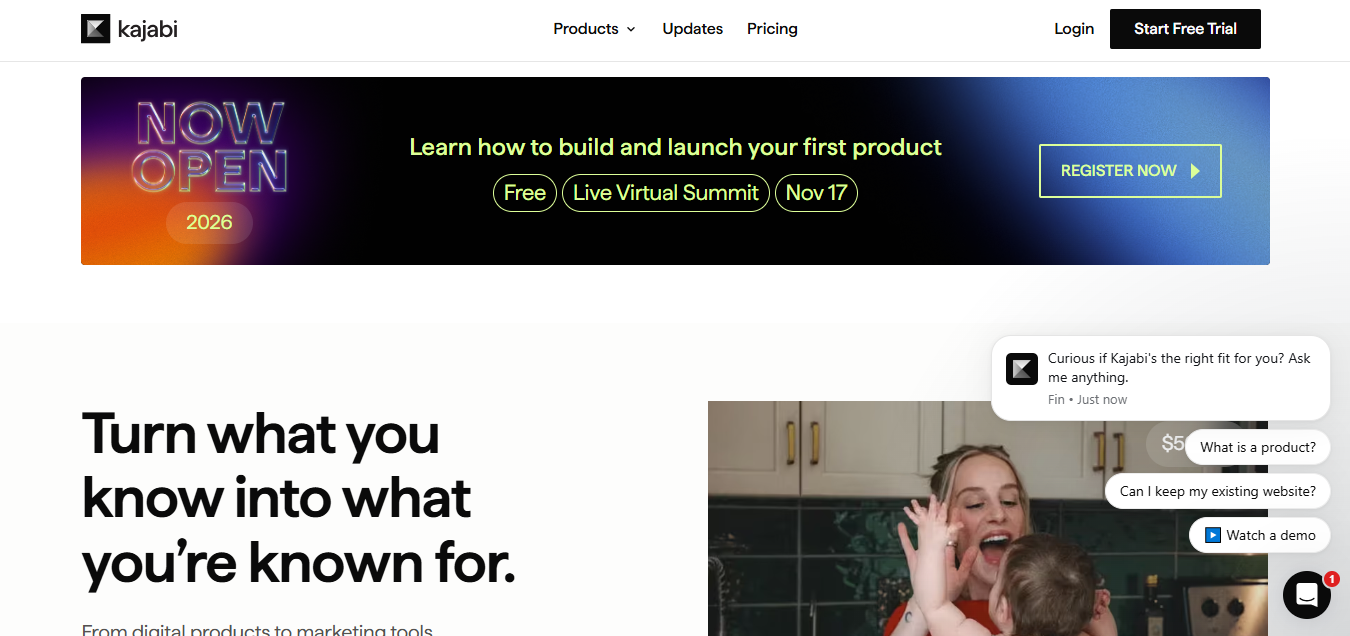
9. Kajabi: Best for Course Creators and Digital Businesses
Kajabi is an online business platform combining courses, marketing, payments, websites, and community management. It helps creators sell educational products while maintaining customer relationships. Unlike community focused products, Kajabi includes tools for managing a wider digital business.
Creators can build courses and connect them with community access. Marketing functionality supports landing pages, email campaigns, and sales funnels. For example, an educator could attract subscribers, sell a training program, and provide private student discussions.
Kajabi also includes contact management and business analytics. Its community tools form part of a broader product and marketing system. This makes Kajabi relevant when sales and course delivery are just as important as community interaction.
Key Features
- Online courses: Create and sell educational programs.
- Community access: Support discussions around digital products.
- Memberships: Offer recurring access to content.
- Email marketing: Communicate with leads and customers.
- Sales funnels: Connect marketing campaigns with purchases.
- Landing pages: Promote courses and membership offers.
- Business analytics: Review relevant sales and customer information.
Pricing
Kajabi’s Basic plan costs $143 monthly with annual billing, or $179 when billed monthly. Growth costs $199 monthly with annual billing, while Pro costs $399 under the same arrangement. These prices appear on Kajabi’s pricing page.
Basic includes one community, five products, and 2,500 contacts under the published limits. Higher plans provide expanded product and contact allowances. Payment processing charges may still apply even though Kajabi doesn’t take a standard platform revenue share.
Advantages
Kajabi connects marketing, payments, educational content, and community access. Creators can manage sales and course delivery without purchasing a separate collection of marketing applications. Its integrated approach may reduce operational complexity for established digital businesses.
Limitations
The subscription can be expensive if community discussions are the only requirement. Kajabi includes marketing functionality that some organizations won’t use. Lower plans also restrict product numbers, contacts, and administrator access.
When to choose Kajabi
Choose Kajabi when community access supports a larger course or digital product business. It suits educators, consultants, and creators managing ongoing marketing campaigns. Circle or Skool may be more suitable when community engagement is the central priority.
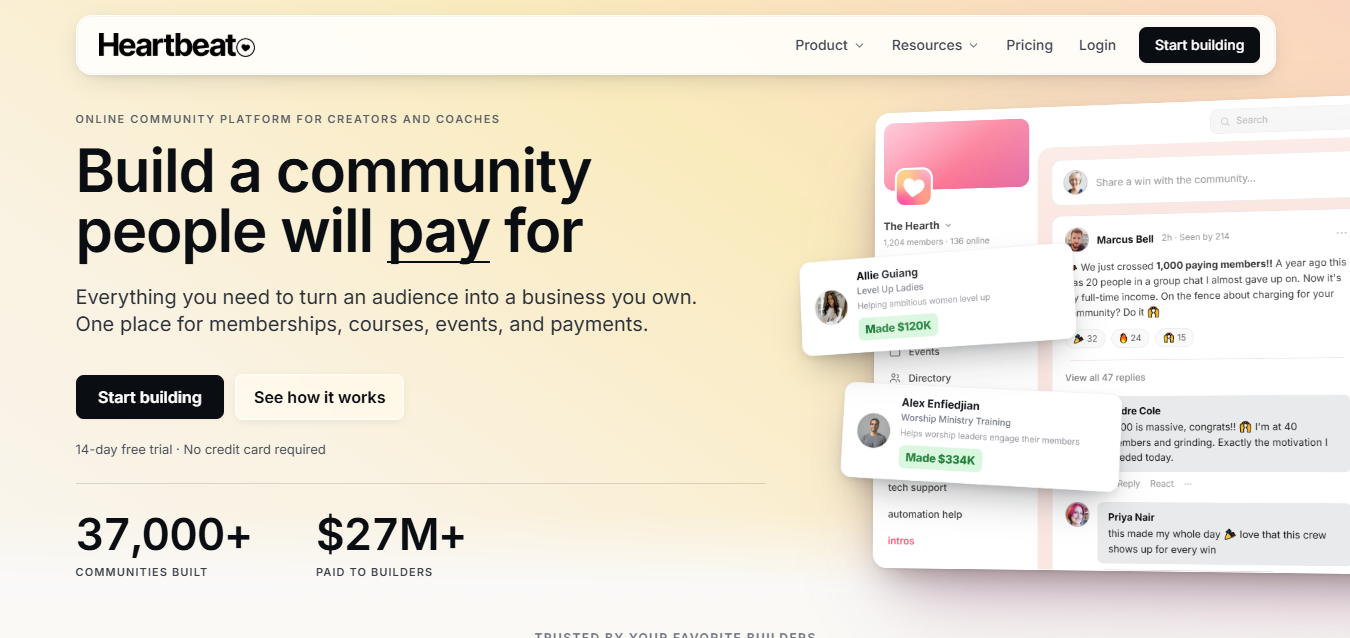
10. Heartbeat: Best for Interactive Membership Communities
Heartbeat is a community platform combining discussions, events, messaging, courses, and paid membership access. It is designed for creators and organizations managing recurring member activities. The service connects communication with educational content and community administration.
Community owners can create spaces for discussions and organize events for members. Courses provide structured learning alongside ongoing interaction. A coaching organization could combine group calls, private conversations, and shared learning materials.
Heartbeat also supports member profiles, access controls, automation, and analytics. Its tools can help administrators manage onboarding and recurring community activity. This combination makes the platform relevant to groups that depend on regular member participation.
Key Features
- Discussion spaces: Organize member conversations.
- Events: Schedule workshops and community meetings.
- Online courses: Deliver learning materials.
- Membership payments: Charge for community access.
- Messaging: Support interaction between participants.
- Automation: Reduce repetitive administrative tasks.
- Community analytics: Review member engagement.
Pricing
Heartbeat uses paid subscription plans with different member allowances and administrative capabilities. Its pricing has previously included separate entry, growth, and scale packages. Check Heartbeat’s official website for the current subscription amount and transaction terms.
Before subscribing, confirm the maximum membership allowance and available administrator seats. Ask whether additional fees apply to transactions, integrations, or branded mobile applications. These details can significantly change the overall cost for a growing paid community.
Advantages
Heartbeat combines learning, events, and communication in one community environment. Automation can simplify onboarding and routine membership administration. Its event features suit communities built around recurring interaction.
Limitations
Growing communities may need more expensive plans as requirements increase. Transaction fees can affect the profitability of paid memberships. Some advanced capabilities may require higher subscription tiers.
When to choose Heartbeat
Choose Heartbeat when community participation depends on regular events and conversations. It suits coaching memberships, mastermind groups, and interactive educational communities. Compare it with Circle when branding and organized membership spaces are also important.
11. BuddyBoss: Best for WordPress Community Websites
BuddyBoss is WordPress community software for building customizable membership websites and social networks. It adds community functionality to an existing WordPress installation. Website owners can manage member information, content, and hosting through their own infrastructure.
BuddyBoss supports member profiles, social groups, activity feeds, and discussion forums. It also provides integrations with learning software such as LearnDash and Tutor LMS. A training company could combine courses, private groups, and member networking within one WordPress website.
Its customization options are a major difference from standard hosted community services. Organizations can modify website design and connect compatible WordPress software. However, maintaining the website requires hosting resources and technical administration.
Key Features
- Member profiles: Create detailed user information pages.
- Social groups: Organize separate membership communities.
- Activity feeds: Support updates and interactions.
- Discussion forums: Provide structured member conversations.
- Course integration: Connect compatible WordPress learning software.
- Customization: Control website design and presentation.
- Mobile applications: Offer separate branded app products.
Pricing
BuddyBoss lists its Launch license at $199 for the introductory year, renewing at $399 annually. Scale starts at $349 for the introductory year and renews at $699. These details appear on BuddyBoss’s official pricing page.
WordPress hosting isn’t included in the standard license. Branded mobile applications also require a separate product subscription. Organizations should consider renewal prices rather than relying only on the first year’s discount.
Advantages
BuddyBoss gives businesses control over their WordPress installation and hosting choices. Its compatibility with educational and membership software supports customized community experiences. Organizations can also connect communities with existing WordPress websites.
Limitations
Website owners remain responsible for hosting, security, updates, and backups. Additional plugins or development services may increase operating expenses. Performance also depends on server resources and configuration.
When to choose BuddyBoss
Choose BuddyBoss when your business already uses WordPress or requires extensive website customization. It suits educational membership websites and organizations maintaining their own infrastructure. Circle may be easier for businesses that don’t want ongoing WordPress maintenance.
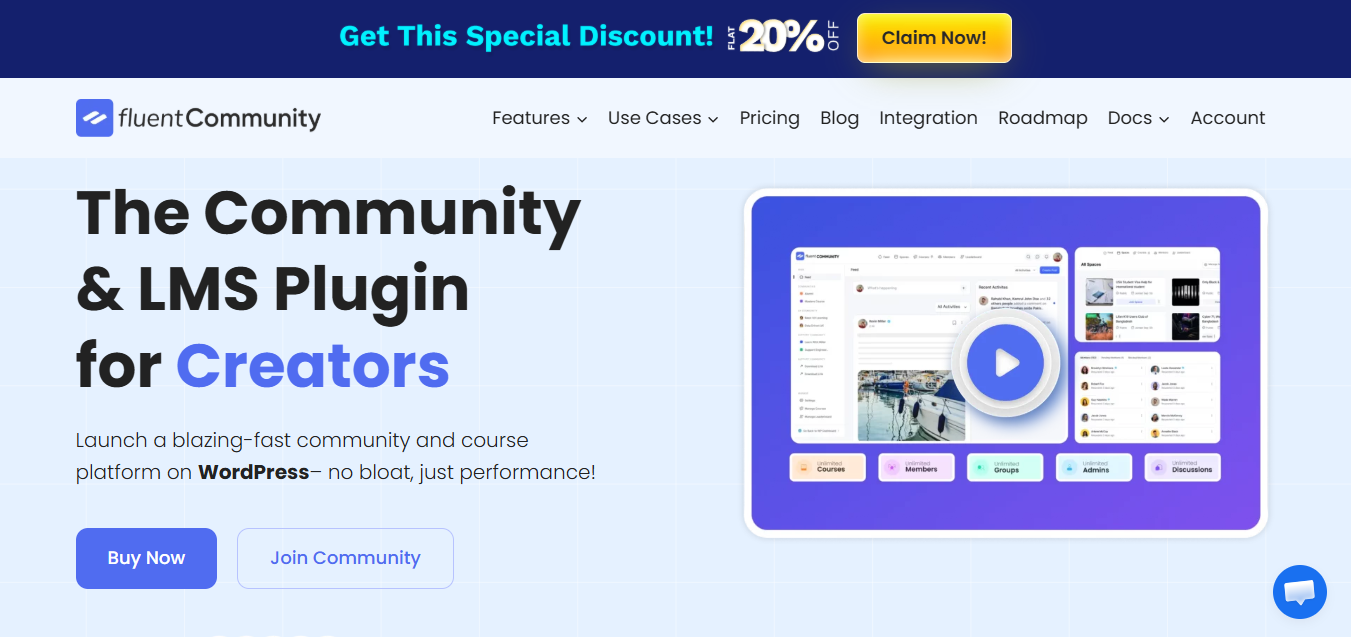
12. FluentCommunity: Best for Self Hosted WordPress Communities
FluentCommunity is a WordPress plugin that adds community discussions, member profiles, and courses to a website. It offers a self hosted alternative to separate subscription based community platforms. Website owners manage their community within the WordPress environment.
Members can publish posts, participate in discussions, and access learning content. Community administrators can organize participation into spaces and manage access. For example, a WordPress training website could create dedicated student discussions alongside its existing content.
FluentCommunity also supports engagement functionality such as mentions, reactions, polls, and leaderboards. Its course builder allows owners to provide structured educational materials. These features help WordPress users build community experiences without managing a separate hosted service.
Key Features
- Community spaces: Organize member conversations.
- Activity feeds: Share posts and updates.
- Member profiles: Display member information.
- Course builder: Publish lessons and learning materials.
- Engagement tools: Use reactions, polls, and participation features.
- Search: Help members discover community content.
- WordPress integration: Operate within an existing website.
Pricing
FluentCommunity offers a free version, while premium licenses provide additional functionality. Its official pricing page lists a promotional single site annual license at $159. The standard displayed price is $199, while the single site lifetime option costs $399.
The license doesn’t include independent website hosting. Businesses must also budget for WordPress maintenance, backups, and security. Additional commerce or marketing functionality may require compatible plugins.
Advantages
FluentCommunity allows WordPress owners to operate communities through their existing websites. Its free entry option reduces initial software expenses. The course and discussion features support educational communities without requiring separate hosted platforms.
Limitations
Self hosting introduces ongoing technical responsibilities. Performance depends on the WordPress environment and available server resources. Some advanced business requirements may need additional plugins or custom development.
When to choose FluentCommunity
Choose FluentCommunity when you want a WordPress community with direct hosting control. It suits creators, educators, and small businesses already comfortable managing WordPress. BuddyBoss may be worth comparing when more extensive social networking and website customization are required.
13. Slack: Best for Professional and B2B Communities
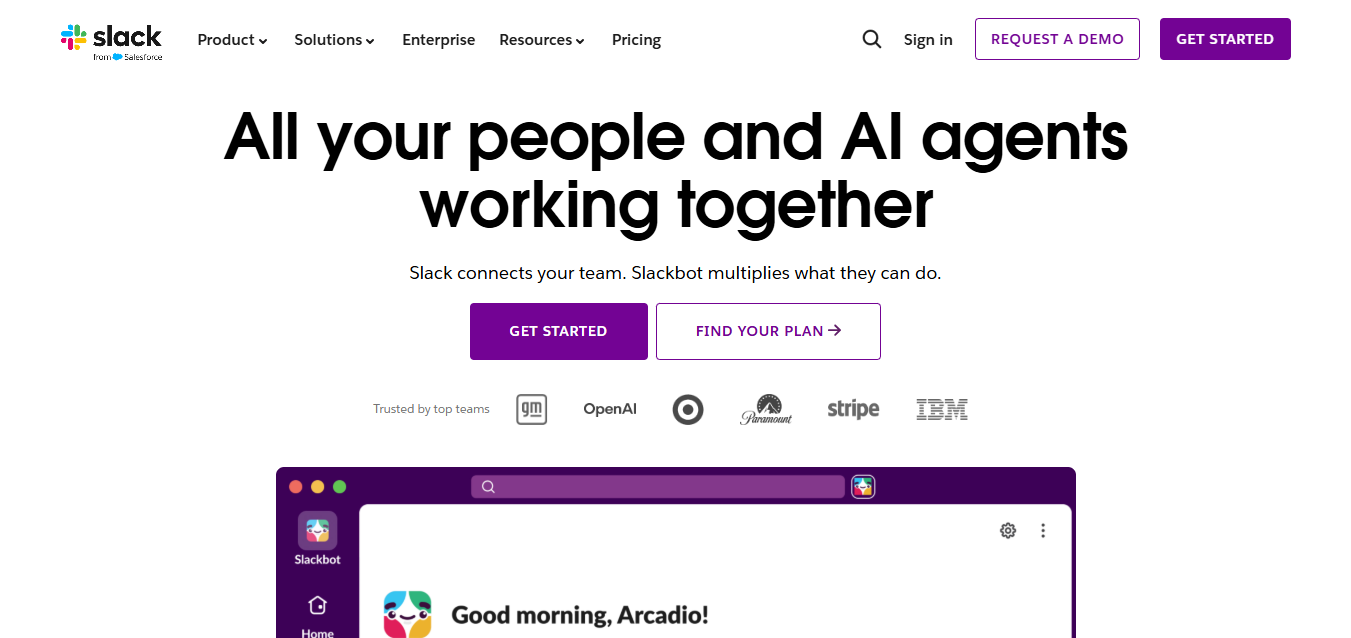
Slack is a communication platform suitable for professional groups, business networks, and collaborative communities. It organizes conversations into channels where participants can share ideas and information. Although designed for workplace communication, Slack also supports external industry networks.
Community administrators can create channels for different subjects and professional interests. Members can exchange documents, ask questions, and communicate privately. A startup founder community might separate funding discussions from hiring, product development, and marketing advice.
Slack also connects with business software such as Google Drive, Salesforce, and Jira. Its search functionality helps members locate previous conversations, depending on subscription restrictions. This makes Slack relevant when professional collaboration matters more than membership monetization.
Key Features
- Channels: Organize conversations by subject.
- Direct messaging: Support private professional communication.
- File sharing: Exchange documents and project materials.
- Integrations: Connect productivity and business applications.
- Search: Locate previous messages and shared information.
- Huddles: Support live audio and video collaboration.
- Workflows: Automate selected business processes.
Pricing
Slack offers a free plan, while Pro costs $7.25 per active user monthly with annual billing. Monthly billing costs $8.75 per active user, according to Slack’s official pricing. Larger business subscriptions provide additional administrative and security capabilities.
The free plan restricts access to older message history. Paid per user pricing can become expensive when a large professional community requires full access. Owners should calculate expenses using their expected number of active paid users.
Advantages
Slack provides organized business communication through a familiar workplace interface. Its integrations help members work with existing productivity applications. Channels can keep professional discussions separated by purpose.
Limitations
Per user pricing can be unsuitable for large external membership communities. Slack doesn’t primarily provide integrated paid courses or creator membership subscriptions. Its branding and community presentation are also more limited than dedicated community builders.
When to choose Slack
Choose Slack when professional communication and collaboration are your central requirements. It fits founder groups, industry networks, and business peer communities. Discord may be cheaper for large informal groups, while Discourse suits searchable knowledge sharing.
14. Facebook Groups: Best for Free Social Communities
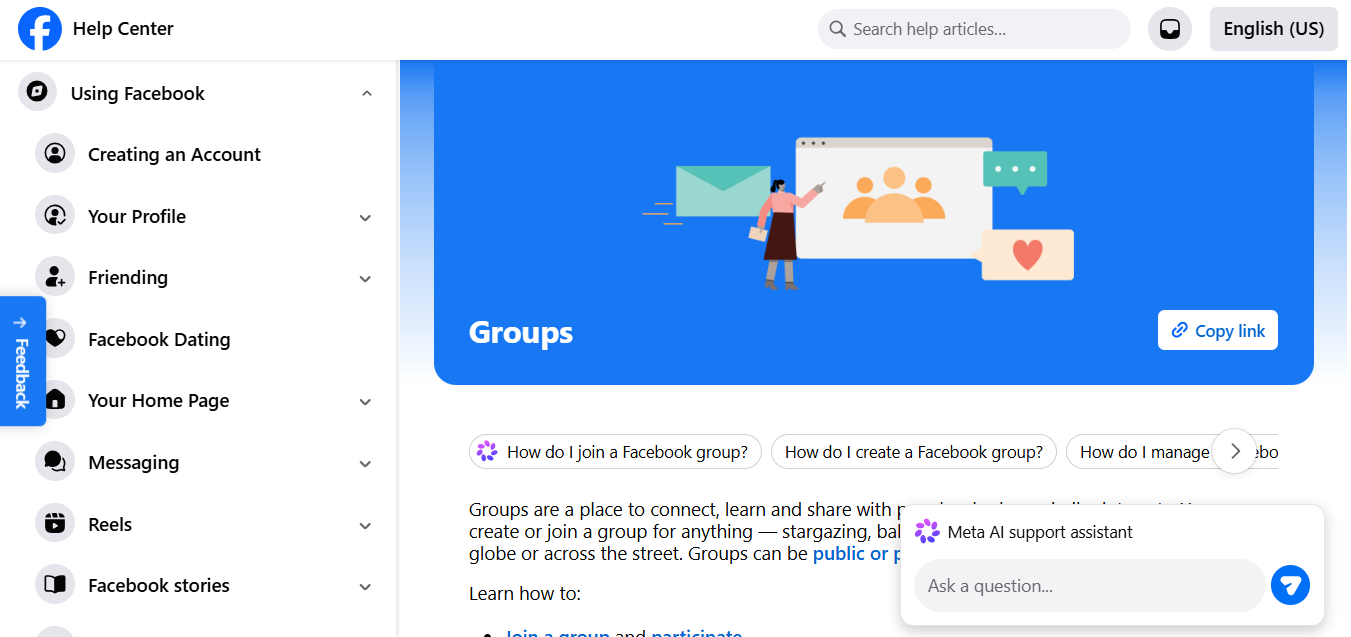
Facebook Groups is a free community feature for people sharing interests, experiences, and local connections. It lets administrators create public or private groups within Facebook. Members can join conversations using accounts they already maintain on the social network.
Groups support posts, comments, media sharing, and community announcements. Administrators can establish membership questions and moderation rules. A local business could use a group to answer customer questions and share community updates.
Facebook Groups also benefit from Facebook’s existing audience. Pew Research Center reported that 71% of surveyed U.S. adults used Facebook in 2025. However, this figure doesn’t establish how frequently those users participate in groups.
Key Features
- Public and private groups: Control membership visibility.
- Posts and comments: Support social conversations.
- Group rules: Establish participation expectations.
- Membership questions: Review new member requests.
- Events: Organize relevant community activities.
- Media sharing: Publish photos and videos.
- Moderation: Manage member behavior and content.
Pricing
Facebook Groups is free to create and manage. Owners don’t need a dedicated community software subscription for standard group functionality. Optional advertising, external software, and community management services can create additional expenses.
The platform doesn’t provide the same built in monetization experience as specialized paid community software. Businesses may require other services for courses, membership subscriptions, or customer management. These additional requirements should be considered before choosing Facebook as the main community location.
Advantages
Facebook Groups allows communities to start without software subscription fees. Its familiar interface can reduce onboarding difficulties for existing Facebook users. Group administration also provides basic moderation and membership controls.
Limitations
Community owners have limited control over branding and the platform environment. Facebook determines much of the experience through its interface and service policies. Integrated course selling and extensive customization aren’t standard group capabilities.
When to choose Facebook Groups
Choose Facebook Groups when your audience already uses Facebook and basic discussions meet your requirements. It suits local communities, interest groups, and businesses testing audience engagement. A dedicated platform becomes more relevant when branding, paid access, or ownership requirements increase.
15. Reddit: Best for Public Discussions and Interest Communities
Reddit is a public discussion platform where communities form around specific subjects and shared interests. Individual communities are called subreddits, and each can establish its own discussion rules. Members publish posts, reply to conversations, and vote on contributions.
Reddit supports communities focused on technology, gaming, hobbies, education, and consumer experiences. Public conversations can attract people searching for information on specific subjects. For example, a photography subreddit might help members compare camera equipment and troubleshoot technical problems.
Moderators manage individual subreddit rules within Reddit’s broader policies. Voting helps determine the visibility of individual contributions. The platform’s public discussion model differs from private software built around paid memberships.

Key Features
- Subreddits: Create communities around specific subjects.
- Discussion threads: Organize public conversations.
- Voting: Let members influence post visibility.
- Moderation: Establish and enforce participation rules.
- Search: Discover previous questions and discussions.
- Community participation: Support comments and shared content.
- Public discovery: Reach people browsing relevant subjects.
Pricing
Reddit communities are free to create and participate in. The platform offers optional paid services and advertising products. These aren’t required to operate a standard subreddit.
Creating a subreddit doesn’t provide full control over the underlying platform. Community owners must follow Reddit’s policies and moderation requirements. Businesses also shouldn’t assume they can export subreddit participants into a private customer membership system.
Advantages
Reddit supports public discussions without requiring a software subscription. Its voting system helps communities organize contributions through member participation. Public threads can remain useful for people researching the same subject later.
Limitations
Reddit provides limited branded customization compared with dedicated community platforms. It doesn’t primarily support private course selling or integrated creator membership subscriptions. Community control remains subject to Reddit’s service policies.
When to choose Reddit
Choose Reddit when your goal is public discussion around a shared subject. It suits hobby communities, technical discussions, and interest based networks. Circle or Skool would be more suitable for private paid learning memberships.
How We Selected the Top Community Platforms
We selected the top community platforms by comparing functionality, pricing, intended audiences, and management requirements. The review covers 15 platforms serving creators, educators, SaaS businesses, nonprofits, and public discussion communities. Each product was evaluated against its primary purpose rather than judged only by feature count.
Our research used official product descriptions, pricing pages, and publicly available documentation. We considered community engagement, membership management, monetization, branding, integrations, and mobile access. We also examined restrictions involving transaction fees, administrator access, hosting, and data portability.
The comparison includes both hosted services and self hosted software. This distinction matters because providers such as Circle manage infrastructure differently from WordPress products such as BuddyBoss. We also included free services such as Discord and Reddit to reflect different budget requirements.
These recommendations represent documented product research rather than independent hands-on testing of every platform. We don’t claim that a platform’s marketing statements guarantee particular engagement or revenue results. Readers should verify current subscription conditions and test shortlisted products before making a purchase.
Which Community Platform Is Best for Your Needs?
The best community platform depends on your audience, business model, budget, and preferred member experience. Circle, Skool, and Mighty Networks suit paid creator communities, while Discord supports frequent live conversations. Bettermode, Discourse, and Higher Logic Vanilla address different customer support and business requirements.
Choose according to the main activity members will perform, not the number of features advertised. A training community needs different functionality from a technical support forum. The recommendations below match each audience with relevant platform capabilities.
Best Community Platforms for Creators, Coaches, and Educators
Circle, Mighty Networks, and Skool are suitable for creators selling learning and membership experiences. Circle emphasizes branded spaces, payment tools, and organized course discussions. Mighty Networks adds networking and member discovery to its educational offering.
Skool combines a simple classroom with points and participation rewards. Kajabi provides additional marketing functionality for creators selling several digital products. Select according to whether branding, member networking, simplicity, or integrated marketing matters most.
Best Community Platforms for Startups and Small Businesses
Discord, Heartbeat, and FluentCommunity offer different approaches for startups and smaller organizations. Discord provides free discussions and voice channels without a software subscription. Heartbeat combines events, communication, and paid community access.
FluentCommunity suits businesses operating existing WordPress websites. Its self hosted model gives owners more direct control but introduces maintenance responsibilities. Compare your technical resources before choosing between hosted and WordPress software.
Best Community Platforms for SaaS Companies and Enterprises
Bettermode, Discourse, and Higher Logic Vanilla support customer communities and product discussions. Bettermode offers branded areas for customer engagement and questions. Discourse organizes searchable support conversations that remain useful over time.
Higher Logic Vanilla focuses on enterprise customer community operations. Hivebrite is more relevant when networking, member directories, and professional associations are central. Enterprise buyers should also compare authentication, reporting, access permissions, and integration requirements.
Best Community Platforms for Free and Public Communities
Discord, Facebook Groups, and Reddit provide free options for communities built around conversation. Discord is suitable for live chat and gaming related activity. Facebook Groups can serve audiences already participating on Facebook.
Reddit works when public discussions and topic discovery are more important than branded memberships. Discourse also offers a free hosted option for structured forums. Free access should still be evaluated against moderation, data control, and future requirements.
What Are the Different Types of Community Platforms?
Community platforms generally include integrated membership software, social communication services, and structured discussion forums. They also differ according to hosting arrangements and ownership requirements. Understanding these categories helps narrow the list before comparing individual products.
All in One Community Platforms vs Social Community Platforms
All in one platform combines community interaction with additional functions such as courses, payments, and events. Circle, Mighty Networks, and Kajabi offer different combinations of these capabilities. They suit organizations selling subscriptions or providing structured learning programs.
Social platforms such as Facebook Groups and Reddit primarily support conversations and audience interaction. They provide accessible starting points but offer less control over branding and monetization. Choose integrated software when the community is part of a paid product or business.
Community Forums vs Chat Based Platforms
Forums organize long term discussions, while chat platforms prioritize immediate communication. Discourse stores conversations in searchable topics and categories. Discord and Slack emphasize frequent messages organized through channels.
Forums are suitable when members regularly revisit previous answers or technical discussions. Chat platforms are useful for live collaboration, announcements, and informal interaction. Select according to how long information needs to remain easy to discover.
Hosted vs Self Hosted Community Platforms
Hosted platforms manage software infrastructure, while self hosted platforms run on servers controlled by the owner. Circle and Mighty Networks handle core hosting and application maintenance. Their subscription agreements determine included features and usage allowances.
BuddyBoss and FluentCommunity operate through separately hosted WordPress websites. Discourse also allows organizations to install its open source software independently. Self hosting increases technical responsibility but offers greater deployment control.
Free vs Paid Community Platforms: Which Should You Choose?
Choose a free platform for basic discussions and consider paid software when additional functionality supports clear business requirements. Discord, Facebook Groups, and Reddit provide free participation and community creation. Circle, Mighty Networks, and Skool offer paid membership capabilities and structured learning tools.
The correct choice depends on how your community operates and generates value. A free service may meet the needs of thousands of casual participants. A smaller paid community may require subscriptions, course access, and detailed membership administration.
When Is a Free Community Platform Enough?
Free platforms are sufficient when members mainly need conversations, updates, and basic moderation. Discord supports live discussions, voice communication, and access permissions. Facebook Groups provides posts, membership questions, and social interaction.
For example, a startup could use Discord to connect its first 100 product testers. This approach allows the business to evaluate participation before purchasing dedicated software. However, it may later need a structured support forum or integrated customer membership system.
When Should You Upgrade to a Paid Platform?
Upgrade when your community needs paid memberships, branded experiences, advanced management, or structured educational content. Circle offers private spaces and integrated payments. Mighty Networks connects learning, events, and member networking.
A business should also consider upgrading when administration becomes difficult across separate services. Managing course access, payments, and discussions manually can create avoidable work. Compare expected savings and revenue against the additional subscription cost.
How Much Do Online Community Platforms Cost?
Online community platforms cost anywhere from $0 to several thousand dollars annually, depending on the service and requirements. Discord and Facebook Groups offer free community creation. Circle, Kajabi, and Mighty Networks charge subscription fees, while enterprise vendors use custom quotations.
Monthly subscription price doesn’t always represent total ownership cost. Additional expenses may include transaction fees, hosting, administration, integrations, and migration. Calculate expected spending before comparing plans.
Subscription Plans and Membership Based Pricing
Community software uses several pricing models, including subscriptions, annual licenses, and custom enterprise agreements. Circle’s Professional plan starts at $89 monthly with annual billing. Skool offers Hobby at $9 monthly and Pro at $99 monthly.
BuddyBoss uses an annual WordPress software license with introductory and renewal pricing. Slack charges by active paid users rather than selling a single community membership subscription. These differences make direct price comparisons misleading without considering the number of administrators and members.
Annual billing can reduce the displayed monthly equivalent but requires a larger upfront commitment. Businesses should review cancellation policies, refund conditions, and renewal costs. A lower introductory price doesn’t guarantee lower expenses over several years.
Transaction Fees, Hosting, and Hidden Costs
Transaction charges, payment processing, hosting, and extra services can increase the real cost of community software. Skool’s Hobby plan charges 10% plus $0.30 per transaction. Circle Professional lists a 2% platform transaction fee, excluding applicable processing costs.
Consider a paid community earning $2,000 monthly from 100 memberships costing $20 each. A 10% platform fee equals $200 before fixed transaction charges and other expenses. Under Skool’s published Hobby fee structure, another $30 would apply across those 100 transactions.
For comparison, Skool Pro’s published 2.9% plus $0.30 structure would total $88 for the same transaction volume. Adding its $99 subscription produces $187 before any other applicable costs. This example illustrates why a higher subscription can sometimes produce a lower overall expense.
Self hosted software such as BuddyBoss requires separately purchased website hosting. Businesses may also need backups, premium plugins, and development assistance. Branded applications and advanced integrations can introduce further charges.
Which Community Platforms Offer the Best Value?
The best value comes from choosing the least costly platform that meets your actual requirements. Discord may be sufficient for free conversations and voice communication. Skool offers learning and membership functionality through a relatively inexpensive entry plan.
Circle may replace separate services for course hosting, community access, and events. WordPress software can be economical for organizations already maintaining suitable hosting infrastructure. Compare annual ownership costs, administrative effort, and required functionality rather than starting price alone.
What Features Should You Look for in a Community Platform?
A community platform should provide communication, membership management, security, and functionality suited to its intended audience. A coaching community may prioritize courses, payments, and events. A SaaS customer community may require searchable answers, moderation, integrations, and detailed access permissions.
Community Engagement, Discussions, and Member Management
Look for organized discussions, member profiles, notifications, and straightforward access management. Circle provides dedicated spaces for different community activities. Discourse organizes conversations into searchable categories and topics.
Member administration should cover registration, onboarding, permissions, and moderation. Engagement reporting can help owners identify inactive members and popular discussion areas. These capabilities matter more than adding features that members won’t use.
Courses, Events, Memberships, and Monetization
Paid communities often require course hosting, recurring payments, event scheduling, and restricted content access. Mighty Networks combines courses with community networking and live events. Skool provides a classroom, calendar, and participation rewards.
Kajabi adds marketing functionality, including landing pages and email campaigns. These features suit businesses selling broader educational products. Confirm whether payment support and transaction charges meet your business requirements.
Mobile Apps, Custom Branding, and Integrations
Mobile access, branding, and integrations shape how members use a community outside desktop browsers. Circle offers shared mobile applications and custom domains. BuddyBoss provides WordPress customization and separate branded app products.
A shared mobile application isn’t identical to an app published under your business name. Branded applications may require custom or enterprise subscriptions. Check compatibility with payment software, CRM systems, and automation tools before choosing.
Moderation, Analytics, Security, and Scalability
Moderation, reporting, security, and scalability become more important as communities grow. Discord provides roles, permissions, and automated safety functionality. Discourse offers trust levels, content controls, and community administration.
Business platforms may also support single sign on and advanced administrator access. Analytics should track useful activity rather than only the total number of registered members. Review plan limits, security documentation, and support commitments before expanding.
How to Choose the Best Community Platform
Choose a community platform by identifying your audience, comparing essential features, and calculating total costs. Start with the main purpose of your community rather than a particular brand. Narrow your selection to three relevant products before evaluating their differences.
Match the Platform to Your Community Goals and Audience
Define whether your community exists for learning, customer support, professional networking, or public discussion. A coaching business might need Skool or Circle for memberships and courses. A software business might prefer Discourse or Bettermode for searchable customer conversations.
Estimate expected membership and activity over the next year. A community with 100 coaching members has different management requirements from a support forum serving 10,000 customers. Choose the platform category that supports your main activity.
Compare Pricing, Features, and Ease of Use
Compare subscription expenses, essential functionality, and the practical experience of running the community. Review payment fees, member capacity, administrator access, and integration availability. Include costs for hosting, branded apps, and technical support when relevant.
Use available free trials to test common administrative tasks. Create a discussion area, invite members, and configure access permissions. Check whether the platform feels understandable to a first time participant.
Check Data Ownership, Support, and Future Growth
Review export capabilities, support arrangements, and growth restrictions before committing to a platform. Confirm whether member records and discussion content can be downloaded. Ask which information can be moved to a different provider later.
Hosted services manage more infrastructure tasks but introduce provider dependency. Self hosted software provides deployment flexibility but requires technical administration. Choose an arrangement your organization can maintain over several years.
Popular Community Platform Comparisons
Circle, Mighty Networks, Skool, Discord, Discourse, and Slack serve different community purposes. Comparing their main functions is more useful than ranking them by feature count. The following distinctions help narrow the selection.
Circle vs Mighty Networks vs Skool
Choose Circle for branded membership spaces, Mighty Networks for networking, and Skool for simple gamified learning. Circle provides organized courses, events, and membership administration. Mighty Networks emphasizes relationships and member discovery.
Skool combines a classroom with points, levels, and discussion activity. Its entry price is lower, although transaction fees require attention. Compare actual membership requirements before selecting one of these services.
Discord vs Discourse vs Slack
Discord suits live chat, Discourse suits searchable forums, and Slack suits professional collaboration. Discord provides text and voice channels for active communities. Discourse organizes longer discussions and previously answered questions.
Slack supports workplace communication and integrates with business productivity software. However, its paid per user model can become costly for large groups. Choose based on conversation style and information retention requirements.
Facebook Groups vs Dedicated Community Platforms
Facebook Groups provides free social interaction, while dedicated platforms offer additional membership and branding control. Facebook works for groups needing posts, comments, and announcements. Circle and Mighty Networks add courses, paid access, and structured experiences.
Dedicated services usually require a subscription but may replace several separate applications. Facebook remains useful when members already spend time on the social network. Consider ownership and monetization requirements before deciding.
Community Ownership and Migration: What Should You Know?
Community ownership and migration depend on hosting arrangements, platform terms, and available export functionality. A branded community doesn’t automatically provide complete control over infrastructure or member data. Review these requirements before building a long term community business.
Who Owns Your Community Data and Content?
Data rights and control differ between hosted services and software running on your own infrastructure. Circle and Mighty Networks operate hosted environments governed by their service agreements. BuddyBoss and FluentCommunity run through WordPress installations controlled by website owners.
Self hosting allows greater control over backups and server configuration. However, owners must still protect member information and follow applicable privacy requirements. Review data export rights, content licensing, and service termination terms before committing.
Can You Move Your Community to Another Platform?
Community migration is possible in some cases, but complete transfer isn’t guaranteed. Member records, discussion archives, course materials, and payment subscriptions may require separate processes. Available exports also depend on the original platform and selected plan.
Before migrating, test which information the destination platform can import. Confirm whether members must create new accounts or update payment details. Preserve backups and communicate the transition before closing the original community.
Common Mistakes to Avoid When Choosing a Community Platform
The biggest mistakes involve choosing by price alone, ignoring member experience, and overlooking long term requirements. A low subscription can become expensive when transaction fees and additional services are included. Compare the total cost rather than focusing on introductory pricing.
Another mistake is selecting software that doesn’t match the community’s main purpose. Discord is effective for live chat but doesn’t replace a dedicated course platform. Discourse supports searchable discussions but isn’t primarily designed for selling coaching memberships.
Businesses also overlook migration, moderation, and technical maintenance. A WordPress community requires updates, reliable hosting, and backups. Hosted software reduces some technical tasks but introduces dependence on the provider.
Finally, avoid assuming additional features automatically increase engagement. Test onboarding, navigation, notifications, and discussion organization before purchasing. Choose a platform members can use comfortably and administrators can manage consistently.
Final Thoughts
Choosing from the top community platforms in 2026 becomes easier when you know what your members need. Circle, Mighty Networks, and Skool support different paid membership experiences. Discord, Discourse, and Facebook Groups provide alternatives for communication, forums, and free communities.
Start by choosing three platforms that match your budget and main purpose. Compare their total costs, essential features, and data export options. Then test the member experience before making a long term commitment.
Frequently Asked Questions About Community Platforms
What Is the Best Online Community Platform Overall?
Circle is a strong choice for paid creator communities requiring courses, memberships, and branded discussion spaces. Mighty Networks may be more suitable when member networking matters most. Discourse is a different option for businesses prioritizing structured public discussions.
There isn’t one platform that fits every audience. Your budget, community format, technical skills, and monetization requirements determine the better choice. Compare at least three relevant services before committing.
Which Community Platform Is Best for Beginners?
Skool, Discord, and Facebook Groups are accessible starting points for different community requirements. Skool provides a simple combined classroom and discussion experience. Discord and Facebook Groups allow people to begin without paying a standard software subscription.
The easiest platform depends on what your members already understand. Beginners selling courses may prefer Skool, while informal groups may prefer Facebook. Test onboarding and administration before selecting a permanent solution.
Can You Build an Online Community for Free?
Yes, Discord, Facebook Groups, Reddit, and Discourse offer ways to start communities for free. FluentCommunity also provides a free WordPress plugin option. However, self hosted software still requires hosting and technical maintenance.
Free services may limit customization, monetization, or access to historical information. These restrictions aren’t equally important for every community. Choose based on whether the available features meet your current requirements.
What Is the Best Platform for Paid Memberships?
Circle, Skool, and Mighty Networks support paid community memberships and learning content. Circle focuses on branded spaces and integrated community management. Skool combines memberships with courses and gamification.
Mighty Networks emphasizes networking and member relationships alongside educational programs. Compare transaction fees, subscription costs, and member experience before choosing. Kajabi is another option when integrated marketing functionality matters.
Which Community Platforms Have Mobile Apps?
Circle, Mighty Networks, Skool, Discord, and Slack provide mobile access through supported applications. Some platforms offer shared applications where members access multiple communities. Others provide separate branded app products through higher priced services.
A responsive website isn’t the same as an independently branded native application. Confirm availability for Android and iOS before making a decision. Also check whether app functionality differs from the browser experience.
Are Self Hosted Community Platforms Better Than Hosted Platforms?
Self hosted platforms offer greater infrastructure control, while hosted services reduce technical maintenance. BuddyBoss, FluentCommunity, and Discourse support self hosting. Circle and Mighty Networks handle core software hosting within their subscription services.
Self hosting is useful when customization and server control are important. Hosted software suits businesses without dedicated technical resources. Neither approach guarantees lower cost, better security, or stronger engagement.
Can Community Platforms Support Thousands of Members?
Yes, community platforms such as Circle, Discourse, and Bettermode support communities with substantial memberships. Circle advertises unlimited members on its published plans. Bettermode’s Starter plan lists capacity for up to 10,000 members.
However, member count doesn’t fully describe a platform’s capacity. Concurrent activity, storage, integrations, moderation, and administrator limits also matter. Confirm expected usage with the provider before launching a large community.