

High performance VPS hosting provides powerful server resources, greater control, and more consistent performance for demanding websites. It uses virtualization to divide a physical server into separate virtual environments. Each VPS receives allocated processing power, memory, and storage.
These hosting plans often include modern CPUs, NVMe SSD storage, and high speed network connections. They support WordPress websites, online stores, business applications, and growing online services. However, actual performance depends on resource allocation, application configuration, and the hosting provider’s infrastructure.
This guide explains what high performance VPS hosting is, how it works, and its seven key benefits. You’ll learn how it compares with standard VPS, shared hosting, cloud hosting, and dedicated servers. You’ll also discover how to evaluate performance, choose specifications, understand costs, and decide when upgrading makes sense.
What Is High Performance VPS Hosting?
High performance VPS hosting is virtual private server hosting designed to provide stronger processing capacity, faster storage, and consistent application performance. It operates on physical hardware divided into separate virtual machines. Each virtual server runs its own operating system and receives allocated computing resources.
Unlike shared hosting, a VPS gives administrators greater control over server software and configurations. High performance plans typically feature modern processors, such as AMD EPYC or Intel Xeon, and NVMe SSD storage. These technologies can improve processing speed and disk access when hardware performance limits an application.
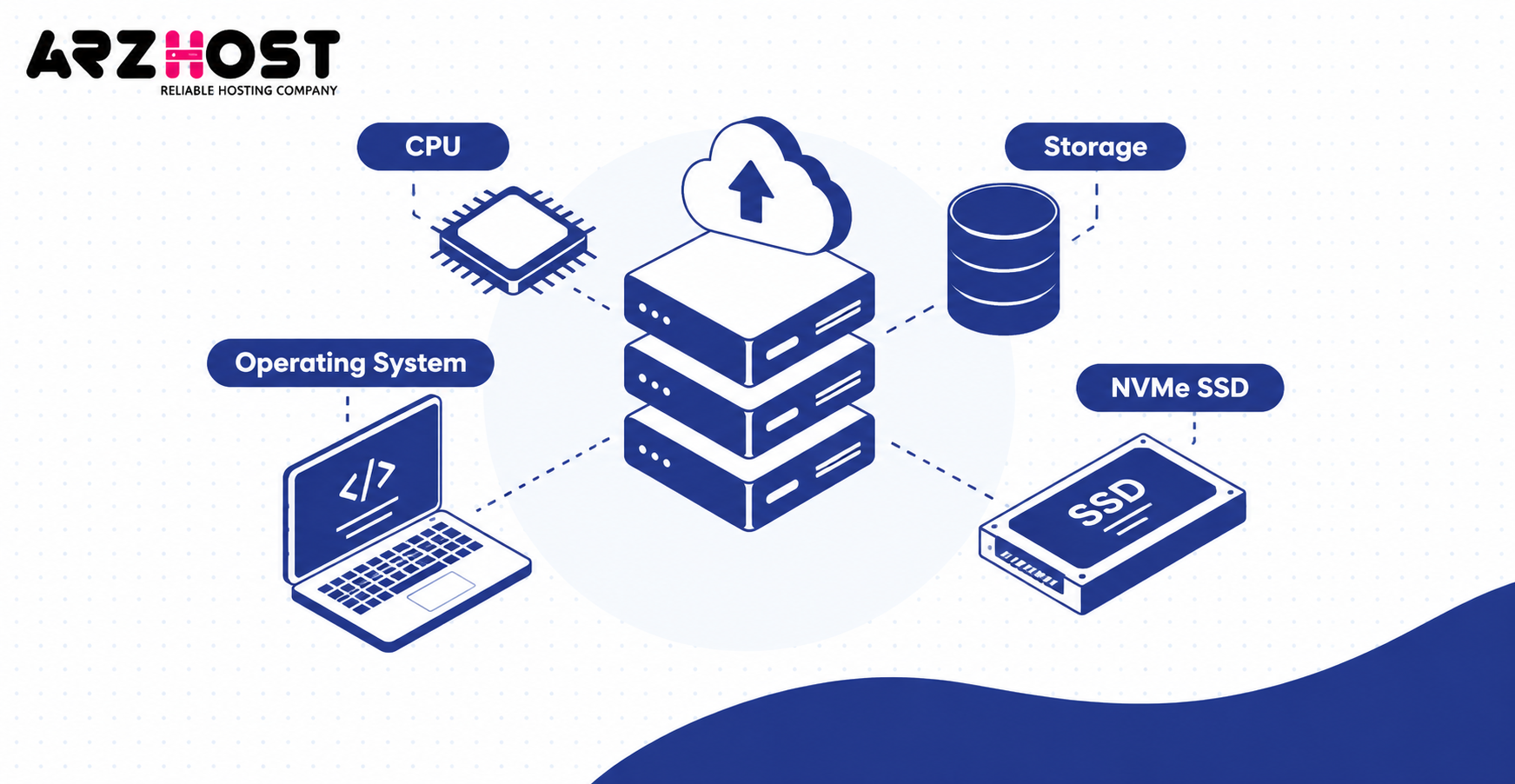
For example, a VPS might include 4 vCPUs, 8 GB RAM, and 100 GB NVMe storage. This configuration could support a growing WordPress website or a business application. Actual capacity depends on traffic patterns, caching, database activity, and resource allocation.
High performance VPS is not a standardized hosting classification. Providers may use the term for different processor generations, storage configurations, or CPU sharing policies. Compare measurable specifications and workload performance rather than relying on the product name.
How Does High Performance VPS Hosting Work?
High performance VPS hosting works by dividing a physical server into independent virtual machines using virtualization technology. A software layer called a hypervisor manages these virtual environments. It allocates processing capacity, memory, storage access, and other hardware resources.
For example, a physical server might contain 32 CPU cores and 128 GB RAM. A provider could create VPS plans offering 4 vCPUs and 8 GB RAM each. The total number of VPS instances depends on capacity planning and allocation policies.
Physical Servers and Virtualization
A physical server provides the processing hardware, memory, storage, and network connections. Virtualization allows multiple operating systems to operate independently on that hardware. Each VPS behaves like a separate server while sharing the underlying infrastructure.
KVM, or Kernel based Virtual Machine, is a Linux virtualization technology. KVM supports isolated virtual machines with independent operating systems and administrative environments. Administrators can install compatible software, configure services, and manage their assigned server.
CPU, RAM, and Storage Allocation
A VPS plan specifies its virtual CPU count, memory capacity, and storage allowance. RAM allocations are generally reserved or controlled by the virtualization platform. CPU capacity may be shared or dedicated, depending on the provider’s service model.
For example, 4 shared vCPUs do not necessarily represent 4 exclusive physical CPU cores. Other virtual machines may compete for processing time on the same host. Dedicated vCPU plans can reduce this competition, although underlying hardware may remain shared.
Resource Isolation and Performance Consistency
Virtualization separates software environments and helps prevent one VPS from directly controlling another. However, isolation does not guarantee exclusive use of every physical component. Shared CPU capacity, storage systems, and network infrastructure can still experience contention.
This explains why identical VPS specifications may deliver different performance between providers. CPU scheduling, host utilization, and storage limits influence actual application response times. A reliable performance evaluation must consider both resource specifications and sustained workload behavior.
What Makes a VPS High Performance?
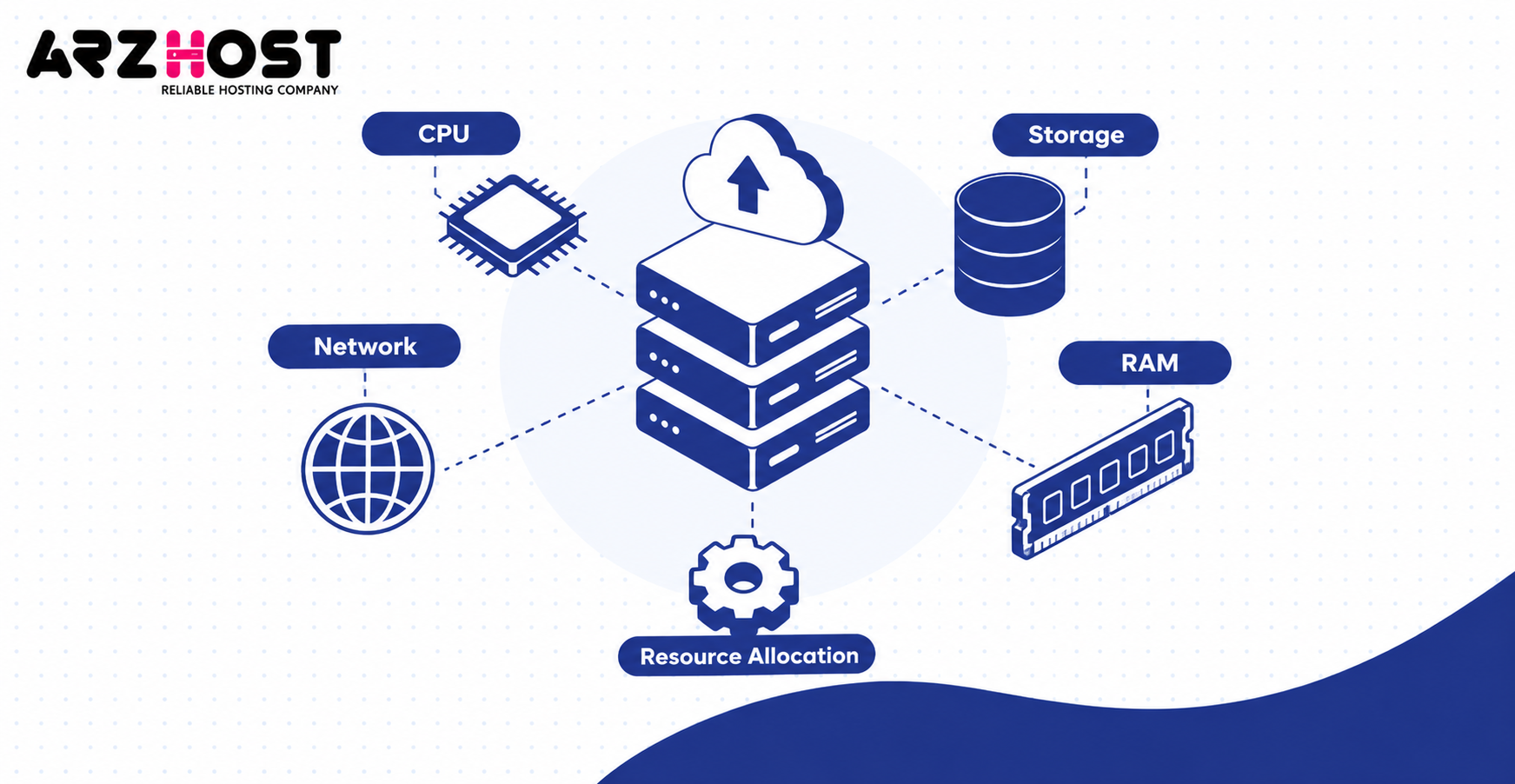
A VPS becomes high-performance through capable processors, fast storage, sufficient memory, efficient networking, and well managed resource allocation. Each component affects a different part of application performance. The correct balance depends on the workload rather than one impressive specification.
Powerful CPUs and vCPU Allocation
CPU performance determines how quickly a VPS processes application instructions and server requests. Modern processors, including AMD EPYC and Intel Xeon, provide multiple cores and advanced processing capabilities. Clock speed, processor architecture, and CPU allocation influence real world results.
A vCPU represents virtual processing capacity assigned to a virtual machine. For example, a 4 vCPU plan may use shared processing threads rather than exclusive physical cores. Ask whether the provider offers shared, dedicated, or guaranteed CPU allocations.
NVMe SSD Storage and Faster Disk Access
NVMe SSD storage uses PCIe connectivity to support low-latency, high-throughput storage operations. It can outperform SATA SSD storage in workloads requiring frequent disk access. Database operations, application files, and large data transfers can benefit from faster storage.
For example, WooCommerce may repeatedly read product data and update transaction records. Faster storage can reduce processing delays when disk I/O is the limiting factor. Actual VPS performance still depends on storage sharing, IOPS limits, and database optimization.
RAM and Memory Performance
RAM holds active application data and reduces dependence on slower storage access. Sufficient memory supports server processes, database caching, and active application workloads. Insufficient RAM may trigger swapping or out-of-memory errors.
For example, a VPS with 8 GB RAM has more memory capacity than a 4 GB plan. That difference matters when application memory demand exceeds the smaller allocation. Increasing RAM provides limited improvement when memory utilization is already comfortably below capacity.
Network Speed and Low Latency
Network performance affects data transfer speed and communication delays between a server and its visitors. Bandwidth describes transfer capacity, while latency describes the delay in sending data. Both influence application performance, particularly for remote users.
A 1 Gbps network port has a theoretical transfer capacity of 125 MB per second. Actual throughput can be lower because of network overhead, congestion, and provider limits. Data center location also affects latency, especially for geographically distant audiences.
Resource Isolation and Performance Consistency
Performance consistency depends on how effectively the provider manages shared physical infrastructure. A VPS can have allocated memory while still sharing CPU and storage capacity. Excessive contention may increase application response times during peak demand.
For example, a shared CPU plan may perform well during light server activity. Its performance can become less predictable when neighboring virtual machines consume substantial processing capacity. Dedicated CPU allocations and responsible host management help reduce this problem.
What Are the 7 Key Benefits of High Performance VPS Hosting?
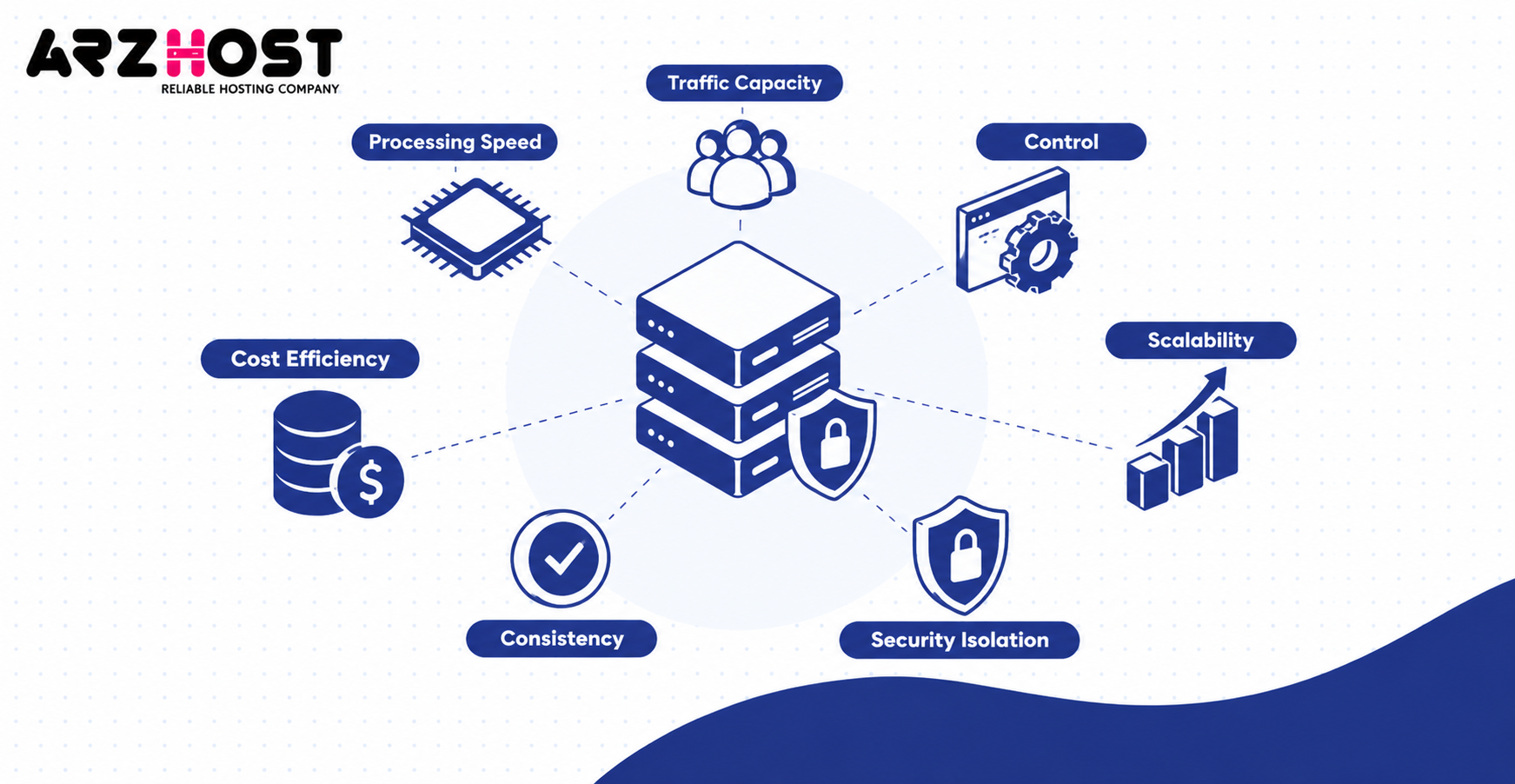
High performance VPS hosting provides seven potential benefits: faster processing, traffic capacity, control, scalability, security isolation, consistency, and cost efficiency. These advantages depend on hardware quality and server configuration. The following benefits explain where stronger hosting infrastructure can provide practical value.
1. Faster Server Processing and Response Times
Modern CPUs and NVMe storage can accelerate server side application operations. For example, WordPress may generate dynamic pages faster when processor performance is the main bottleneck. Faster processing can reduce Time to First Byte, or TTFB.
Google’s web.dev TTFB guidance identifies 800 milliseconds or less as a good target. TTFB measures the time between a request and the first response byte. Faster hosting can help, but network delays and application code also affect this metric.
2. Better Performance During High Traffic
More processing capacity allows a server to handle demanding concurrent workloads. For example, a WooCommerce store may receive increased checkout activity during a promotion. Sufficient CPU and RAM can help process those simultaneous requests.
However, visitor capacity cannot be determined from vCPU count alone. Caching, database queries, plugins, and application design strongly influence resource demand. Load testing provides a more accurate estimate of the traffic a particular configuration can support.
3. Greater Server Control and Customization
VPS hosting provides administrative control over the operating system and installed software. Administrators can configure Nginx, Apache, PHP FPM, Redis, and database services. This flexibility supports application specific performance tuning.
For example, a WordPress administrator can adjust PHP workers or enable object caching. A developer can configure a Node.js application with a PostgreSQL database. The available control depends on the operating system and management model.
4. Flexible Resource Upgrades and Scalability
VPS hosting allows customers to select different resource configurations as application demand changes. A business might upgrade from 4 vCPUs and 8 GB RAM to 8 vCPUs and 16 GB RAM. This approach is called vertical scaling.
Horizontal scaling uses additional server instances to distribute workloads. For example, separate virtual servers can handle web applications and database services. Scaling procedures vary by provider and may require downtime, migration, or application changes.
5. Improved Isolation and Security Control
Virtualization creates separate operating environments for individual VPS instances. Administrators can configure firewalls, SSH access, system updates, and security monitoring. These controls provide more configuration flexibility than typical shared hosting.
However, a VPS is not automatically secure simply because it uses virtualization. Vulnerabilities, weak passwords, and incorrect configurations can still expose applications. Compliance with standards such as PCI DSS requires additional safeguards beyond server isolation.
6. More Consistent Application Performance
High performance VPS plans may offer better resource allocation and lower contention. This can help maintain response times during sustained workloads. For example, a database application benefits from predictable CPU access and storage latency.
Performance consistency should be measured rather than assumed. A server can perform well during a short benchmark but slow down under extended load. Sustained testing and percentile response time measurements reveal this difference.
7. Cost Efficiency Compared With Dedicated Servers
VPS hosting lets customers purchase virtual server capacity without renting an entire physical machine. For example, a business needing 8 vCPUs may not require exclusive access to a 32 core server. This can reduce infrastructure spending for appropriately sized workloads.
Total cost depends on more than the advertised monthly plan price. Backup storage, control panels, operating system licenses, and management services may add charges. Compare the complete cost against the measured performance required by your application.
High Performance VPS vs Regular VPS Hosting
High performance VPS hosting generally emphasizes stronger hardware and more consistent resource delivery than standard VPS plans. Both use virtual machines and can offer similar administrative capabilities. Their practical differences depend on the provider’s infrastructure and resource sharing policies.
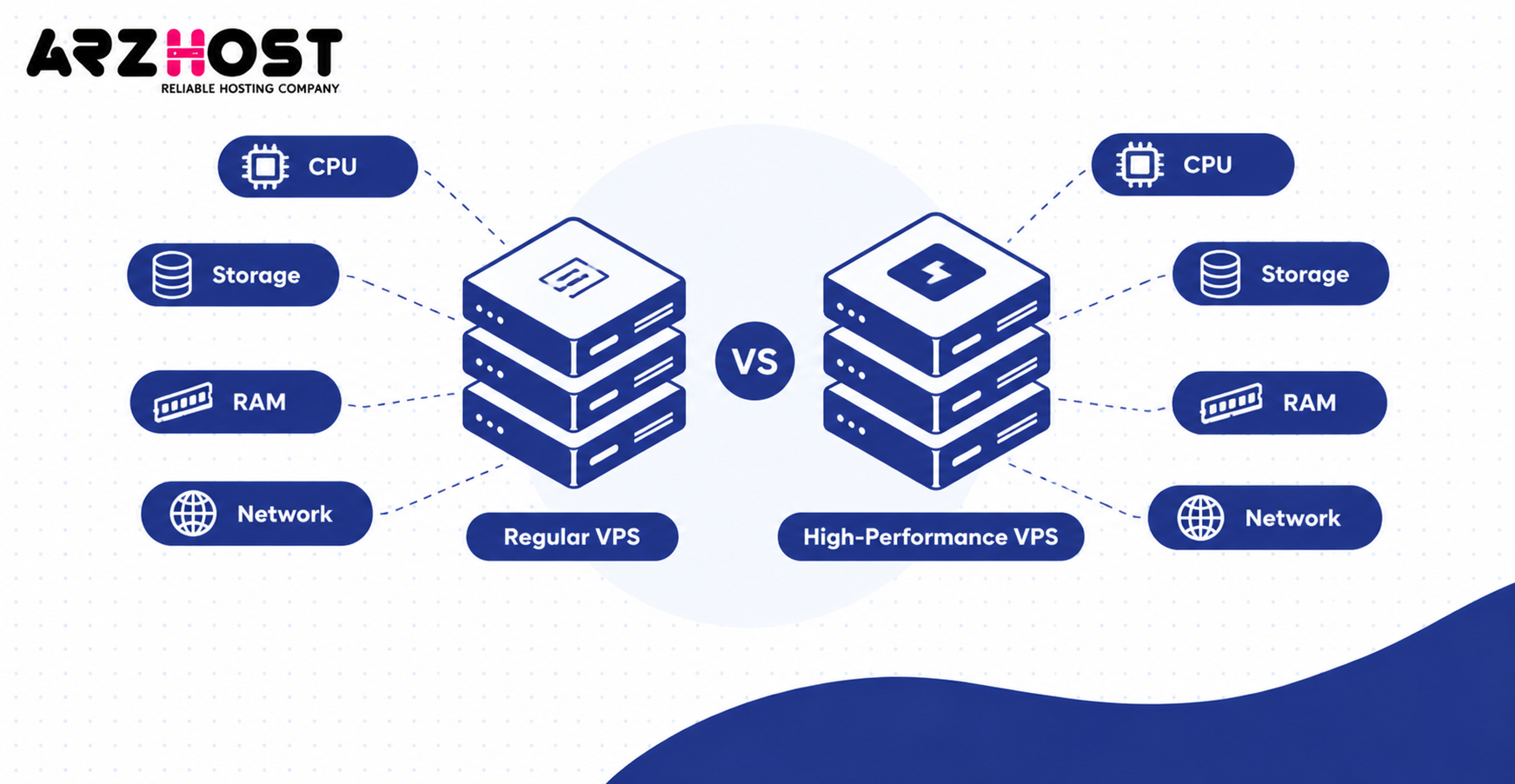
| Feature | Regular VPS | High Performance VPS |
| Processor | General-purpose CPU allocation | Newer or higher performance CPU |
| vCPU allocation | Often shared | Shared, priority, or dedicated options |
| RAM | Varies by plan | Sized for demanding workloads |
| Storage | SATA SSD or NVMe | Commonly high-performance NVMe |
| Storage latency | Depends on infrastructure | May offer lower latency |
| Resource contention | Provider-dependent | Often emphasizes reduced contention |
| Performance | Suitable for ordinary workloads | Designed for heavier workloads |
| Cost | Usually lower-priced tiers | Often higher-priced tiers |
| Typical use | Small websites and development | Busy stores, APIs, databases |
The main distinction is expected performance capability, not a different virtualization model. A regular VPS may be sufficient for a small website with effective caching. A high performance VPS becomes more useful when the application needs greater processing capacity or predictable performance.
High Performance VPS vs Shared, Cloud, and Dedicated Hosting
High performance VPS hosting sits between basic shared hosting and full dedicated server control in many hosting configurations. Cloud hosting is a broader infrastructure model that can also provide VPS instances. Therefore, these categories are not always mutually exclusive.
| Hosting Type | Resource Model | Control | Scalability | Typical Cost Position |
| Shared hosting | Shared application environment | Limited | Plan-dependent | Low |
| High-performance VPS | Allocated virtual server capacity | High | Vertical and sometimes horizontal | Medium |
| Cloud hosting | Virtual resources on cloud infrastructure | Varies | Often flexible | Variable |
| Dedicated hosting | Exclusive physical server | High | Hardware or architecture changes | Generally high |
Shared hosting works for basic websites with modest resource requirements. A high-performance VPS supports applications needing administrative access and stronger resource allocation. Dedicated hosting becomes relevant when exclusive physical hardware or specialized configurations are necessary.
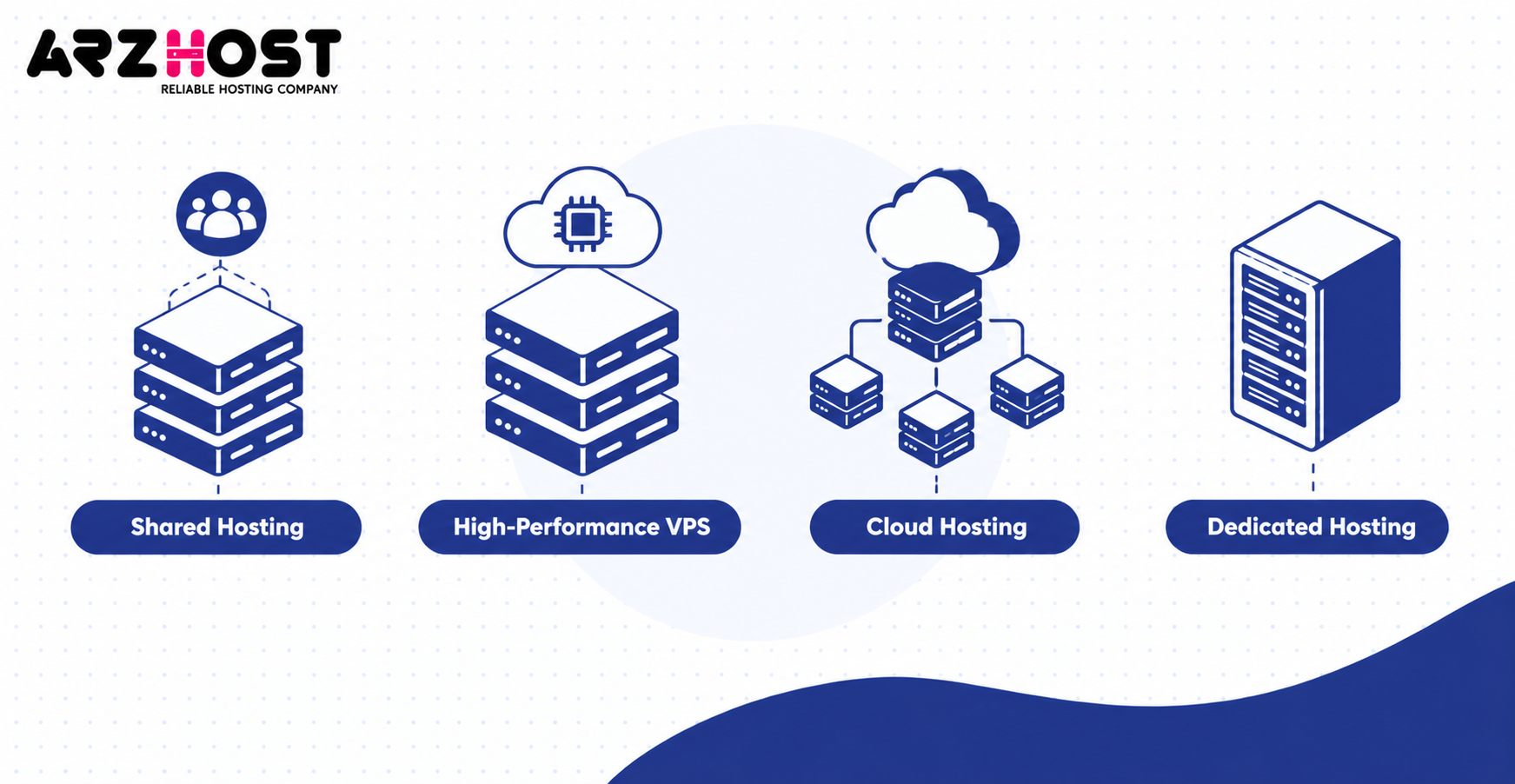
Cloud platforms may offer automated provisioning, managed services, and distributed infrastructure options. However, these features depend on the specific cloud product. Evaluate actual service capabilities instead of treating cloud hosting as automatically faster.
Who Should Use High Performance VPS Hosting?
High performance VPS hosting suits websites and applications that need substantial processing capacity, resource control, or predictable response times. The strongest use cases involve dynamic content, concurrent activity, or demanding database operations. Resource requirements should be evaluated individually.
High Traffic WordPress Websites
WordPress executes PHP code and may query a database to generate dynamic content. A high performance VPS can support demanding publishing websites, membership portals, and busy business sites. Page caching can significantly reduce the processing required for repeat visits.
WooCommerce and E-Commerce Stores
WooCommerce performs dynamic operations involving customer sessions, carts, inventory, and checkout requests. These activities can create CPU and database demand during busy periods. Sufficient memory, fast storage, and optimized database configuration help support transaction processing.
Business Websites and Multiple Site Hosting
A VPS can run several independent websites within one server environment. For example, an agency might host 5 WordPress installations using separate databases and domains. Required capacity depends on their combined traffic and application resource consumption.
SaaS Applications and Production APIs
Production applications often need consistent processing and predictable response times. For example, a Node.js API might process authentication, database queries, and customer requests. CPU capacity, memory, and network latency can influence its throughput.
Database Heavy Applications
Applications using MySQL, MariaDB, or PostgreSQL may require substantial memory and storage performance. RAM supports database caching, while NVMe helps with storage-intensive operations. Query optimization and indexing remain essential even with powerful hardware.
How to Choose the Right High Performance VPS Hosting
Choose a high-performance VPS by matching the server’s resources and service features to measurable workload requirements. Start with CPU, RAM, storage, network performance, and management responsibilities. Compare provider policies before committing to a plan.
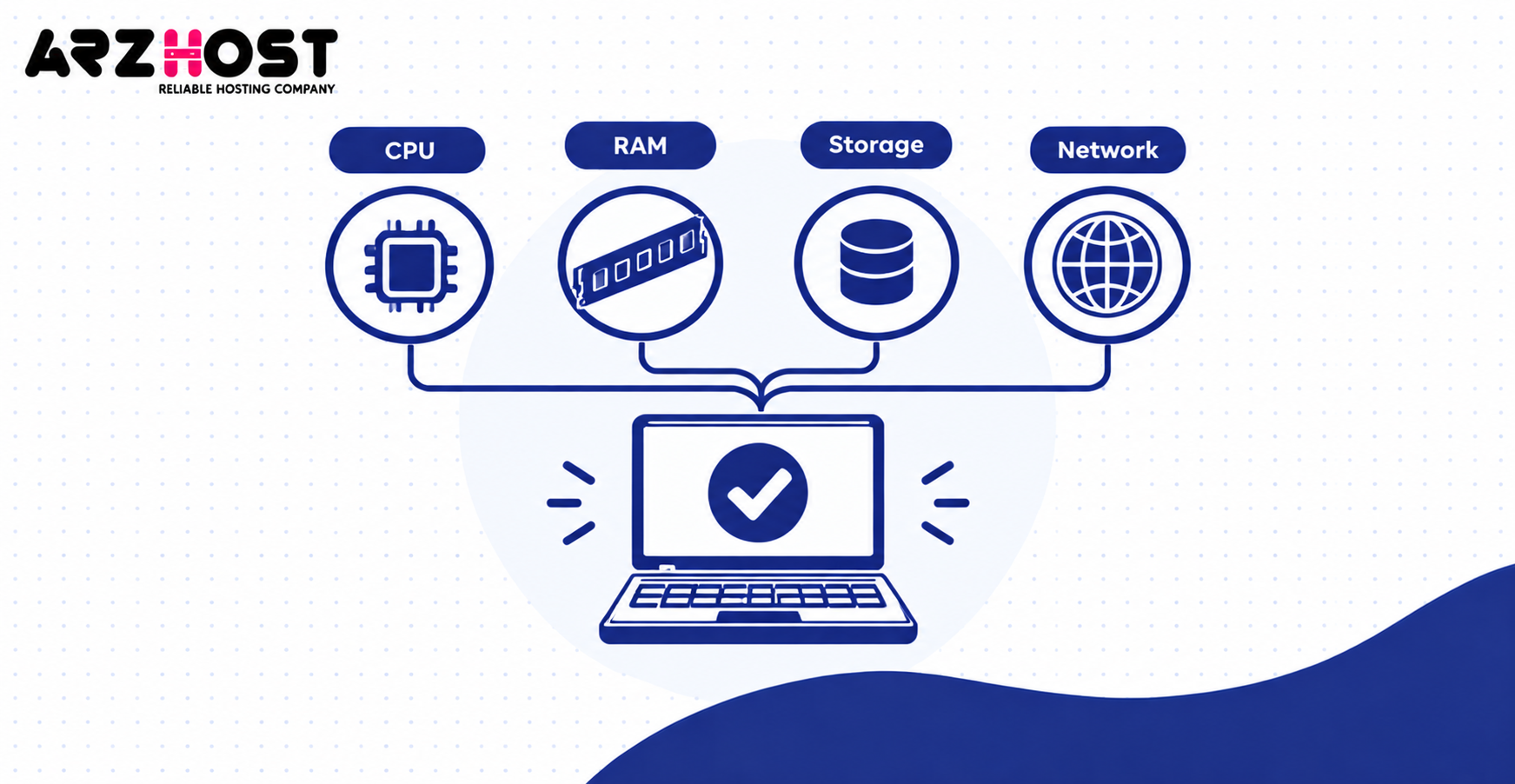
Choose CPU, RAM, and NVMe Storage Based on Your Workload
CPU capacity, RAM, and storage should match the application’s actual resource demand. A CPU intensive API may need strong processor performance, while a database benefits from memory and fast storage. Fixed visitor counts alone cannot accurately determine server requirements.
| Example Workload | Starting vCPU | Starting RAM | Illustrative NVMe Capacity |
| Small WordPress site | 2 | 2–4 GB | 40 GB |
| Growing business website | 4 | 8 GB | 80 GB |
| WooCommerce store | 4–8 | 8–16 GB | 100 GB |
| Database-heavy application | 8+ | 16+ GB | 200 GB |
These configurations are illustrative starting points, not guaranteed performance requirements. A heavily cached website may need fewer resources than a smaller dynamic application. Test actual utilization before selecting a final plan.
Check Server Location and Network Performance
Choose a data center reasonably close to your primary audience. For example, a website serving mostly US customers may benefit from hosting in the United States. Compare latency, packet loss, transfer allowances, and network port limits.
A 1 Gbps connection does not guarantee continuous throughput at its advertised maximum. Network congestion, upstream connectivity, and provider traffic policies may reduce actual speeds. Test performance from locations relevant to your visitors.
Decide Between Managed and Unmanaged VPS Hosting
Managed VPS hosting includes specified administration and support services from the provider. These may include security updates, server monitoring, backups, and troubleshooting. Always check the service agreement because support coverage varies.
Unmanaged VPS hosting makes the customer responsible for most server administration tasks. This option suits developers and administrators who can maintain the operating system and software stack. Compare management fees against your technical capacity and maintenance requirements.
Evaluate Uptime, Security, Backups, and Scalability
Review the service level agreement, backup retention policy, and available restoration options. Check DDoS protection, firewall management, infrastructure redundancy, and resource upgrade procedures. A provider’s marketing claims should match its documented service commitments.
A 99.9% monthly uptime target permits approximately 43.2 minutes of downtime over 30 days. A 99.99% target permits approximately 4.32 minutes over the same period. These are mathematical availability allowances, not guarantees that outages will stay within those limits.
How Can You Measure VPS Hosting Performance?
VPS performance can be measured through CPU benchmarks, disk tests, network checks, and application response time testing. These measurements help establish whether server specifications support the intended workload. Repeat testing under consistent conditions for meaningful comparisons.
| Metric | What It Measures | Example Tool |
| CPU performance | Processing throughput | sysbench |
| Disk IOPS | Read/write operations per second | fio |
| Disk latency | Storage response delay | fio |
| Network throughput | Data transfer capacity | iperf3 |
| CPU contention | Processing time unavailable to the VPS | Linux monitoring tools |
| Memory usage | RAM pressure and swapping | free, vmstat |
| Response time | Request processing latency | k6, curl |
| TTFB | Time until the first response byte | PageSpeed Insights, WebPageTest |
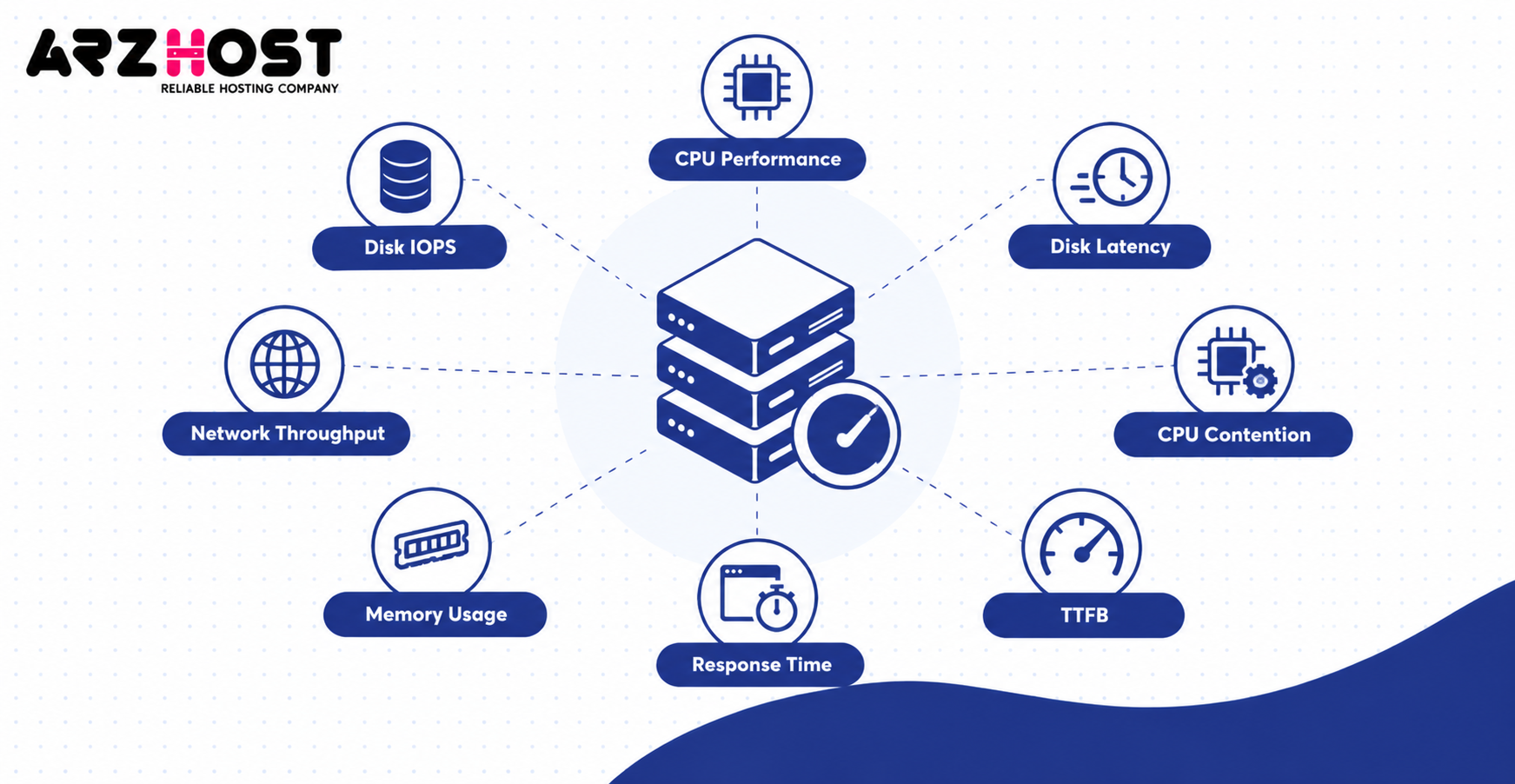
Test Real Workloads, Not Just Server Specifications
A repeatable test should use the same software configuration and workload on each VPS. Record average response time, 95th percentile latency, error rate, and throughput. Run sustained tests to identify performance degradation that short benchmarks might miss.
For example, test a WordPress website with identical caching settings and database content. Compare its behavior at the same concurrent request levels across both servers. This method provides more useful evidence than comparing CPU specifications alone.
Understand Website Speed Metrics
TTFB measures how quickly the browser receives the first response byte. Google’s web.dev documentation identifies 0.8 seconds or less as a good TTFB threshold. Hosting infrastructure can influence TTFB, but application and network delays also matter.
Largest Contentful Paint measures when the largest visible content element appears. Google’s LCP guidance defines 2.5 seconds or less as good at the 75th percentile. Faster hosting can help some workloads, but image loading and frontend rendering also affect LCP.
What Are the Limitations of High Performance VPS Hosting?
High-performance VPS hosting can still face resource contention, software bottlenecks, higher costs, and operational responsibilities. Powerful hardware reduces certain infrastructure limitations but does not eliminate every performance issue. Understanding these limitations helps prevent unnecessary upgrades.
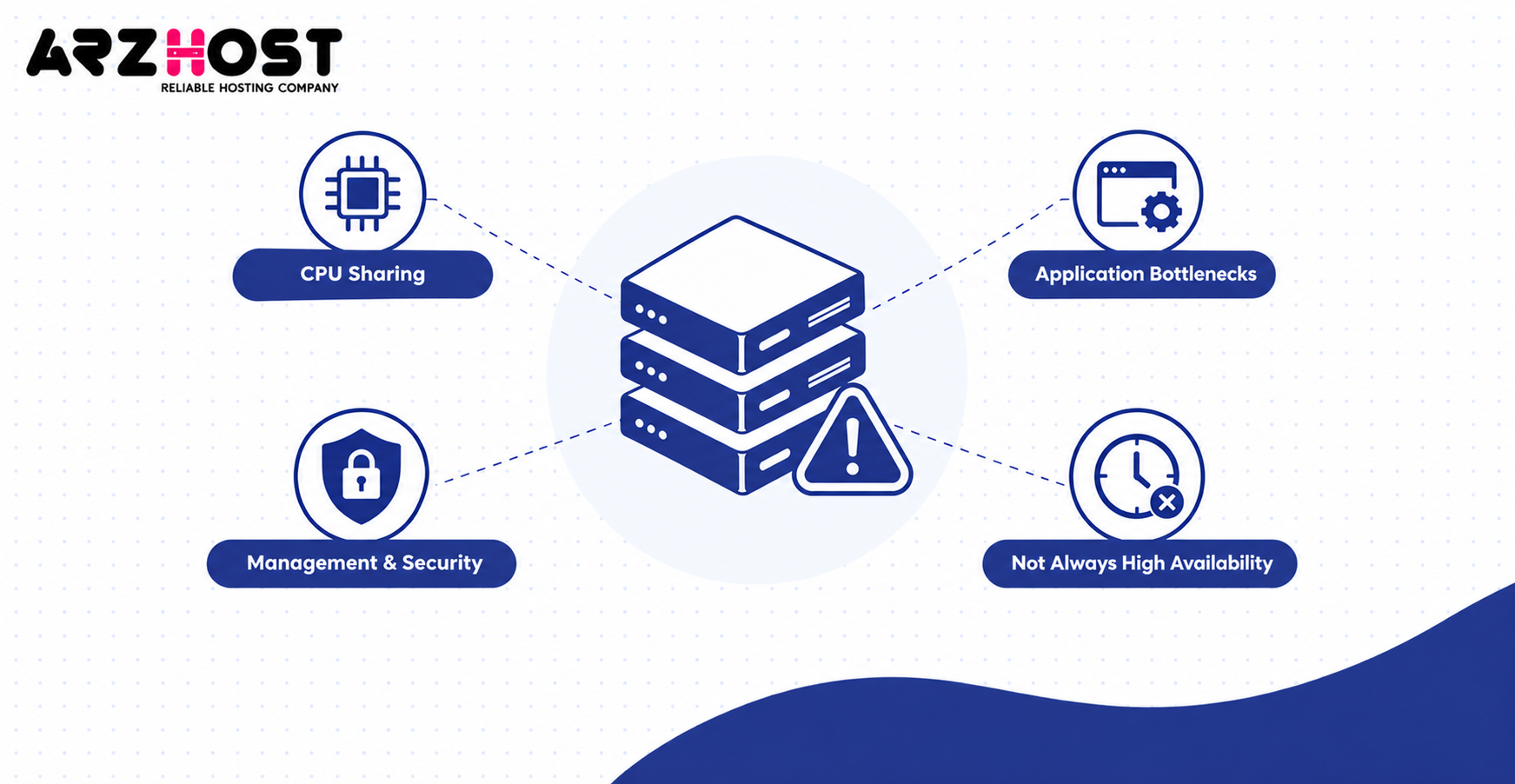
CPU Sharing and Noisy-Neighbor Problems
Shared vCPU hosting may place multiple virtual machines on the same physical processor. Heavy neighboring workloads can cause CPU scheduling delays when the host becomes overloaded. This is often called the noisy neighbor problem.
Dedicated vCPU plans can reduce processing contention but may cost more. Storage and networking may still use shared infrastructure. Review resource allocation policies and test performance consistency before purchasing.
Application Bottlenecks and Resource Exhaustion
A slow application may remain slow even after moving to stronger hardware. For example, inefficient WordPress plugins or database queries can consume excessive processing time. Large images and render-blocking JavaScript can also delay page loading.
Insufficient RAM may cause swapping or application failures. High storage latency can slow database operations despite adequate CPU capacity. Identify the real bottleneck before increasing server specifications.
Server Management and Security Responsibilities
Unmanaged VPS hosting requires regular maintenance and technical administration. Administrators must install security updates, configure access controls, and monitor system health. Incorrect configurations can create security vulnerabilities or service interruptions.
Managed hosting reduces some operational responsibilities, depending on the support agreement. It does not automatically eliminate application level maintenance or security obligations. Review exactly which tasks remain the customer’s responsibility.
High Performance Does Not Mean High Availability
High performance describes processing capacity and speed, while high availability describes service continuity during failures. A fast VPS can still become unavailable when its host or network fails. High availability usually requires additional redundancy and recovery planning.
For example, automated failover may require replicated services and multiple server instances. Backups support recovery but do not provide uninterrupted availability by themselves. Compare recovery objectives and infrastructure architecture separately from raw server performance.
How Much Does High Performance VPS Hosting Cost?
High performance VPS pricing depends on processor allocation, memory, storage, bandwidth, management, and provider infrastructure. Dedicated CPU options and managed services can increase monthly costs. Location, billing term, and promotional discounts may also affect pricing.
An entry level shared vCPU configuration often costs less than a dedicated vCPU plan with comparable RAM. However, a lower price does not automatically indicate poor performance. Compare actual specifications, service limitations, and workload benchmarks.
Understand Additional Hosting Costs
The advertised monthly rate may exclude important operational services. Examples include cPanel licenses, backup storage, Windows licensing, additional IP addresses, and managed administration. These charges can substantially change the final monthly cost.
For example, a hypothetical $30 VPS with $20 in additional services costs $50 monthly. That produces an annual expense of $600 before taxes or usage based charges. Evaluate total cost rather than relying on the base hosting price.
Is High Performance VPS Hosting Worth It?
High performance VPS is worth considering when stronger infrastructure resolves a measurable application bottleneck. It can improve processing capacity without requiring an entire dedicated physical server. The benefit depends on the workload and the improvement delivered.
A lightly used personal website may perform adequately on a standard VPS. A growing online store may need stronger CPU capacity and database performance. Benchmarking and utilization monitoring help justify the additional expense.
When Should You Upgrade to High Performance VPS Hosting?
Upgrade when your existing hosting cannot meet workload demand after reasonable application optimization. Sustained CPU saturation, memory pressure, and high storage latency are common warning signs. Increasing traffic alone does not always justify a server upgrade.
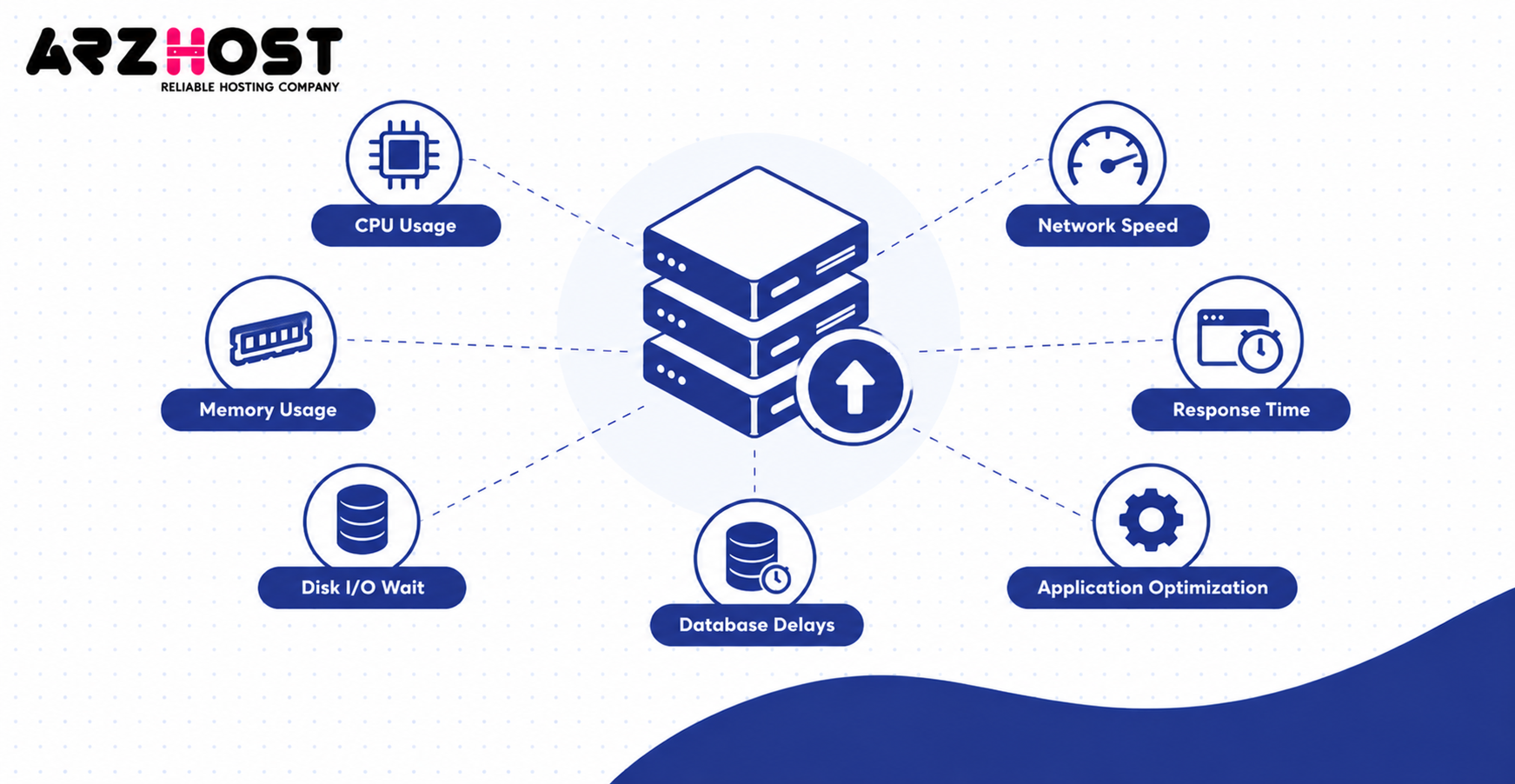
Signs Your Current Hosting Is Insufficient
Monitor CPU utilization, memory availability, disk I/O wait, and application response times. For example, repeated CPU saturation during normal traffic may indicate insufficient processing capacity. Frequent swapping may indicate that your application needs more available RAM.
Database delays can also reveal resource limitations. However, poorly indexed queries can cause slow responses on powerful servers. Check database execution plans before assuming that faster hardware is required.
When Upgrading Hardware Is Not the Solution
An application should be optimized before purchasing unnecessary server capacity. For example, full-page caching may significantly reduce repeated WordPress processing. Database indexing can also improve response times without adding CPU cores.
Use performance monitoring to determine the actual source of slow responses. Upgrade only when existing resources cannot adequately support the optimized workload. This approach improves cost efficiency and avoids unnecessary migrations.
Frequently Asked Questions
Is High Performance VPS Hosting Good for Beginners?
Yes, beginners can use high-performance VPS hosting, especially with a managed plan. Managed services may handle operating system maintenance and defined server administration tasks. Unmanaged plans generally require stronger technical knowledge.
How Much RAM Do I Need for High Performance VPS Hosting?
RAM requirements depend on application memory usage and concurrent workloads. A small WordPress website may start with 2–4 GB, while demanding applications may need 16 GB or more. Monitor actual usage before deciding whether to upgrade.
Is NVMe VPS Hosting Faster Than Regular SSD VPS Hosting?
NVMe can provide lower storage latency and higher throughput than SATA SSD technology. The improvement is most relevant when storage access limits application performance. Actual results depend on provider configuration and disk I/O limits.
Can High Performance VPS Hosting Handle Traffic Spikes?
A properly sized high-performance VPS can handle traffic spikes within its available capacity. Caching and optimized applications can reduce resource demand during busy periods. Very large traffic increases may require additional servers or load balancing.
Can I Host Multiple Websites on a High Performance VPS?
Yes, one VPS can host multiple websites using suitable web server and database configurations. For example, a single VPS can run several WordPress installations with separate domains. Capacity depends on the total resource demand of those websites.
Is High Performance VPS Hosting Secure?
VPS hosting provides isolated environments and administrative security controls. Administrators can configure firewalls, SSH authentication, software updates, and monitoring. Security still depends on correct configuration, patching, and operational practices.
Can I Manage a VPS From a Mac?
Yes, macOS can connect to Linux VPS servers through SSH. Terminal provides built-in SSH functionality for remote command-line administration. Browser-based control panels can also provide server management interfaces.
Is High Performance VPS Hosting Worth It for Small Businesses?
It can be worthwhile when a business needs stronger performance, greater control, or application-specific configurations. A small static website may not require premium server resources. Resource monitoring and cost comparisons help determine the appropriate hosting tier.
Final Thoughts on High Performance VPS Hosting
High-performance VPS hosting combines virtualization with stronger server resources for demanding website and application workloads. Its seven benefits include faster processing, traffic capacity, control, scalability, security isolation, consistency, and cost efficiency. However, actual results depend on workload requirements, infrastructure quality, and application optimization.
Evaluate CPU allocation, NVMe performance, RAM, network latency, security, and management before choosing a plan. Use repeatable benchmarks instead of relying exclusively on promotional performance claims. Upgrade when measurable performance limitations justify the additional cost.