

Running a startup is hard enough without juggling apps that don’t work well together. You need software for projects, marketing, sales, and daily tasks, but choosing feels overwhelming. Every unnecessary subscription drains money your business could use elsewhere.
The top SaaS tools for startups can help you work smarter without overspending. These online tools simplify teamwork, automate routine tasks, and keep business operations organized. Some offer useful free plans, while paid options provide more features as you grow.
We’ve selected 20 SaaS tools worth considering for startups of different sizes and budgets. You’ll discover their key features, pricing, benefits, and limitations. We’ll also help you compare free and paid options and choose tools that fit your needs.
Best SaaS Tools for Startups
The best SaaS tools for startups include ClickUp, Notion, HubSpot CRM, Slack, and Google Workspace. These platforms cover essential business activities, including project management, sales, communication, and document sharing. Other applications, such as Stripe, QuickBooks, and Zapier, help manage payments, accounting, and automation.
Cloud software is already widely used by businesses. According to Eurostat, 52.7% of EU enterprises purchased cloud computing services in 2025. The survey covered enterprises with at least 10 workers, rather than startups specifically.
Here’s a quick comparison of all 20 recommended SaaS tools.
| SaaS Tool | Best For | Free Plan |
| ClickUp | Project management | Yes |
| Notion | Notes and documentation | Yes |
| Slack | Team communication | Yes |
| Google Workspace | Business productivity | No |
| HubSpot CRM | Customer management | Yes |
| Pipedrive | Sales pipeline tracking | Free trial |
| Mailchimp | Email marketing | Yes |
| Canva | Marketing design | Yes |
| QuickBooks | Accounting | No |
| Stripe | Online payments | Pay per transaction |
| Intercom | Customer support | Free trial |
| Mixpanel | Product analytics | Yes |
| Zapier | Workflow automation | Yes |
| ChatGPT | AI productivity | Yes |
| Calendly | Meeting scheduling | Yes |
| Figma | Product design | Yes |
| Deel | Global hiring | Service-based pricing |
| 1Password | Password security | Free trial |
| GitHub | Software development | Yes |
| Webflow | Website creation | Yes |
Start with software that solves your biggest operational problems. A small startup might need only five applications, while a growing team may require additional services. Review pricing, limitations, and integrations before paying for a subscription.
20 Best SaaS Tools for Startups in 2026
The following 20 SaaS tools help startups manage essential business operations, from planning projects to collecting payments. Each recommendation addresses a specific business need and includes relevant pricing information. Compare the options according to your startup’s budget, team size, and daily responsibilities.
1. ClickUp: Best for Project Management
ClickUp helps startups organize projects, assign tasks, and monitor progress within one workspace. It combines task lists, Kanban boards, calendars, documents, and reporting features. Founders can track deadlines while keeping employees informed about ongoing work.
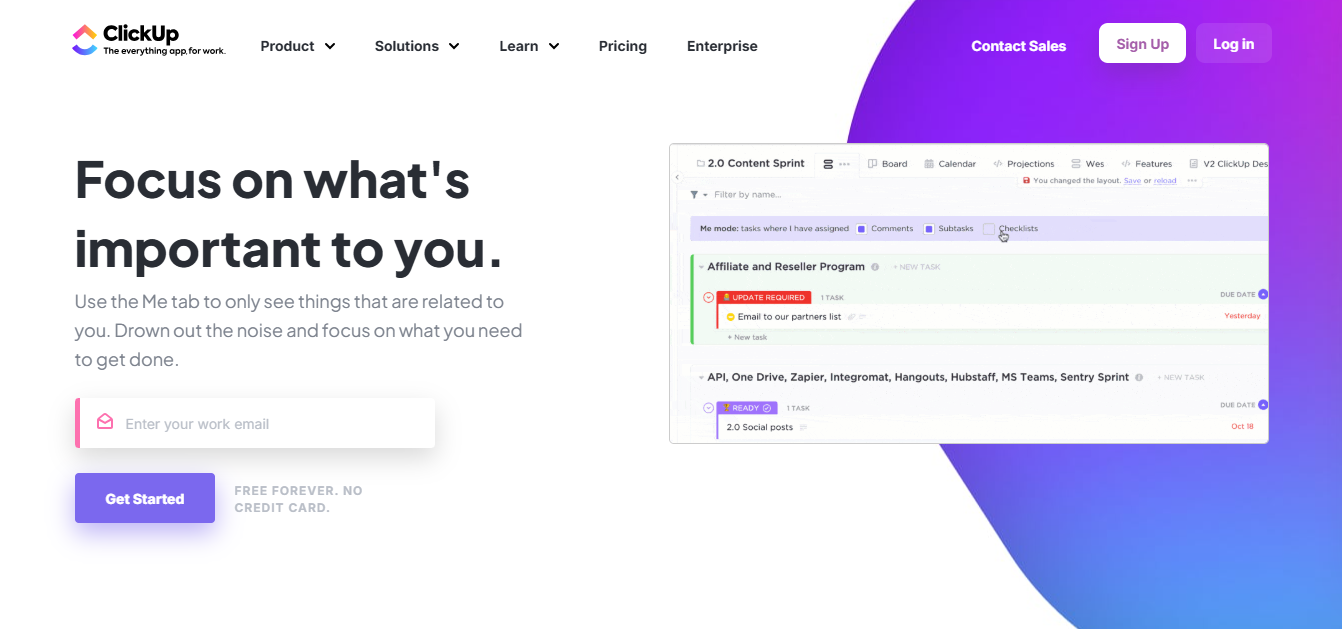
For example, a five-person startup can manage product development, marketing campaigns, and customer requests. ClickUp also integrates with applications such as Slack and Google Drive. Its structured task management makes it particularly useful when projects involve multiple contributors.
Pricing: Free Forever includes unlimited tasks and 60 MB storage. Unlimited starts at $7 per user monthly with annual billing, according to ClickUp pricing.
Best for: Startups managing projects across departments.
Limitation: Free storage is restricted, and advanced functionality may require payment.
2. Notion: Best for Notes and Knowledge Management
Notion helps startups organize documents, meeting notes, and internal knowledge in one flexible workspace. Its pages and databases support employee onboarding, planning, and information sharing. Teams can customize their workspace without building separate software.
For example, a startup can store product requirements, meeting records, and company policies together. Notion also supports collaborative editing and basic project tracking. Unlike ClickUp, it emphasizes flexible documentation rather than structured project workflows.
Pricing: A free plan is available, while Plus starts at $10 per member monthly with annual billing, according to Notion.
Best for: Startups organizing internal knowledge and documentation.
Limitation: The free plan restricts team content and file uploads.
3. Slack: Best for Team Communication
Slack is a communication platform that organizes workplace conversations through dedicated channels and direct messages. Employees can share files, discuss projects, and coordinate work without relying entirely on email. Integrations also connect conversations with other business applications.
For example, a remote development team can create separate channels for customer support and product updates. Slack integrates with Google Drive, GitHub, and project management platforms. This helps employees discuss work where relevant updates are shared.
Pricing: The free plan includes 90 days of searchable message history and up to 10 app integrations.
Best for: Remote startups and distributed teams.
Limitation: Free accounts have restrictions on message history and integrations.
4. Google Workspace: Best for Team Productivity
Google Workspace combines professional email, cloud storage, documents, spreadsheets, and video meetings into one business subscription. Its applications include Gmail, Google Drive, Docs, Sheets, Calendar, and Meet. Employees can collaborate on shared documents without emailing separate file versions.

For example, founders can manage investor presentations, customer proposals, and internal schedules within one account. Google Workspace also supports administrative controls and shared organizational storage. It’s especially relevant when a startup needs professional email addresses.
Pricing: Business Starter costs $7 per user monthly with annual billing, excluding temporary promotions. It includes 30 GB pooled storage per user.
Best for: Startups requiring email and document collaboration.
Limitation: Business plans require payment, and storage allowances vary.
5. HubSpot CRM: Best for Customer Relationship Management
HubSpot CRM helps startups manage customer contacts, sales opportunities, and communication history. Its dashboard organizes leads, deals, and activities throughout the customer journey. Founders can monitor sales progress without maintaining separate spreadsheets.

For example, a B2B startup can record inquiries, schedule follow-ups, and track potential customers. HubSpot also offers connected marketing, service, and reporting applications. This makes it suitable for businesses developing structured customer relationships.
Pricing: HubSpot’s free tools support up to two users. Paid subscriptions provide additional functionality, with costs depending on selected products and seats.
Best for: Startups building customer relationships and managing leads.
Limitation: Advanced automation and reporting can increase subscription costs.
6. Pipedrive: Best for Sales Pipeline Management
Pipedrive focuses on organizing sales opportunities through a visual pipeline. Representatives can track deals, schedule activities, and monitor progress toward closing sales. Its interface makes outstanding tasks and upcoming customer interactions easier to identify.

For example, a software startup can track product demonstrations, proposals, and contract negotiations. Pipedrive supports integrations with email, calendars, and automation software. Compared with HubSpot, its main emphasis is structured sales pipeline management.
Pricing: Pipedrive Lite starts at $14 per seat monthly with annual billing. A 14-day free trial is available.
Best for: Startups with active sales pipelines.
Limitation: No permanent free plan is available, and advanced features cost extra.
7. Mailchimp: Best for Email Marketing
Mailchimp helps startups create email campaigns, manage subscribers, and monitor marketing performance. It provides newsletter templates, audience organization, and campaign reporting. Businesses can communicate product announcements, promotions, and company updates through email.

For example, an ecommerce startup can send welcome emails and announcements to interested customers. Mailchimp also offers automation and segmentation functionality on eligible plans. These features become useful when a business starts managing larger email audiences.
Pricing: Mailchimp Free currently allows up to 250 contacts and 500 monthly email sends.
Best for: Startups starting email marketing campaigns.
Limitation: Contact allowances are restrictive, and paid costs increase with audience requirements.
8. Canva: Best for Design and Marketing Content
Canva helps startups create social media graphics, presentations, and marketing materials without advanced design skills. Its visual editor provides templates, fonts, images, and layout controls. Founders can produce routine marketing content without hiring a designer for every task.
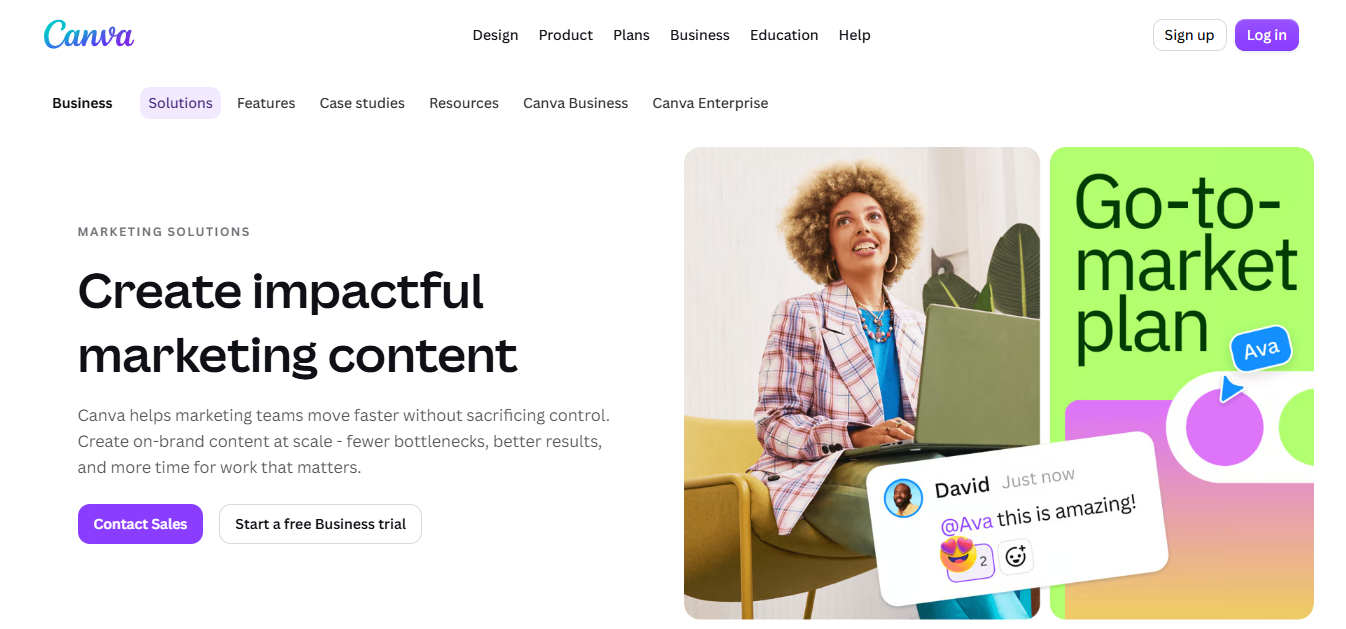
For example, a startup can create Instagram graphics, pitch decks, and promotional flyers. Canva also supports brand management and AI-assisted design features. Unlike Figma, it focuses primarily on everyday visual content rather than detailed application interface design.
Pricing: Canva Free provides basic design functionality. Paid plans offer additional assets, collaboration, and AI capabilities.
Best for: Startups creating regular marketing content.
Limitation: Premium content and advanced features require paid access.
9. QuickBooks: Best for Accounting and Bookkeeping
QuickBooks helps startups manage bookkeeping, invoices, business expenses, and financial reports. It provides tools for tracking income, categorizing transactions, and monitoring outstanding payments. Supported bank connections can simplify financial recordkeeping.
For example, a consulting startup can invoice clients and monitor cash flow. Business owners can also generate reports to understand profitability and expenses. QuickBooks is more specialized than general spreadsheets when financial reporting becomes complex.
Pricing: QuickBooks Online Simple Start has a regular US price of $38 monthly, with promotional discounts sometimes available.
Best for: Startups managing invoices and financial records.
Limitation: Pricing varies by country, and advanced accounting capabilities may cost more.
10. Stripe: Best for Online Payments and Subscription Billing
Stripe helps startups accept online payments and manage recurring billing. Its platform supports payment links, checkout pages, subscriptions, and developer integrations. Businesses can collect customer payments without building payment processing infrastructure.

For example, a SaaS startup can charge subscribers monthly through Stripe Billing. Ecommerce companies can also accept card payments through supported checkout integrations. Availability depends on the business’s operating country and eligibility.
Pricing: Stripe Payments advertises US processing starting at 2.9% plus 30 cents per successful charge.
Best for: SaaS businesses and ecommerce startups collecting online payments.
Limitation: Transaction fees, international charges, and optional services can increase costs.
11. Intercom: Best for Customer Support
Intercom helps startups manage customer conversations through messaging, ticketing, and support automation. Its platform combines a shared inbox, help center, and customer communication tools. Support teams can track inquiries and organize responses.

For example, a SaaS startup can assist new customers during account setup. Intercom’s Fin AI Agent can handle eligible questions and transfer conversations when necessary. This becomes useful when support demand grows beyond what founders can manage personally.
Pricing: Intercom Essential starts at $29 per seat monthly with annual billing. Fin AI usage has separate outcome-based charges.
Best for: Growing startups handling customer support.
Limitation: Seat subscriptions and AI usage can create substantial ongoing expenses.
12. Mixpanel: Best for Product Analytics
Mixpanel helps startups measure how customers interact with websites and applications. It tracks events such as registrations, feature usage, purchases, and customer retention. Product teams can identify where users encounter difficulties.
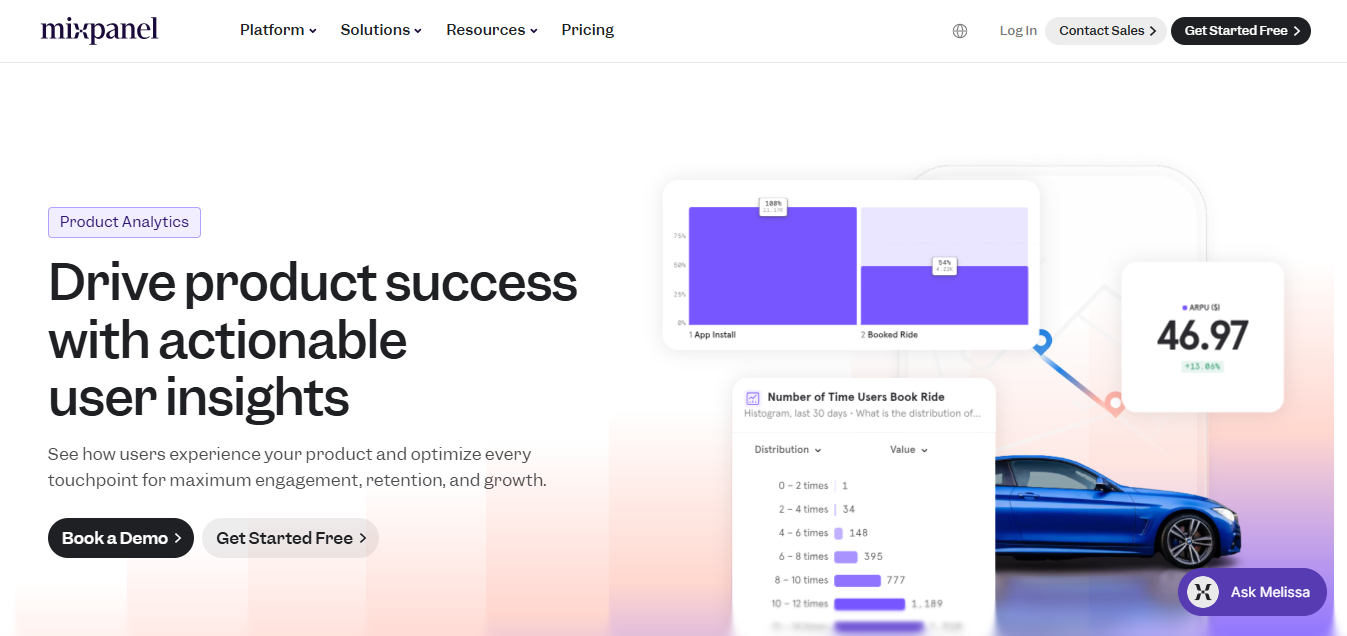
For example, a startup can measure how many visitors finish its signup process. Founders can also compare user behavior before and after product changes. This information supports decisions about onboarding and product improvements.
Pricing: Mixpanel Free includes up to 1 million monthly events and 10,000 monthly session replays.
Best for: Digital startups measuring product engagement.
Limitation: Tracking requires accurate implementation, and higher event volumes may cost more.
13. Zapier: Best for Workflow Automation
Zapier connects software applications and automates repetitive tasks through workflows called Zaps. A workflow starts when one application triggers an action in another. This reduces manual data entry and repetitive administrative work.

For example, a website form submission can create a contact in HubSpot. Another automation can notify employees through Slack after a customer inquiry. These workflows help startups coordinate existing software rather than purchasing entirely new systems.
Pricing: Zapier Free includes 100 monthly tasks and basic two-step workflows.
Best for: Startups automating routine processes.
Limitation: Higher task volumes and complex workflows may require paid subscriptions.
14. ChatGPT: Best for AI Productivity
ChatGPT helps founders research information, prepare content, and organize business ideas using artificial intelligence. It can assist with drafting emails, summarizing documents, and brainstorming marketing campaigns. Users provide instructions and refine outputs through follow-up requests.

For example, a founder can draft customer survey questions and product descriptions. Teams can also use ChatGPT to review documents and organize research findings. Important information should always be checked before publication or business use.
Pricing: ChatGPT offers a free plan and paid subscriptions with expanded capabilities.
Best for: Startups handling research, content creation, and administrative work.
Limitation: AI responses can contain inaccuracies and require human review.
15. Calendly: Best for Meeting Scheduling
Calendly helps startups schedule meetings without repeated email exchanges. It connects with supported calendars and displays available appointment times. Customers and coworkers can select meetings through a shared booking link.

For example, a sales representative can let prospects book product demonstrations. Founders can also use it to schedule interviews and customer consultations. Automated reminders and additional scheduling features are available depending on the plan.
Pricing: Calendly offers a free plan for basic scheduling. Paid subscriptions provide additional event types and team functionality.
Best for: Startups scheduling frequent customer meetings.
Limitation: Advanced scheduling and collaboration features require paid plans.
16. Figma: Best for UI and Product Design
Figma helps startups design websites, mobile applications, and interactive product prototypes. Its collaborative editor allows designers to build interfaces and share feedback. Developers can also inspect relevant designs before implementing them.
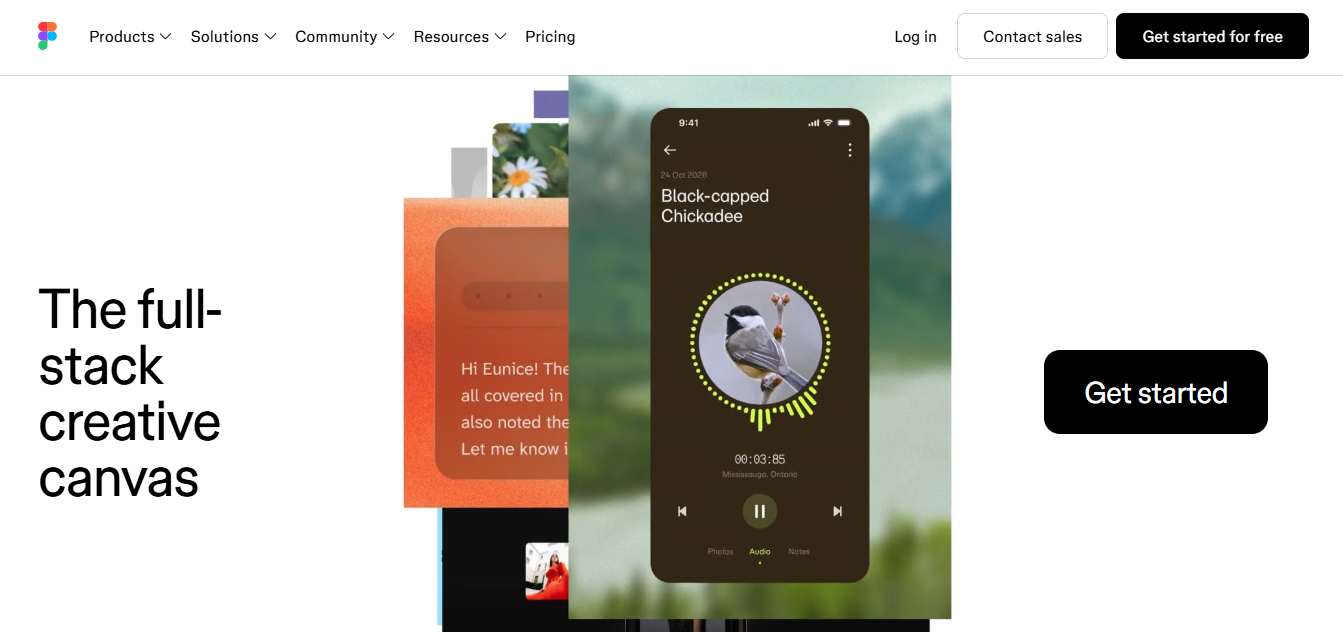
For example, a startup can prototype an application before committing development resources. Product teams can test screen layouts and discuss improvements using shared files. Figma is more suitable than Canva for detailed interface design.
Pricing: Figma Starter is free, while Professional full seats start at $16 monthly with annual billing.
Best for: Technology startups building digital products.
Limitation: Advanced collaboration and developer functionality may require paid seats.
17. Deel: Best for Global Hiring and Payroll
Deel helps startups hire international workers and manage contractor payments. Its services include workforce onboarding, agreements, payroll, and employment administration. Availability and compliance requirements depend on the employee’s country.

For example, a startup can manage payments to a contractor working abroad. Deel also offers employer services for businesses hiring employees internationally. These services can reduce administrative work, although they don’t eliminate employer responsibilities.
Pricing: Deel lists contractor management starting at $49 per contractor monthly.
Best for: Startups hiring international workers.
Limitation: Country requirements and employment arrangements can increase service costs.
18. 1Password: Best for Password Management and Security
1Password helps startups securely store and share login credentials across authorized employees. Its encrypted vaults organize passwords and sensitive account information. Administrators can control access when team members join or leave.

For example, a marketing department can manage shared business account credentials. Employees don’t need to exchange passwords through ordinary messages or spreadsheets. Security alerts and administrative features support safer account management.
Pricing: 1Password Teams Starter Pack costs $24.95 monthly with annual billing and includes up to 10 users.
Best for: Startups managing shared business accounts.
Limitation: There is no permanent free business plan, and additional seats cost extra.
19. GitHub: Best for Software Development and Collaboration
GitHub helps developers manage source code, review changes, and collaborate on software projects. Its version control system tracks code modifications and supports coordinated development. Teams can also manage issues and automate selected testing processes.

For example, three developers can work on different application features within shared repositories. GitHub Actions can support automated testing and software deployment. It’s particularly useful for technology startups building their own products.
Pricing: GitHub Free supports public and private repositories. GitHub Team advertises $4 per user monthly for the first 12 months.
Best for: Startups developing websites and software applications.
Limitation: Advanced security and certain development resources can involve additional charges.
20. Webflow: Best for Website and Landing Page Creation
Webflow helps startups build marketing websites and landing pages through a visual editor. It provides hosting, responsive layouts, forms, and website design functionality. Founders can publish basic websites without writing every line of code.

For example, a startup can create a landing page to collect early customer inquiries. Content focused businesses can also use supported CMS functionality for regularly updated pages. More advanced websites may require technical knowledge or professional assistance.
Pricing: Webflow Starter is free, while Basic starts at $15 monthly with annual billing.
Best for: Startups launching marketing websites.
Limitation: Custom domains require payment, and fuller CMS capabilities need higher plans.
How We Selected the Best SaaS Tools for Startups
We selected these SaaS tools based on functionality, pricing, usability, integrations, security, and startup relevance. Each product addresses an important business function, from managing projects to processing customer payments. The evaluation uses publicly available product documentation and pricing information, not independent hands-on testing.
Our selection considered five main criteria:
- Business relevance: Does the tool solve a clear startup need, such as CRM or accounting?
- Affordability: Does its pricing suit small teams with limited budgets?
- Ease of use: Can employees adopt the platform without extensive technical training?
- Integrations: Can the software connect with relevant applications already used by the startup?
- Scalability and security: Can it support growing teams while protecting business information?
We also considered common restrictions, including storage limits, paid upgrades, and additional user charges. A product wasn’t automatically preferred because it offered more features. The goal was to identify practical software options for different startup requirements.
Best Free and Affordable SaaS Tools for Startups
The best free SaaS tools for startups include ClickUp, Notion, HubSpot CRM, Canva, GitHub, and Zapier. These applications cover project management, documentation, customer tracking, design, development, and automation. Free plans are especially useful while founders validate business ideas and control operating expenses.
Which SaaS Tools Offer the Best Free Plans?
ClickUp offers unlimited tasks, while Notion provides free personal documentation and planning functionality. HubSpot CRM supports basic customer management for two users, and GitHub provides free code repositories. Zapier adds basic automation, although its free usage allowance is limited.
| Tool | Useful Free Allowance |
| ClickUp | Unlimited tasks, 60 MB storage |
| Notion | Free personal workspace |
| HubSpot CRM | Up to 2 users |
| Mailchimp | 250 contacts, 500 monthly sends |
| Mixpanel | 1 million monthly events |
| Zapier | 100 monthly tasks |
| Webflow | 2 static pages |
When Should Startups Upgrade to Paid SaaS Tools?
Upgrade when free-plan restrictions prevent employees from completing important work efficiently. A larger sales team may need advanced CRM automation, while a growing website may require more hosting capacity. Paid upgrades should address a measurable requirement rather than simply provide additional features.
Review subscription spending every three months and check for available startup discounts. Some vendors offer eligible businesses temporary credits or reduced introductory pricing. Confirm eligibility, renewal conditions, and full prices before committing.
Which SaaS Tools Do You Need at Each Startup Stage?
The right SaaS tools depend on your startup’s size, business model, and current priorities. A solo founder may need project management and customer tracking without advanced support software. A growing startup may require dedicated accounting, automation, and employee access controls.
Essential SaaS Tools for Solo Founders and Early Stage Startups
Solo founders can begin with five core tools covering planning, projects, marketing, communication, and customers. Notion organizes research, ClickUp tracks tasks, and Canva supports promotional design. Google Workspace handles business email, while HubSpot CRM manages customer relationships.
This combination covers common daily operations without purchasing 20 separate subscriptions. Free plans can handle several responsibilities during early development. Google Workspace is a paid option, so founders should include it in their budget.
Recommended SaaS Stack for Growing Startup Teams
Growing startups may need additional software for finance, support, analytics, and automation. A 10-person SaaS company might use QuickBooks for bookkeeping and Mixpanel for product analysis. Intercom can manage customer support, while Zapier connects repetitive workflows.
Development teams may also require GitHub and Figma for building products. Startups hiring internationally can evaluate Deel for workforce administration. Add each platform when demand justifies its ongoing expense.
How Much Do SaaS Tools Cost for Startups?
Startup SaaS costs range from free plans to substantial monthly subscriptions, depending on team size and software usage. A free tool stack may cover initial planning, communication, and customer tracking. Paid software becomes more expensive when additional employees, advanced features, or higher usage limits are required.
Common SaaS Pricing Models
Most SaaS providers use four pricing approaches: freemium, per-user, tiered, or usage based billing. ClickUp uses free and paid tiers, while Google Workspace charges for user seats. Stripe charges transaction fees, and Intercom combines seat costs with selected usage charges.
Annual subscriptions may offer lower advertised monthly rates but create longer financial commitments. Some services also charge separately for AI functionality, extra storage, or additional transactions. Always calculate the total expected expense before choosing a subscription.
Sample Monthly SaaS Budgets for Startups
A realistic software budget should be calculated from actual tool choices and employee counts. The following examples use selected vendor prices and annual billing equivalents where stated. They exclude taxes, promotional discounts, transaction charges, and optional add-ons.
| Example Startup | Software Included | Monthly Estimate |
| Solo founder | ClickUp Free, Notion Free, Canva Free, HubSpot Free | $0 |
| 5-person team | Google Workspace Starter, ClickUp Unlimited, 1Password Teams Starter | $94.95 |
| 10-person team | Google Workspace Starter, ClickUp Unlimited, 1Password Teams Starter, Intercom Essential with 2 seats | $222.95 |
How to Choose the Right SaaS Tools for Your Startup
Choose SaaS tools by comparing business requirements, essential features, pricing, integrations, scalability, and security. A popular platform isn’t necessarily suitable for every startup. Start by identifying the three most important problems your software needs to solve.
Compare Features, Ease of Use, and Integrations
Compare platforms according to the work your team performs every day. ClickUp offers structured project tracking, while Notion provides flexible documentation and information organization. HubSpot combines CRM with broader business software, while Pipedrive focuses more directly on sales pipelines.
Test the interface before committing to a paid subscription. Check whether important integrations are included in the intended plan. Software should simplify workflows rather than require employees to maintain duplicate information.
Check Pricing, Scalability, and Security
Evaluate total subscription costs instead of relying only on advertised starting prices. Per-user charges can increase considerably as the company hires employees. Check storage allowances, automation usage, cancellation terms, and future upgrade costs.
Security also matters when software stores customer details or financial records. Look for encryption, two factor authentication, access controls, and data export functionality. Confirm that the selected features meet your startup’s actual security requirements.
Avoid Common SaaS Software Mistakes
One common mistake is purchasing overlapping software before defining clear responsibilities. For example, paying for ClickUp and Asana may be unnecessary when one project platform already meets requirements. Similar duplication can occur with communication, documentation, and customer management software.
Another mistake is ignoring what happens when a free plan becomes restrictive. Teams may face unexpected charges or difficult data migrations when upgrading. Review subscriptions regularly and remove applications that no longer support essential work.
How to Build a SaaS Software Stack for Your Startup
Build a startup SaaS stack by combining a small set of compatible tools around essential business activities. Begin with project management, communication, customer management, and financial tracking. Introduce automation only after the basic workflow is functioning.
A practical stack could use ClickUp, Google Workspace, HubSpot CRM, QuickBooks, and Zapier. These platforms cover projects, documents, customers, bookkeeping, and connected workflows. Their responsibilities are different enough to reduce unnecessary feature duplication.
For example, a website inquiry could create a HubSpot contact through a supported Zapier integration. Slack could then notify the sales team, while the customer record remains organized in HubSpot. Test permissions and data accuracy before enabling automated processes.
Avoid adding software simply because another startup uses it. Review whether each application saves time, supports revenue, or reduces operational problems. A smaller, well-managed stack is often easier to maintain than a collection of unused subscriptions.
Final Thoughts: Choosing the Best SaaS Tools for Your Startup
The best SaaS tools for startups are those that solve real problems without creating unnecessary expenses. Start with essential platforms such as ClickUp, HubSpot, Notion, or Google Workspace. Expand your software stack when business growth creates a clear need.
Compare features, pricing, integrations, and limitations before choosing any subscription. Free software can be useful initially, but paid functionality may become necessary over time. Focus on building a manageable collection of tools that supports your startup’s daily work.
Frequently Asked Questions About SaaS Tools for Startups
What Are SaaS Tools for Startups?
SaaS tools are online applications that startups access through a browser or connected software interface. SaaS stands for Software as a Service, meaning the provider generally manages hosting and application updates. Examples include ClickUp for projects, HubSpot for CRM, and Canva for design.
Which SaaS Tools Should Every Startup Have?
Most startups should begin with software for communication, project management, customer tracking, and basic financial organization. Google Workspace, ClickUp, HubSpot, and QuickBooks are possible options. The exact combination depends on the startup’s business model and existing requirements.
Can a Startup Run Using Only Free SaaS Tools?
Yes, many early-stage startups can handle essential operations using free SaaS plans. ClickUp, Notion, HubSpot CRM, and Canva offer useful free functionality. However, growing teams may eventually need paid storage, automation, collaboration, or reporting features.
Are All-in-One SaaS Platforms Better for Startups?
All-in-one platforms can simplify software management, but specialized tools may offer deeper functionality. Notion combines documentation and project organization, while ClickUp emphasizes project workflows. Compare the actual requirements before choosing one approach.
How Many SaaS Tools Does a Small Startup Need?
A small startup can begin with approximately four to six essential applications. These might cover project planning, communication, marketing, customer tracking, and finance. Additional software should be introduced when business needs justify the cost.
Are AI SaaS Tools Worth Using for Startups?
AI SaaS tools can help startups draft content, organize information, and automate selected tasks. ChatGPT supports writing and research, while Intercom offers AI-assisted customer support. Their value depends on usage costs, output accuracy, and the time they save.